

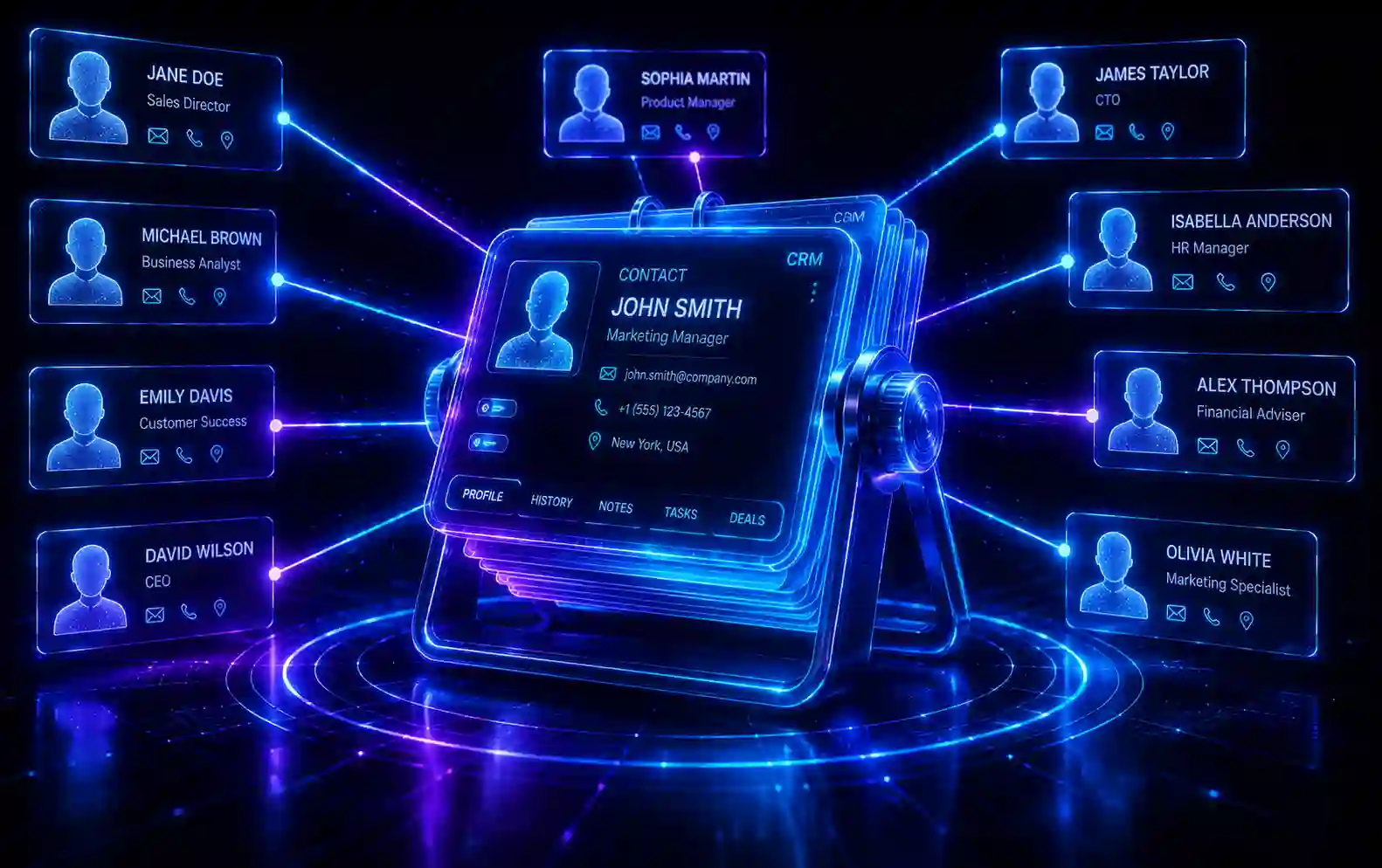
In the early days of commerce, the local shopkeeper knew every customer by name. They knew what the customer bought last week, they knew if the customer preferred a specific brand, and they knew exactly how to talk to them to make a sale.
As businesses scaled to the internet, serving thousands or millions of customers globally, that intimate relationship was lost. Customers became anonymous IP addresses and transaction IDs. The result was a catastrophic drop in customer loyalty and retention.
Customer Relationship Management (CRM) is the technology designed to bring that local shopkeeper intimacy back to the modern enterprise.
A CRM is not just a digital Rolodex or a place to store phone numbers. It is the central nervous system of your entire business. In this comprehensive masterclass, we will explore why a CRM is the most important piece of software your company will ever buy, how it bridges the deadly gap between Marketing and Sales, and how to use data to generate massive increases in customer lifetime value.
1. What Exactly is a CRM?
Customer Relationship Management (CRM) refers to the strategies, practices, and technologies that companies use to manage and analyze customer interactions and data throughout the customer lifecycle.
While “CRM” technically refers to a strategy, in the modern business world, it almost exclusively refers to the Software Platform used to execute that strategy (like Salesforce or HubSpot).
A CRM records every single touchpoint a human being has with your company.
- It knows when they first visited your website.
- It knows which Marketing Email they clicked.
- It records the phone call your sales rep had with them yesterday.
- It logs their past purchase history and support tickets.
All of this data is housed in a single, unified dashboard, accessible by the Marketing, Sales, and Customer Support teams simultaneously.
2. Why Spreadsheets Will Destroy Your Business
Most startups begin by managing their sales leads in an Excel spreadsheet or a Google Doc.
“John Smith: Called him Tuesday. Said call back next week.”
This is a ticking time bomb.
- No Automation: A spreadsheet cannot automatically email John next week if you forget.
- Data Silos: If a marketing rep emails John, the sales rep looking at the spreadsheet has no idea the email was sent. The customer gets frustrated by the disorganized communication.
- Turnover Risk: If your lead salesperson quits and takes their personal spreadsheet with them, your company just lost 100% of its prospective revenue.
A CRM protects your data, automates the follow-ups, and ensures the company owns the relationship, not the individual sales rep.
3. The Core Functions of a Modern CRM
A modern CRM is a massive, complex piece of software, but its value stems from three core pillars.
Contact Management & History
When you open a contact record in a CRM, you see a chronological timeline of their entire life with your company. You can see the exact Google Search they performed to find your site, the emails they opened, the PDF they downloaded, and the notes from their last sales call. This allows any employee to instantly understand the context of the relationship.
Pipeline Management (The Sales Funnel)
This is the visual heartbeat of a B2B company. The pipeline is a Kanban-style board (like Trello) that tracks where every single deal is in the sales process.
- Columns: Lead -> Discovery Call -> Demo Booked -> Proposal Sent -> Closed Won.
- Managers can instantly look at the pipeline and forecast exactly how much revenue the company will make next month based on how many deals are in the “Proposal Sent” stage.
Task Automation
Sales reps are notoriously bad at data entry and follow-ups. The CRM automates this. If a rep moves a deal to “Proposal Sent”, the CRM automatically creates a task reminding the rep to call the client in exactly 3 days, and automatically sends the client an email with a case study.
4. Bridging the Gap: Marketing vs. Sales
In companies without a CRM, Marketing and Sales are usually at war.
- Marketing says: “We generated 500 leads this month! Sales is just too lazy to close them.”
- Sales says: “Marketing’s leads are terrible and unqualified. None of them want to buy.”
The CRM forces them to align.
The Definition of a Lead (MQL vs. SQL)
Through the CRM, both teams must agree on definitions:
- Marketing Qualified Lead (MQL): A user who has downloaded an eBook or attended a webinar. They are interested in the topic, but not ready to buy. Marketing continues to nurture them via Marketing Automation.
- Sales Qualified Lead (SQL): An MQL who has explicitly asked for a pricing demo. The CRM automatically hands this lead over to Sales.
Closed-Loop Reporting
Without a CRM, marketing only knows that an ad generated a “Click”. With a CRM, Closed-Loop Reporting is achieved. Marketing can look at a specific Facebook Ad campaign and see that it generated 10 leads, 2 of those leads became SQLs, and 1 of those SQLs signed a $50,000 contract 6 months later. Marketing now knows the exact ROI of that specific ad.
5. The Power of CRM Data for Marketing Teams
While salespeople live in the pipeline, marketers use the CRM as a massive data engine to inform their campaigns.
Segmentation and Personalization
If you want to run an email campaign promoting a new feature for enterprise clients, you do not want to email your small business clients. The CRM allows you to instantly pull a list of “All active clients, with company size > 500 employees, who have not submitted a support ticket in the last 30 days.” That level of targeting generates massive conversion rates.
Calculating LTV and CAC
The two most important metrics in business:
- CAC (Customer Acquisition Cost): How much marketing money did it cost to get one customer?
- LTV (Lifetime Value): How much money did that customer spend over their entire life with your company?
If your CAC is $100, and your LTV is $50, you are going out of business. The CRM calculates this math automatically for every single marketing channel.
6. Customer Retention: The Hidden Goldmine
Marketing teams are obsessed with acquiring new customers. But financially, acquiring a new customer costs 5 to 25 times more than retaining an existing one. Increasing customer retention by just 5% can increase profits by 25% to 95%.
The CRM is the ultimate retention tool.
- It tracks Customer Health Scores. If a client logs into your software every day for a year, and then suddenly stops logging in for two weeks, the CRM flags their account as “High Churn Risk” and alerts the Customer Success team to call them immediately.
- It automates renewal reminders and birthday emails, ensuring the customer feels valued long after the initial sale is complete.
7. The Role of AI in Modern CRM (2026)
Artificial Intelligence has transformed the CRM from a passive database into an active, predictive assistant.
- Predictive Scoring: AI analyzes the millions of data points across all your past closed deals. It then looks at a brand new lead and says, “This lead has a 92% mathematical probability of closing. Call them immediately.”
- Auto-Logging: Sales reps no longer have to manually type notes after a call. The AI listens to the Zoom call, transcribes it, summarizes the key action items, and automatically logs it into the CRM.
- Next Best Action: The CRM AI tells the marketer or salesperson exactly what they should do next to push the deal forward (e.g., “Send this specific Whitepaper, historical data shows it increases closing rates by 14% at this stage”).
8. Choosing the Right CRM for Your Business
Do not buy a Ferrari if you just need to drive down the street. Choosing the wrong CRM is an expensive, painful mistake.
Salesforce (The Enterprise Titan)
The undisputed king of the CRM world.
- Pros: It can be customized to do absolutely anything. Highly complex integrations.
- Cons: It is incredibly expensive and notoriously difficult to use. You often need to hire a full-time Salesforce Developer just to maintain it.
HubSpot (The All-in-One Growth Platform)
The favorite for mid-market companies.
- Pros: Unmatched ease of use. The Marketing, Sales, and Support hubs are built on the exact same codebase, meaning the data flows perfectly.
- Cons: While the CRM is technically free, the marketing and sales add-ons become very expensive as your contact list grows.
Pipedrive (The Pure Sales Tool)
The favorite for small businesses and solo sales reps.
- Pros: Extremely cheap and highly visual. It focuses entirely on the Sales Pipeline and ignores complex marketing features.
- Cons: It lacks the deep marketing automation features needed to scale a massive marketing department.
9. The Biggest Reason CRM Implementations Fail
Companies spend $100,000 implementing a new CRM, and a year later, the company is still in chaos. Why?
User Adoption. If the sales team hates the software and refuses to log their calls, the data inside the CRM becomes corrupted and useless. A CRM is only as good as the data entered into it.
How to fix it:
- Do not buy a CRM without consulting the sales team first.
- Automate data entry. If a rep has to click 15 buttons to log a call, they won’t do it. Use integrations that log emails and calls automatically in the background.
- Leadership must mandate it: “If the deal is not in the CRM, you do not get paid a commission for it.”
10. Frequently Asked Questions (FAQ)
Q: Does an e-commerce company (like a clothing brand) need a CRM? A: Yes, but a different kind. B2B companies use Sales CRMs (like Salesforce) to track human sales calls. E-commerce companies use Marketing CRMs (like Klaviyo) to track purchase behavior, cart abandonment, and email engagement, since there are no human sales reps involved.
Q: Can I build my own CRM in Notion or Airtable? A: For the first 6 months of a startup, yes. But once you have more than two employees interacting with customers, a homemade database will lack the deep email integrations, security permissions, and automation required to scale safely.
Q: Who “owns” the CRM in a company? A: In modern companies, a dedicated role called “Revenue Operations” (RevOps) owns the CRM. They act as a neutral third party ensuring that both Marketing and Sales are using the system correctly and that the data remains clean.
11. Conclusion & Next Steps
A CRM is not a magic wand. Buying HubSpot will not instantly double your sales.
However, a CRM is the foundational infrastructure that allows scaling to happen. It forces your company to define its sales process, aligns your marketing and sales departments around shared revenue goals, and provides the hard data required to make strategic decisions.
If you are currently running your business on spreadsheets, your absolute highest priority should be migrating to a CRM today.
Ready to utilize the data in your CRM? Explore our other masterclasses to fuel your growth engine:
Discussion
Loading comments...