

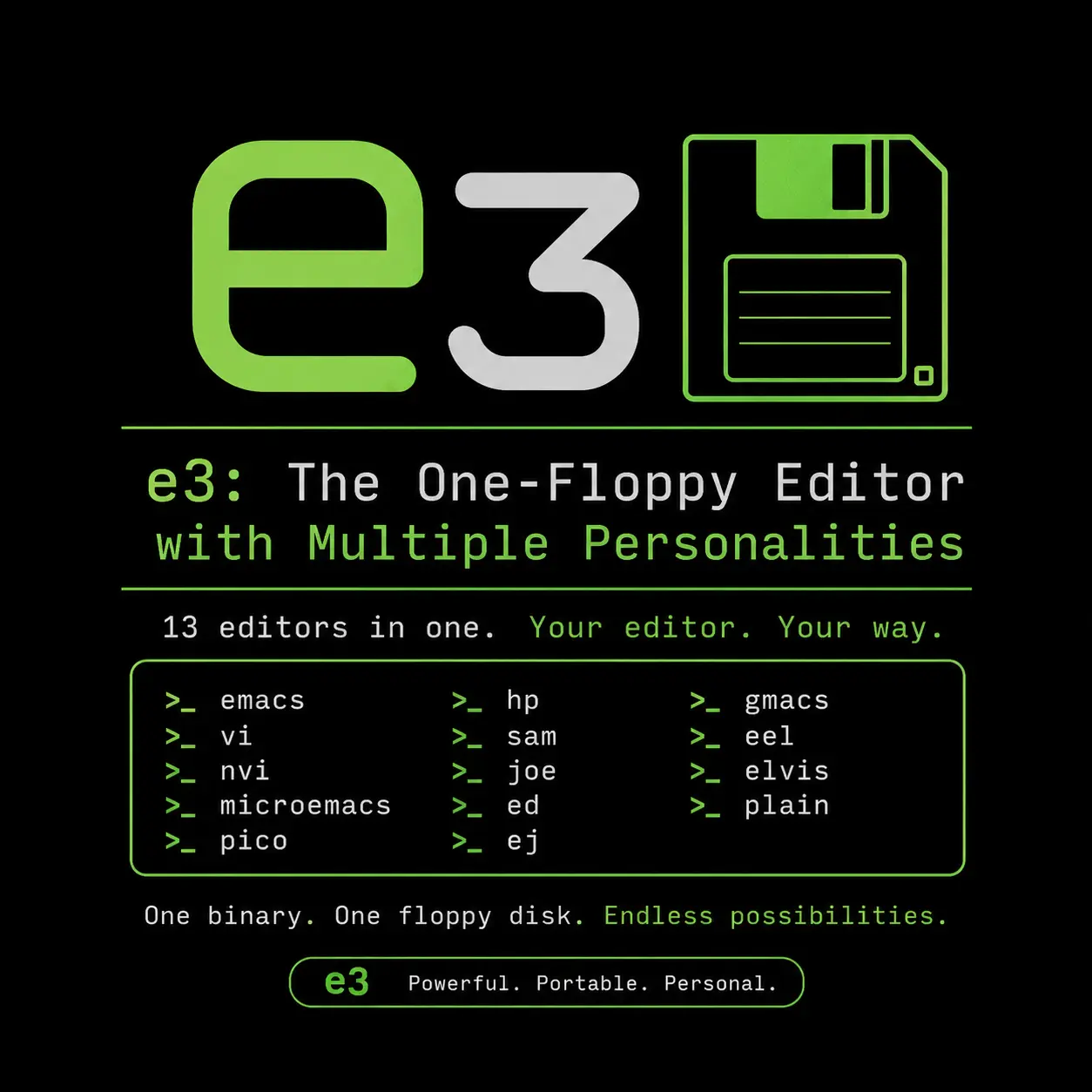
In the world of terminal text editors, developers are fiercely loyal to their keybindings. Vi users hate Emacs chords, Emacs users hate Vi modes, and beginners just want Nano shortcuts.
What if there was a single, microscopic text editor that could magically morph to please everyone, regardless of what operating system they were using?
Meet e3 (Editor for Everything).
The Ultimate Portable Editor
e3 is an engineering marvel. Written purely in Assembly language, the entire compiled binary weighs less than 30KB. It requires absolutely zero external dependencies—not even ncurses.
Because of this insane efficiency, e3 runs flawlessly on modern Linux, BSD, incredibly old DOS machines, and embedded hardware.
Multiple Personalities
The core feature of e3 is its ability to instantly swap its keybinding schema to emulate 5 different classic editors.
You can launch e3 into a specific mode by passing a flag in the terminal:
e3 -w: Emulates WordStar (A classic CP/M era editor). This is the default.e3 -p: Emulates Pico / Nano (Perfect for beginners).e3 -e: Emulates Emacs (For chord lovers).e3 -v: Emulates Vi (For modal editing lovers).e3 -n: Emulates Nedit (Standard GUI shortcuts).
Even better, while you are inside the editor, you can press Alt + K to dynamically cycle between these personalities in real-time!
Basic Usage (Depending on Your Personality)
Because e3 literally changes how it works based on the mode you are in, how you save and quit depends entirely on your current personality.
Pico (Nano) Mode e3 -p
If you launch it in Pico mode, it behaves exactly like Nano:
- Ctrl + O: Save file.
- Ctrl + X: Quit.
- Ctrl + K: Cut line.
- Ctrl + U: Paste line.
Vi Mode e3 -v
If you launch it in Vi mode, it becomes a modal editor:
- i: Enter Insert mode to type.
- Esc: Return to Normal mode.
- :w: Save file.
- :q: Quit.
Emacs Mode e3 -e
If you launch it in Emacs mode, you are back to using chords:
- C-x C-s: Save file.
- C-x C-c: Quit.
Configuration
e3 does not use a configuration file. Because it is designed to run in highly restrictive environments (like recovery disks), you configure it purely by setting Environment Variables in your terminal.
For example, to permanently set e3 to always open in Pico mode with 4-space tabs, you would add this to your ~/.bashrc:
export E3MODE=pico
export E3TABS=4
export E3AUTOINDENT=1
Conclusion
e3 is the perfect “Swiss Army Knife” text editor. Whether you are building a custom rescue USB, managing ancient DOS hardware, or just want to prove that you can edit text with less than 30 kilobytes of memory, e3 is a fascinating piece of software history that is still highly useful today.
Discussion
Loading comments...