
SEO Tools
Robots.txt Generator
Generate a robots.txt file to control search engine crawler access.
A free tool to generate correct HTML `<link rel="canonical">` tags for your webpages. Easily consolidate duplicate URLs, strip UTM tracking parameters, force HTTPS, and normalize your URLs instantly. Perfect for bloggers, e-commerce stores, and technical SEOs looking to consolidate ranking signals and fix duplicate content problems.
The Canonical Tag Generator takes your raw URL and cleans it—stripping tracking parameters, forcing lowercase domains, and ensuring HTTPS—before generating the exact HTML code needed for your `<head>`.
A canonical tag (rel="canonical") is an HTML element that helps webmasters prevent duplicate content issues by specifying the "preferred" or "primary" version of a web page to search engines like Google.
URLs with tracking parameters (like ?utm_source=facebook) create duplicate versions of the exact same content. Your canonical tag should always point to the clean, parameter-free URL so search engines don\'t split your ranking power.
Yes! Google strongly prefers HTTPS. Your canonical tag should always point to the secure https:// version of your page.
If you have multiple URLs showing the same content (e.g., page.html and page.html?sort=price), the canonical tag tells Google to merge their ranking signals and only index the preferred page.html.
Yes, this is called a cross-domain canonical tag. If you syndicate an article to a larger publication, they should use a canonical tag pointing back to your original article to pass the SEO value to you.
Yes. It is an SEO best practice for every page to have a "self-referencing" canonical tag. This means the page points to its own clean URL, protecting it from being duplicated by tracking parameters.
If a search engine sees more than one canonical tag on a single page, it will ignore all of them. This can lead to duplicate content penalties.
No. A canonical tag is a hidden hint for search engine bots. It does not redirect human users. If you want to redirect human visitors, use a 301 server redirect instead.
A 301 redirect physically moves users and bots to a new page. A canonical tag lets users view the duplicate page, but tells bots to assign the SEO value to the primary page.
Linux-based web servers treat Domain.com/Page and domain.com/page as two completely different URLs. Enforcing lowercase canonical URLs prevents accidental duplication.
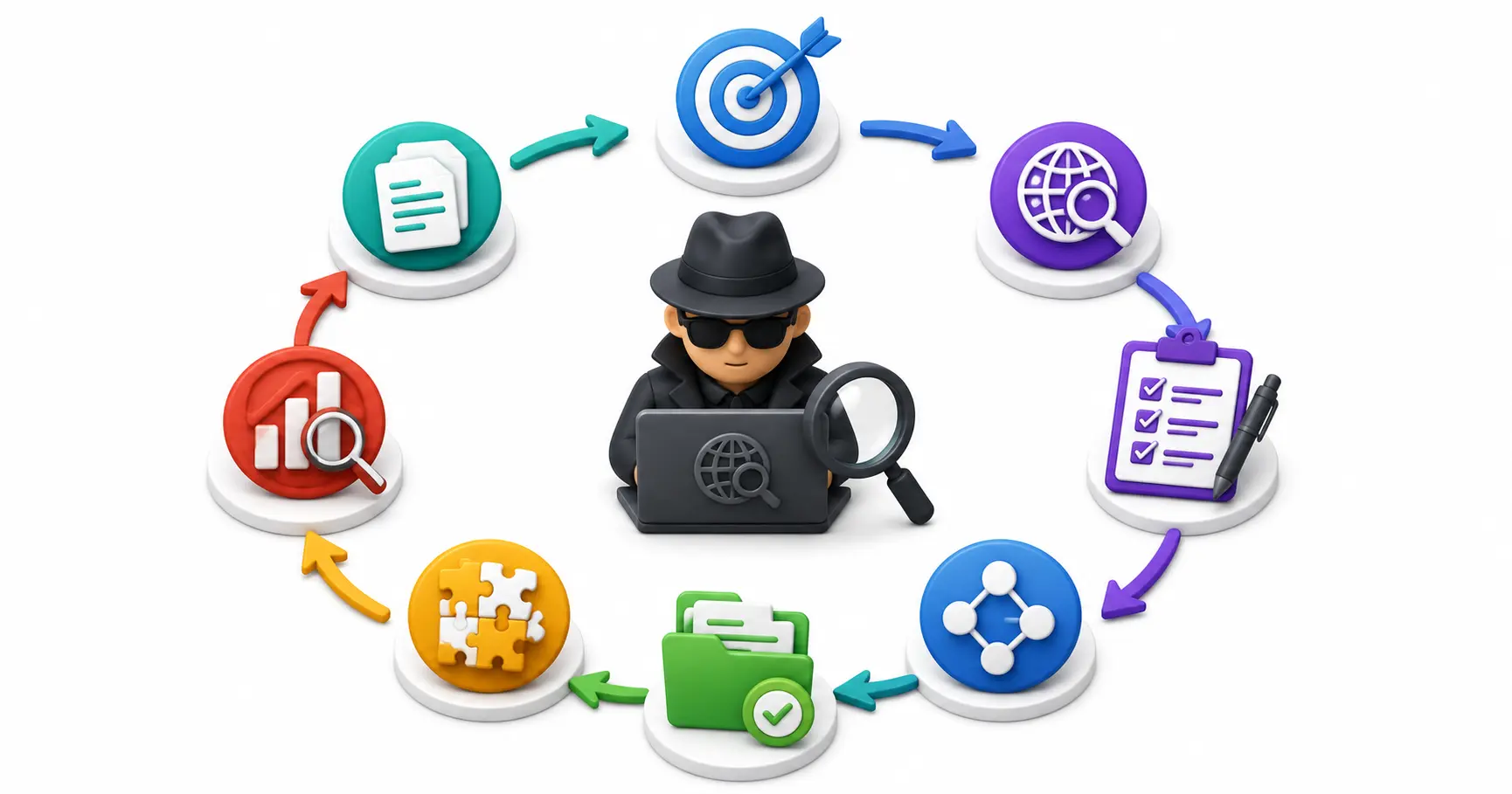
A comprehensive guide on building a professional OSINT investigation workflow. Master data triage, OPSEC pre-flight checks, collection funnels, and reporting.

An honest comparison of 13 Linux CLI text editors — Vim, Nano, Emacs, Neovim, Helix, Micro, Kakoune, and more. Features, trade-offs, and real recommendations.

Master online password attacks with our comprehensive Hydra guide. Learn to brute-force SSH, FTP, HTTP POST forms, and optimize attack speeds.
Explore our full collection of free, privacy-first developer and SEO tools.
Browse All 134+ ToolsStart typing to search across articles, tools & courses