
Developer Tools
URL Encoder
Encode special characters in URLs for safe transmission and query parameters.
Convert titles, phrases, and text sentences into clean, human-readable, and search-engine-optimized (SEO) URL slugs. Instantly remove stop words, strip emojis, handle accent transliterations, customize word separators, or process multiple lines at once in bulk mode.
The FreeTechLearner Slug Generator creates SEO-friendly permalinks from any input text. It converts special characters, strips emojis, maps accents, filters stop words, and formats separators in real-time, working entirely within your browser.
A URL slug is the readable, human-friendly portion of a web address that identifies a specific page, such as "/blog/my-first-post". Clean, descriptive slugs improve SEO indexing and user navigation.
Stop words like "a", "an", "the", "and", "or", "to" add length to your URLs without adding SEO value. Filtering them creates shorter, keyword-rich permalinks that search engines prefer.
Accents and diacritics are transliterated into their standard ASCII counterparts (for example, "é" becomes "e", "ö" becomes "o", "ñ" becomes "n"). This prevents URL encoding issues on modern web servers.
Yes! Toggle "Bulk Mode" and enter each title on a new line. The tool will instantly convert every line into a separate slug, allowing you to batch process dozens of names in seconds.
Full titles often contain spaces, special characters, and uppercase letters which can break URLs or cause encoding issues (like %20 for spaces). A slug standardizes the text into a clean, lowercased string.
Google and other search engines strongly recommend using hyphens (-) to separate words in URLs. Underscores (_) are generally discouraged as they are often interpreted as joining words together.
Yes! Punctuation marks (like commas, periods, quotation marks) and emojis are completely stripped out to ensure the resulting URL is clean and valid.
When Bulk Mode is enabled, the tool treats each new line in the input box as a separate title. It generates a corresponding list of slugs on individual lines in the output, perfect for batch processing.
URL slugs are almost universally formatted in lowercase letters. This prevents issues with case-sensitive web servers (like Linux/Apache) where /My-Page and /my-page could be treated as two different URLs.
Yes. The tool features advanced transliteration that maps most Latin-based accented characters (like ç, ñ, é) to their standard English equivalents (c, n, e).

Master Helix, the Rust-based modal editor with zero-config LSP and Treesitter integration. Learn the selection-first paradigm, multiple cursors, and system setup.

A comprehensive, production-grade technical evaluation of AI coding assistants including GitHub Copilot, Cursor, Codeium, Tabnine, Continue, Amazon Q Developer, and more.
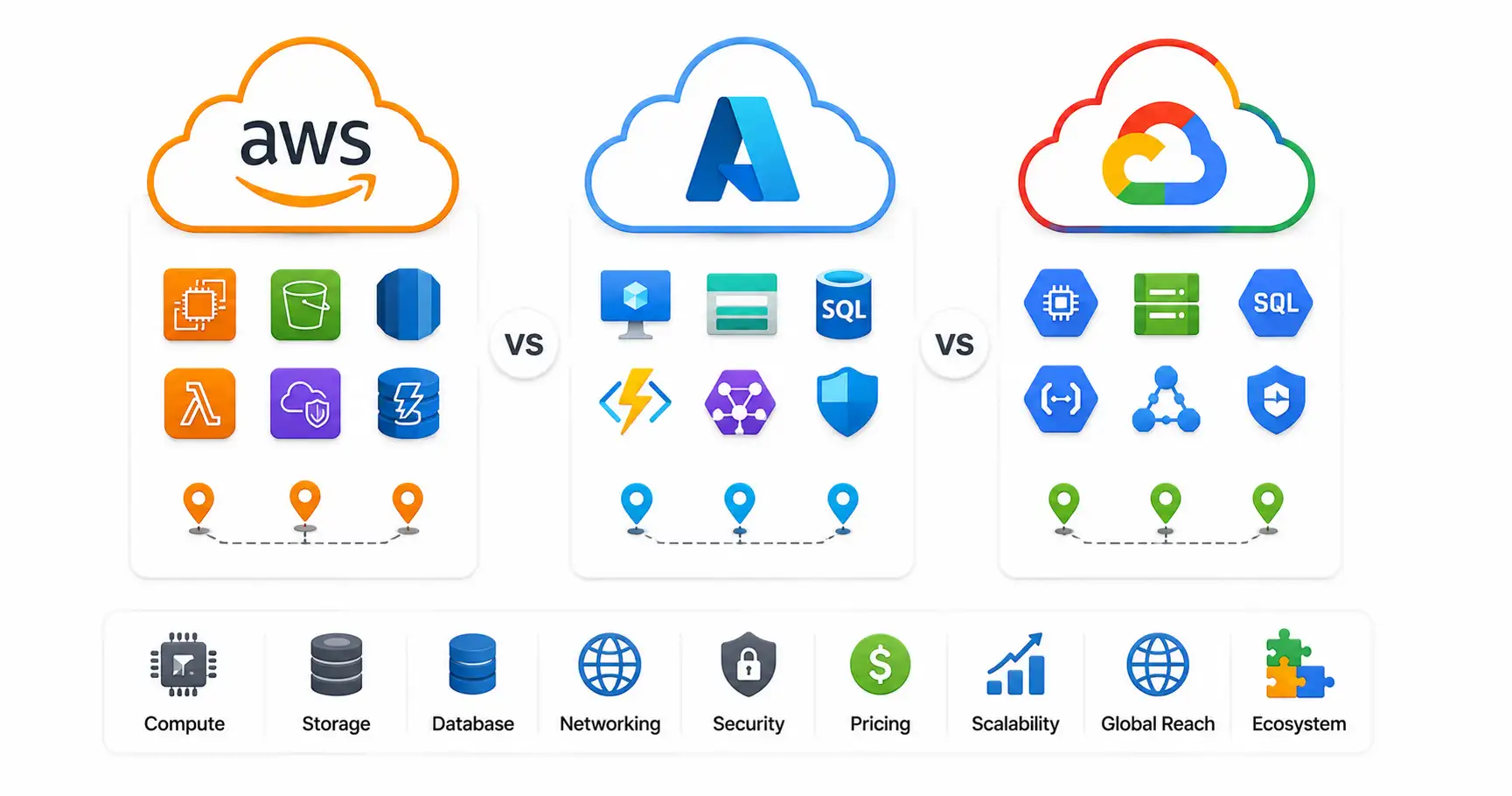
A comprehensive technical comparison of AWS, Microsoft Azure, and Google Cloud (GCP) in 2026. Explore AI capabilities, compute engines, pricing models, and enterprise use cases.
Explore our full collection of free, privacy-first developer and SEO tools.
Browse All 134+ ToolsStart typing to search across articles, tools & courses