
SEO Tools
Meta Description Length Checker
Check if your meta description is the right length for Google's SERP display.
Check if your SEO title length is within Google's recommended range.
The SEO Title Length Checker accurately measures your page title\'s character count and physical pixel width, ensuring it won\'t get cut off in Google\'s search results.
Google typically displays the first 50–60 characters of a title tag. Aim for 50–60 characters to ensure your full title appears in search results.
Google truncates search results based on a physical pixel width limit (usually 600px), not a strict character count. A title full of wide letters (like "W") will truncate sooner than one with thin letters (like "i").
If your title exceeds the pixel limit, Google will cut it off and append an ellipsis (...). This can obscure important keywords and lower your click-through rate.
Yes, it\'s an SEO best practice to append your brand name at the end of the title, separated by a pipe (|) or hyphen (-), provided it fits within the length limits.
While Google constantly tests new layouts, the widely accepted safe limit for desktop search results is 600 pixels. Mobile results can sometimes show slightly more or less.
Our tool uses browser APIs to measure the exact physical width of your text using the standard font sizes and families (like Arial) that Google actually uses on their search page.
Google reserves the right to rewrite your title tag if they feel it doesn\'t accurately reflect the page content or the user\'s search intent. However, a well-written, appropriately sized title is usually respected.
No. Writing titles in ALL CAPS takes up significantly more pixel width, increases the chance of truncation, and is often perceived by users as spammy or "shouting".
Yes, you can use emojis, and they can improve click-through rates. However, they take up space and Google occasionally filters them out if deemed irrelevant.
While length itself isn\'t a direct ranking factor, having a clear, concise title that contains your primary keywords prevents truncation and directly improves CTR, which is vital for SEO.

Master Conversion Rate Optimization (CRO) in 2026. Learn A/B testing methodologies, MECLABS heuristic formulas, session telemetry, Core Web Vitals, and psychological friction reduction.
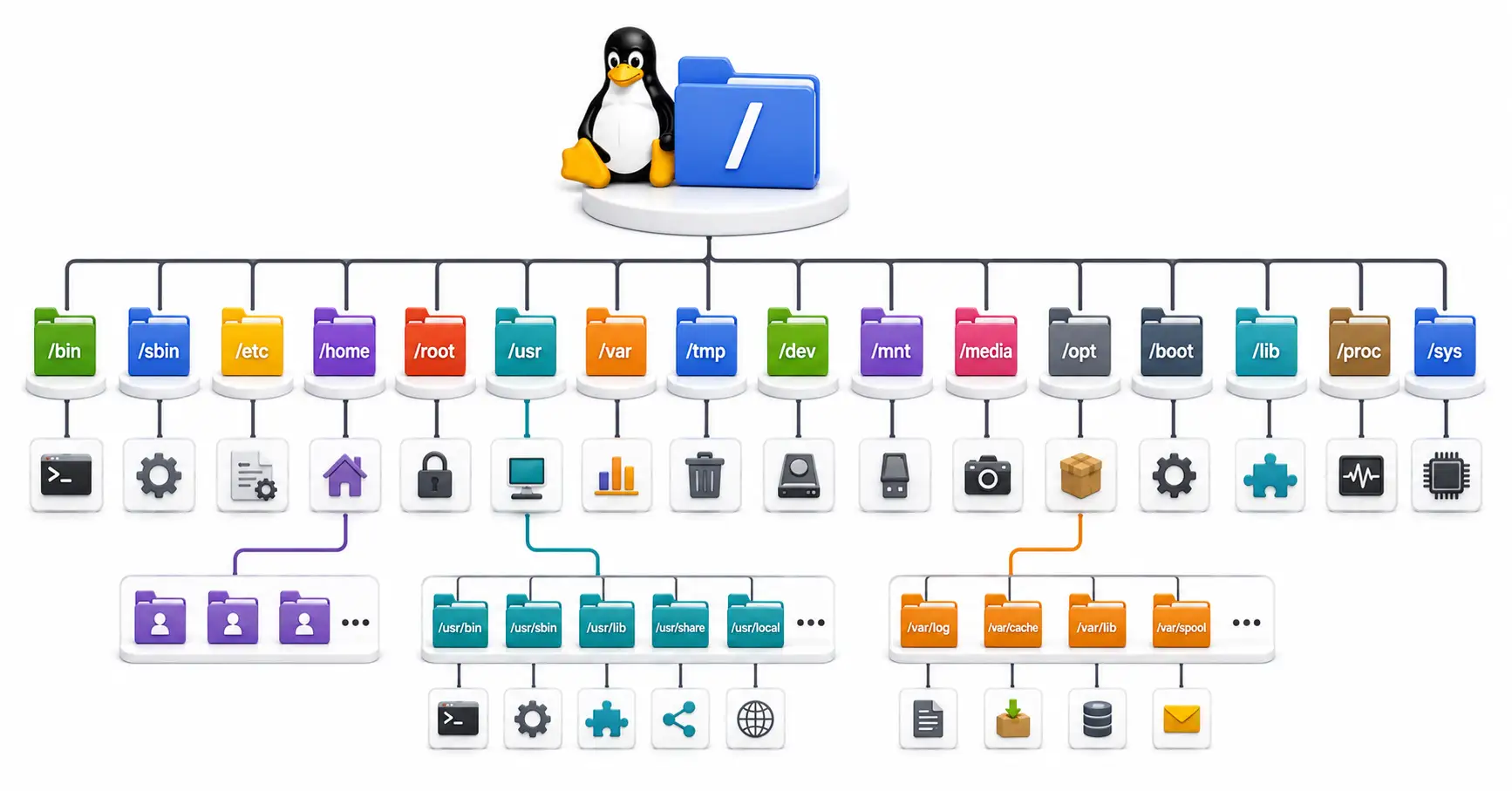
Confused by /etc, /usr, and /var? Master the Linux directory structure with this comprehensive guide to the Filesystem Hierarchy Standard (FHS) in 2026.
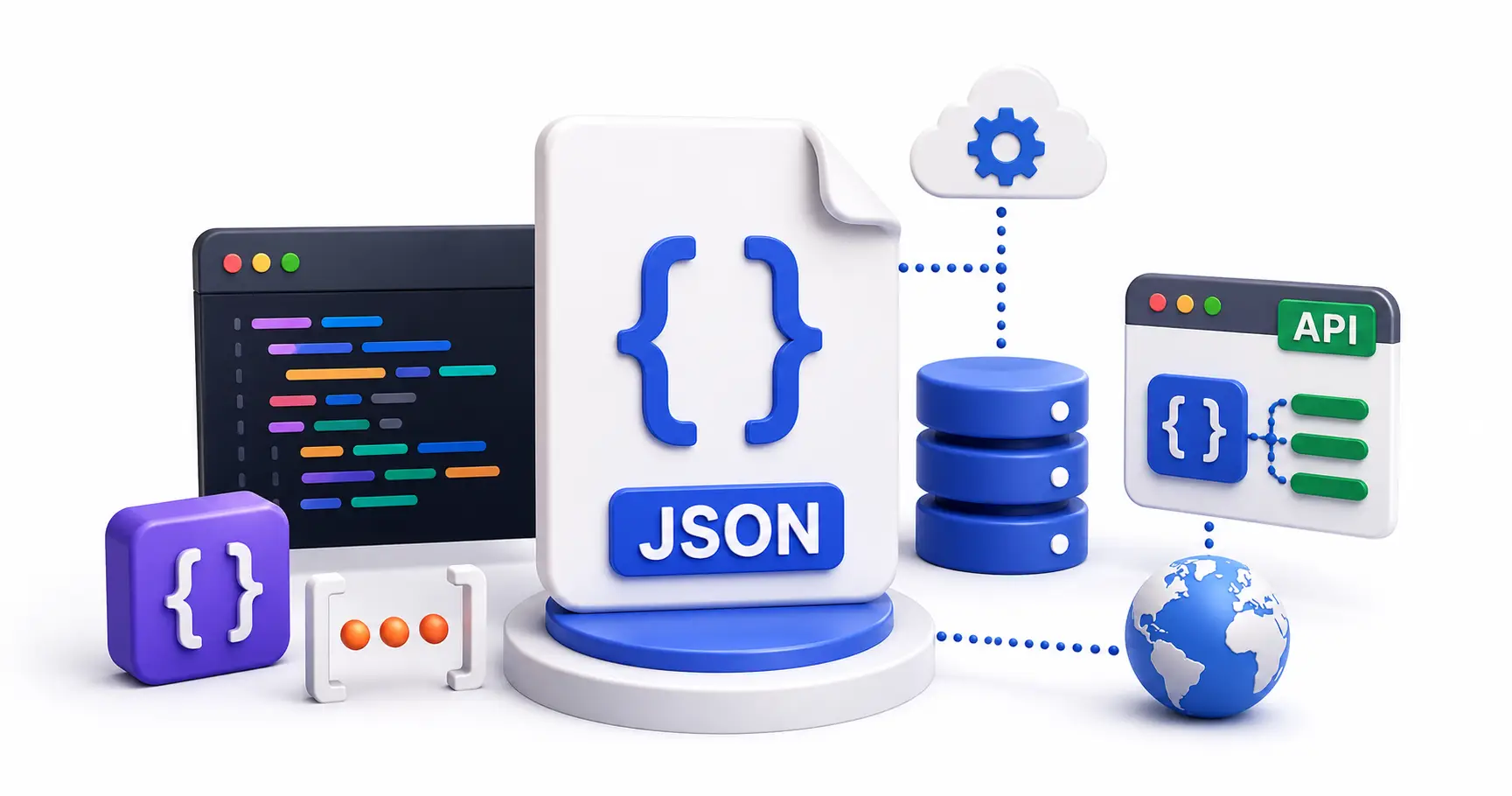
A comprehensive, infrastructure-focused guide to JSON. Learn the syntax, how to parse logs, JSONB databases, API communication, and why it defeated XML.
Explore our full collection of free, privacy-first developer and SEO tools.
Browse All 134+ ToolsStart typing to search across articles, tools & courses