
Developer Tools
JSON Formatter
Beautify, format, and validate JSON data with syntax highlighting.
Convert Unix epoch timestamps to human-readable date-time formats and vice versa. Supports automatic detection of seconds versus milliseconds, displays GMT/UTC and local time zones, provides relative time calculations, and features a live running epoch clock.
| GMT / UTC Date | - |
| Local Date | - |
| Relative Time | - |
| Day of Week / Year | - |
| Leap Year | - |
The FreeTechLearner Unix Timestamp Converter translates Epoch timestamps (seconds or milliseconds) into structured dates (UTC and local time zones). It also converts human calendar dates back to numeric timestamps instantly, featuring a live real-time ticking clock.
A Unix timestamp (also known as Epoch time or POSIX time) is the number of seconds that have elapsed since January 1, 1970, at 00:00:00 UTC (excluding leap seconds). It is a standard way to track time in computers and database systems.
Our converter uses a smart length check: if the entered timestamp is 11 digits or fewer (e.g., 1782390400), it is processed as seconds. If it is 12 digits or more (e.g., 1782390400000), it is automatically treated as milliseconds.
Yes! Negative Unix timestamps represent dates prior to the January 1, 1970 epoch. For example, a timestamp of -31536000 corresponds to January 1, 1969.
The UTC/GMT conversion shows the absolute date regardless of your location. The Local Time conversion reads your web browser's timezone settings to output the exact time adjusted to your local offset (e.g., Eastern Standard Time, IST).
Unix time is often stored as a 32-bit integer. On January 19, 2038, the timestamp will exceed the maximum value for a 32-bit integer, causing some older systems to fail. Modern systems use 64-bit integers to fix this.
Our tool features a live ticking epoch clock at the top. You can simply click the "Copy" button next to it to instantly grab the current timestamp.
You likely entered a timestamp in milliseconds (or microseconds) but the system you are working with expects it in seconds. Our tool automatically detects this, but always double-check your expected units.
Yes! Simply use the calendar date/time picker in the bottom section of the tool to select a human date, and it will instantly calculate the corresponding Unix timestamp.
No. Unix time specifically ignores leap seconds. Every day is treated as containing exactly 86,400 seconds, which simplifies mathematical calculations across dates.
POSIX time is just another name for Unix time or Epoch time. They all refer to the exact same system of tracking seconds since January 1, 1970.
A practical sysadmin guide to Ed, the original line editor. Learn how to master addressing, regular expressions, and minimal text manipulation for disaster recovery.
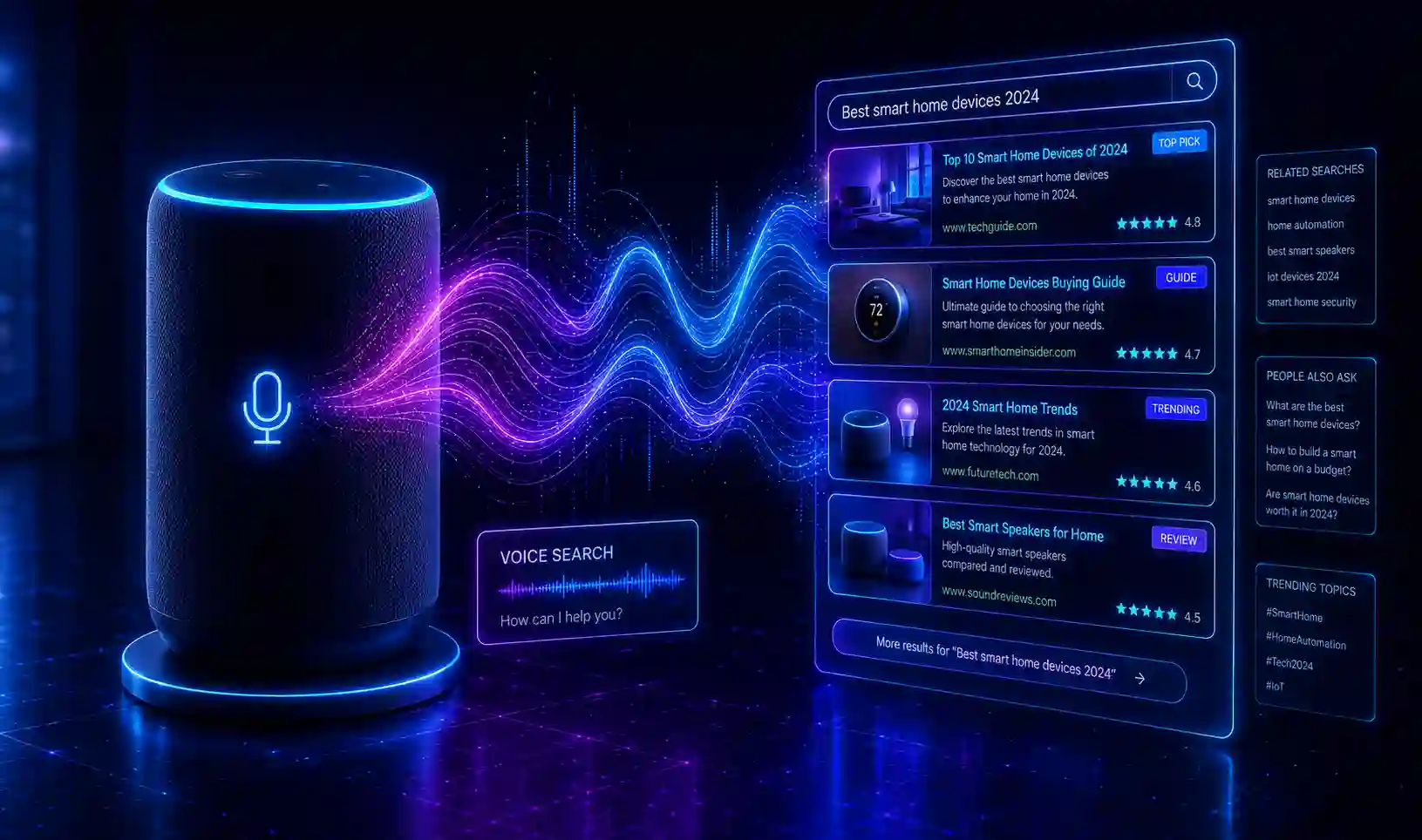
Master Voice Search Optimization (VSO) in 2026. Architectural guide on conversational NLP, Schema speakable markup, Position Zero snippets, and local entity search.

A comprehensive guide on firewall security. Deep dive into Next-Gen Firewalls (NGFW), Deep Packet Inspection, hardware vs software, and Zero Trust.
Explore our full collection of free, privacy-first developer and SEO tools.
Browse All 134+ ToolsStart typing to search across articles, tools & courses