
Security Tools
Base64 Decoder
Decode Base64 encoded strings back to plain text instantly.
Encode any text or string to Base64 format instantly.
The FreeTechLearner Base64 Encoder takes your plain text strings or uploaded files and instantly converts them into Base64 encoding. It handles UTF-8 characters safely and works completely offline in your browser.
Base64 is a binary-to-text encoding scheme that converts binary data into ASCII characters, commonly used to transmit binary data over text-based channels.
No, Base64 is encoding, not encryption. It is easily reversible and should not be used to hide sensitive information.
It is primarily used to encode binary data (like images or files) into a safe ASCII text format so it can be reliably transmitted over text-based protocols like HTTP or SMTP.
Yes, Base64 encoding typically increases the size of the original data by about 33% because it uses 4 characters to represent every 3 bytes of data.
Standard Base64 only uses uppercase letters, lowercase letters, numbers, "+", and "/". The "=" character is used for padding at the end.
Base64 encodes data in 3-byte blocks. If the data is not a multiple of 3 bytes, "=" characters are added at the end to pad the final block.
Yes, our tool is 100% client-side. The encoding happens entirely within your web browser, and no data is ever sent to our servers.
Yes, you can upload a file using the "Upload File" button, and our tool will encode its contents into a Base64 string.
You can decode Base64 strings back to their original form using our Base64 Decoder tool, which reverses this exact process.
Yes, our encoder safely handles UTF-8 characters by first converting them into their byte representation before encoding to Base64, ensuring emojis and special characters encode correctly.

Learn how to use KeePassDX across Android, Windows, and Linux. Discover browser integration, passkey support, TOTP authentication, database syncing, and advanced security features.

A comprehensive, production-grade technical evaluation of AI coding assistants including GitHub Copilot, Cursor, Codeium, Tabnine, Continue, Amazon Q Developer, and more.
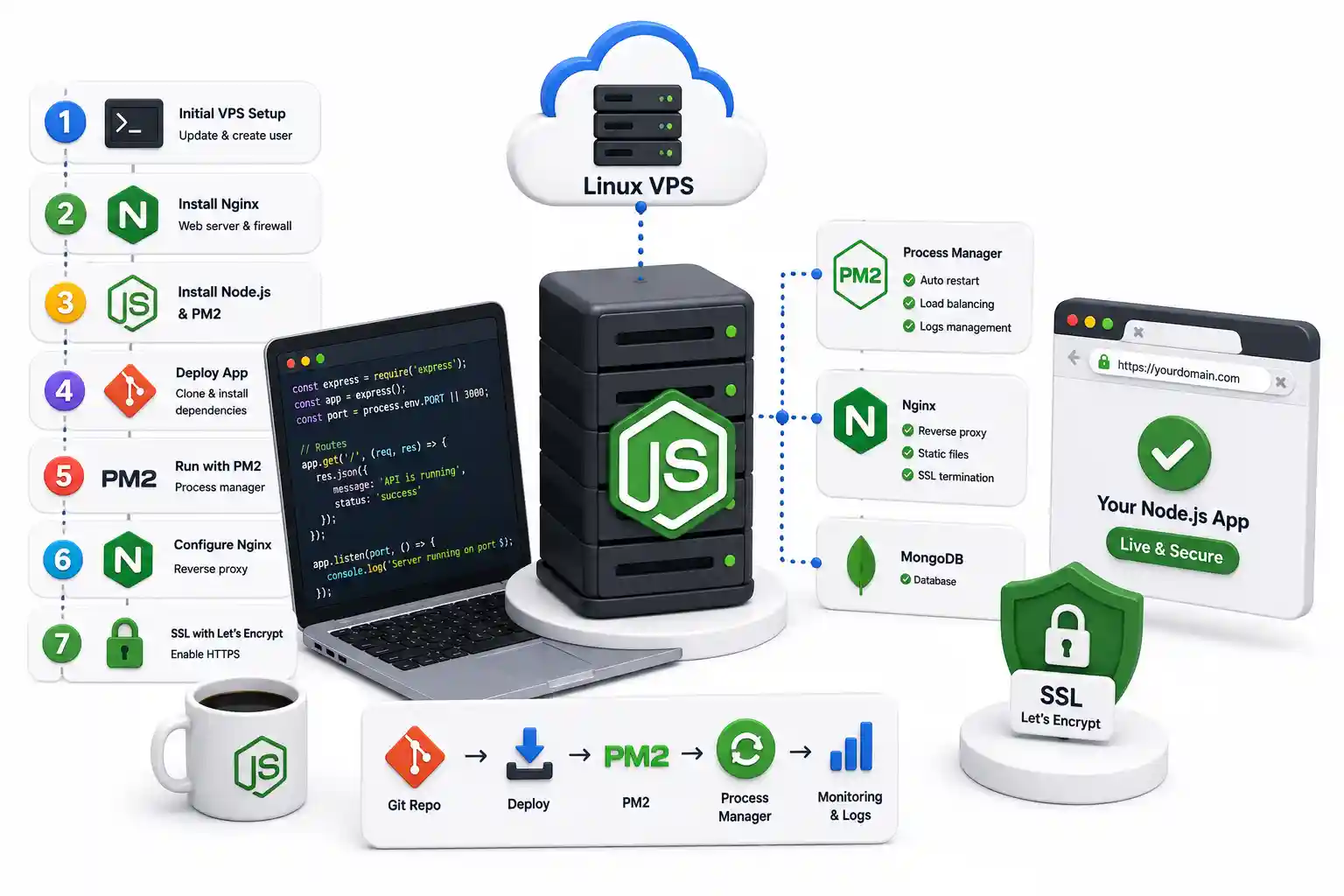
A production-grade tutorial on deploying Node.js to a Linux VPS. Configure PM2, Nginx reverse proxies, Let's Encrypt TLS, UFW firewalls, and automated CI/CD pipelines.
Explore our full collection of free, privacy-first developer and SEO tools.
Browse All 134+ ToolsStart typing to search across articles, tools & courses