
Security Tools
Password Strength Checker
Analyze any password and get a detailed strength report with improvement suggestions.
Create cryptographically secure passwords with full control over length (8–128 characters), character sets (uppercase, lowercase, numbers, symbols), and instantly check the strength of each generated password.
The FreeTechLearner Password Generator creates cryptographically random passwords using the Web Crypto API. You control the length (8–128 characters) and character composition — uppercase, lowercase, numbers, and special symbols.
Our password generator uses the Web Crypto API (window.crypto.getRandomValues), which is cryptographically secure. Passwords are generated entirely in your browser — nothing is sent to any server.
A strong password is at least 16 characters long and uses a mix of uppercase letters, lowercase letters, numbers, and special symbols. Avoid dictionary words or personal information.
Yes, but you should use a unique password for every account. Consider using a password manager like Bitwarden or KeePass to store them securely.
No. All password generation happens in your browser using JavaScript. We do not transmit, log, or store any generated passwords. The history feature uses your browser's localStorage only.
You can generate passwords up to 128 characters long. For most accounts, 16–32 characters provides excellent security.
Dictionary words are vulnerable to dictionary attacks, where hackers use automated tools to guess common words and phrases. A random combination of characters is mathematically much harder to guess.
You only need to change your password if you suspect it has been compromised or if a service you use has experienced a data breach. Regularly changing strong passwords can actually lead to weaker password habits.
While symbols increase complexity, length is the most important factor in password security. A very long password (like a passphrase) with just letters and numbers can be more secure than a short one with symbols.
Since our tool does not store your passwords on any server, we cannot recover them for you. You should immediately save any generated passwords in a secure password manager.
No, it is not recommended. Even though our tool is secure and client-side, a public computer might have malware, keyloggers, or malicious extensions installed that could intercept your generated password.
Master online password attacks with our comprehensive Hydra guide. Learn to brute-force SSH, FTP, HTTP POST forms, and optimize attack speeds.
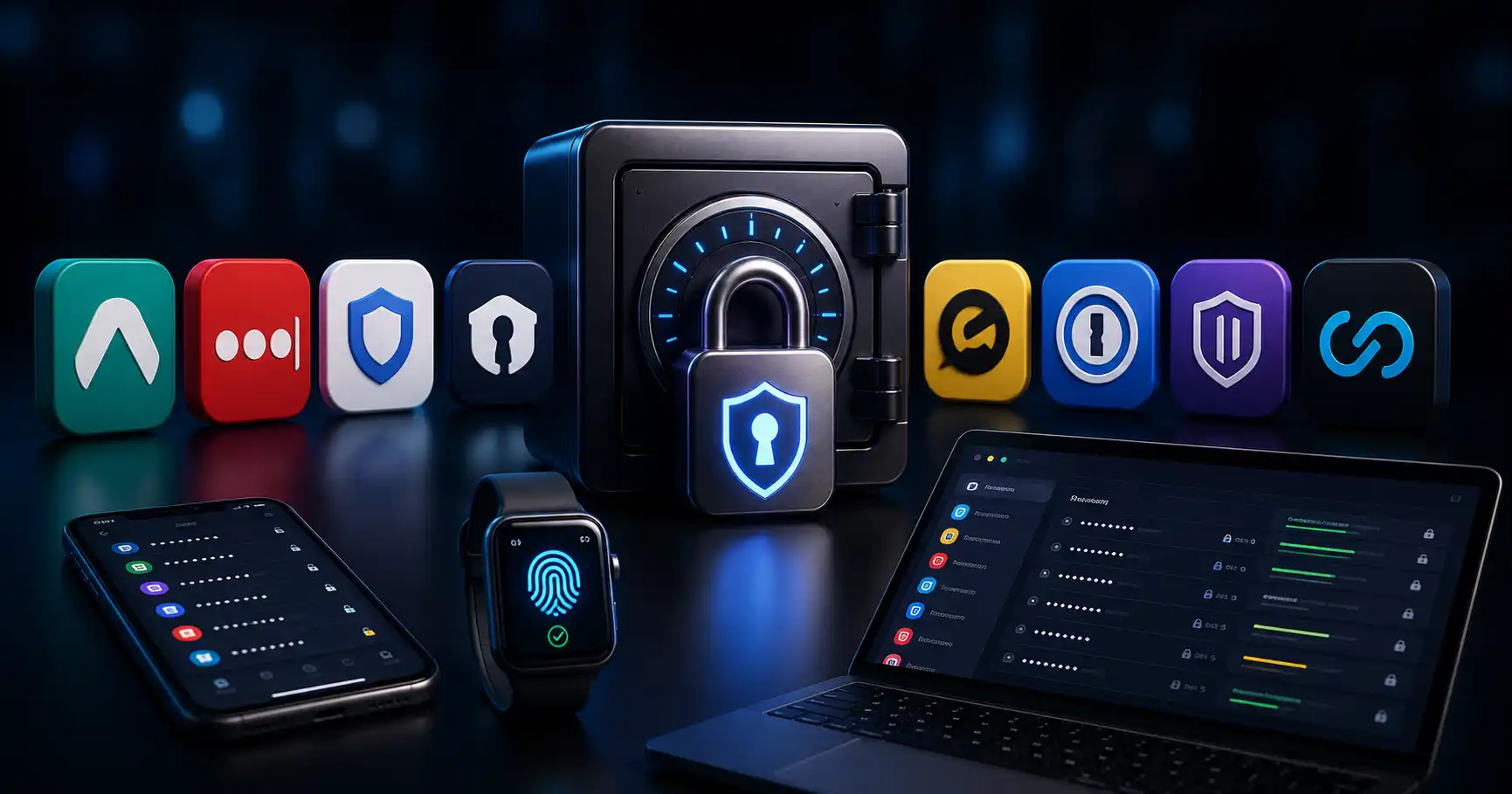
Compare the best password managers in 2026. Detailed evaluation of Bitwarden, 1Password, Vaultwarden self-hosting, Passkeys, and zero-knowledge encryption.
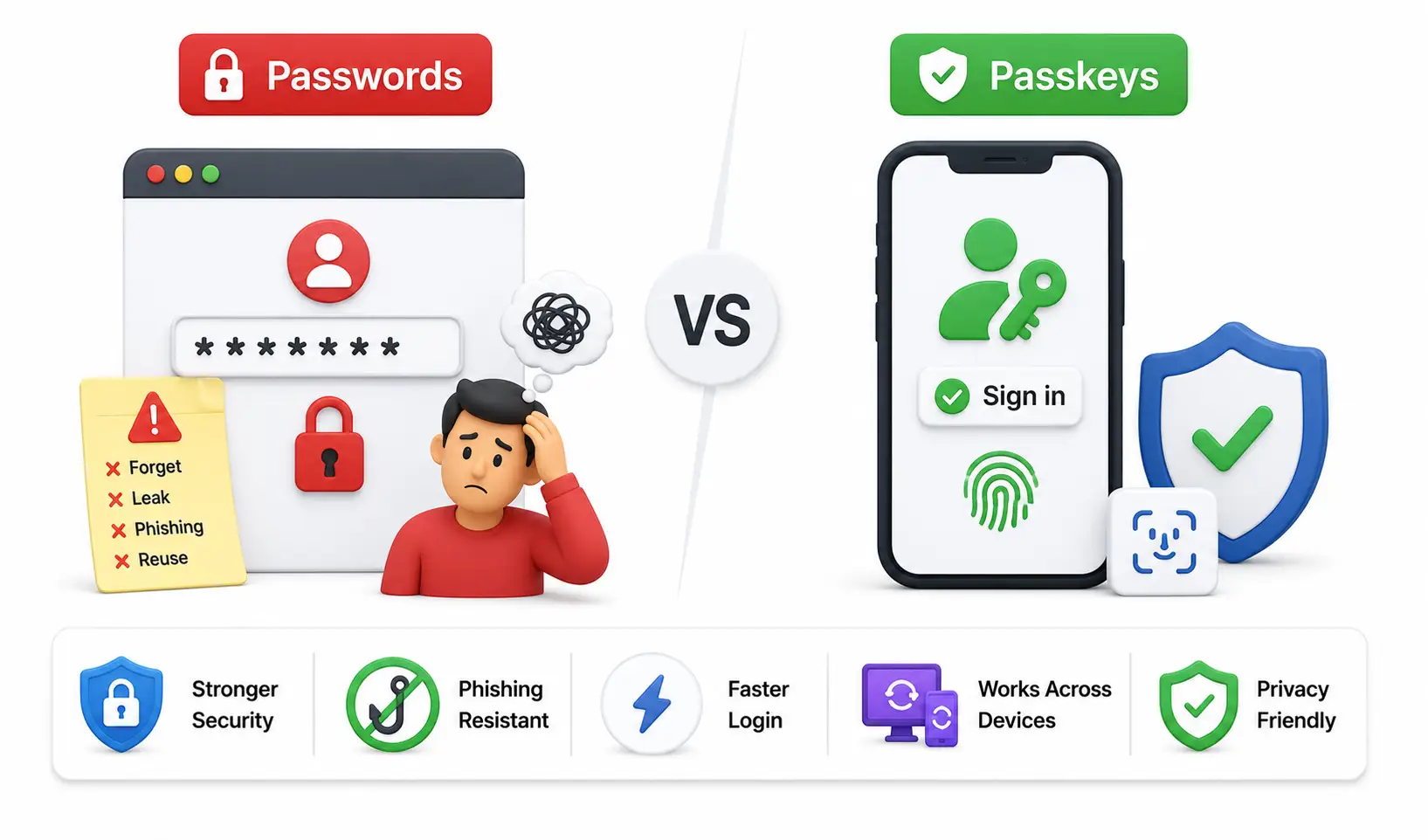
Master the definitive future of global online security. A massive guide explaining FIDO2 Passkeys, Public-Key Cryptography, and why passwords are dead.
Explore our full collection of free, privacy-first developer and SEO tools.
Browse All 134+ ToolsStart typing to search across articles, tools & courses