
Developer Tools
Color Picker & Converter
Pick and convert colors between HEX, RGB, HSL, HSV, and CMYK. Includes contrast checker.
Master digital color blending with our advanced Online Color Mixer & Palette Interpolator. Effortlessly combine two hex colors or RGB values across custom percentage ratios (e.g., 50/50, 70/30, 80/20) and multiple color space algorithms (RGB Linear and HSL Hue Path). Generate customizable step-by-step color transitions (5, 10, 15, or 20 steps), copy contrast-adjusted HEX codes with one click, and export production-ready code snippets for CSS linear gradients, CSS custom properties, and Tailwind CSS design token arrays.
background: linear-gradient(90deg, #3B82F6, #EF4444); The FreeTechLearner Online Color Mixer provides an interactive, browser-based studio to blend any two colors across customizable ratio percentages and generate smooth 5 to 20 step color scale transitions. It supports RGB Linear and HSL Hue Path interpolation algorithms and exports production-ready CSS and Tailwind design tokens.
Select your two base colors using the color pickers or hex text fields, then drag the ratio slider to adjust the blend percentage (e.g. 50% Color 1 / 50% Color 2). The tool instantly calculates the exact blended HEX, RGB, and HSL values.
RGB Linear blending interpolates directly between the Red, Green, and Blue color channels (standard digital color math). HSL Hue Path blending interpolates along the cylindrical hue circle, producing vibrant, rainbow-like color transitions without muddy midtones.
Select the "Export Code Snippets" tab at the bottom of the tool. You can switch between 1-click CSS Linear Gradients (background: linear-gradient(...)), CSS custom properties (--color-step-0: #...), and Tailwind CSS palette arrays (palette: ['#...']).
Yes! Use the "Steps" dropdown menu in the top control bar to toggle between 5, 10, 15, or 20 intermediate step swatches.
Click the "⇄ Swap Colors" button to reverse Color 1 and Color 2, or click the "🎲 Randomize" button to generate two fresh harmonious random colors for instant design inspiration.
For subtle button hover states, try blending your primary brand color with 10% to 20% white (for light mode hovers) or 10% to 20% black (for dark mode hovers).
Digital screens use additive color mixing (RGB light combining to produce white), whereas physical paints use subtractive color mixing (RYB pigments absorbing light to produce dark brown/black). This tool uses digital additive RGB and HSL interpolation algorithms.
Yes! All color math and rendering execute 100% locally inside your web browser. Zero color data or hex values are sent to external servers.
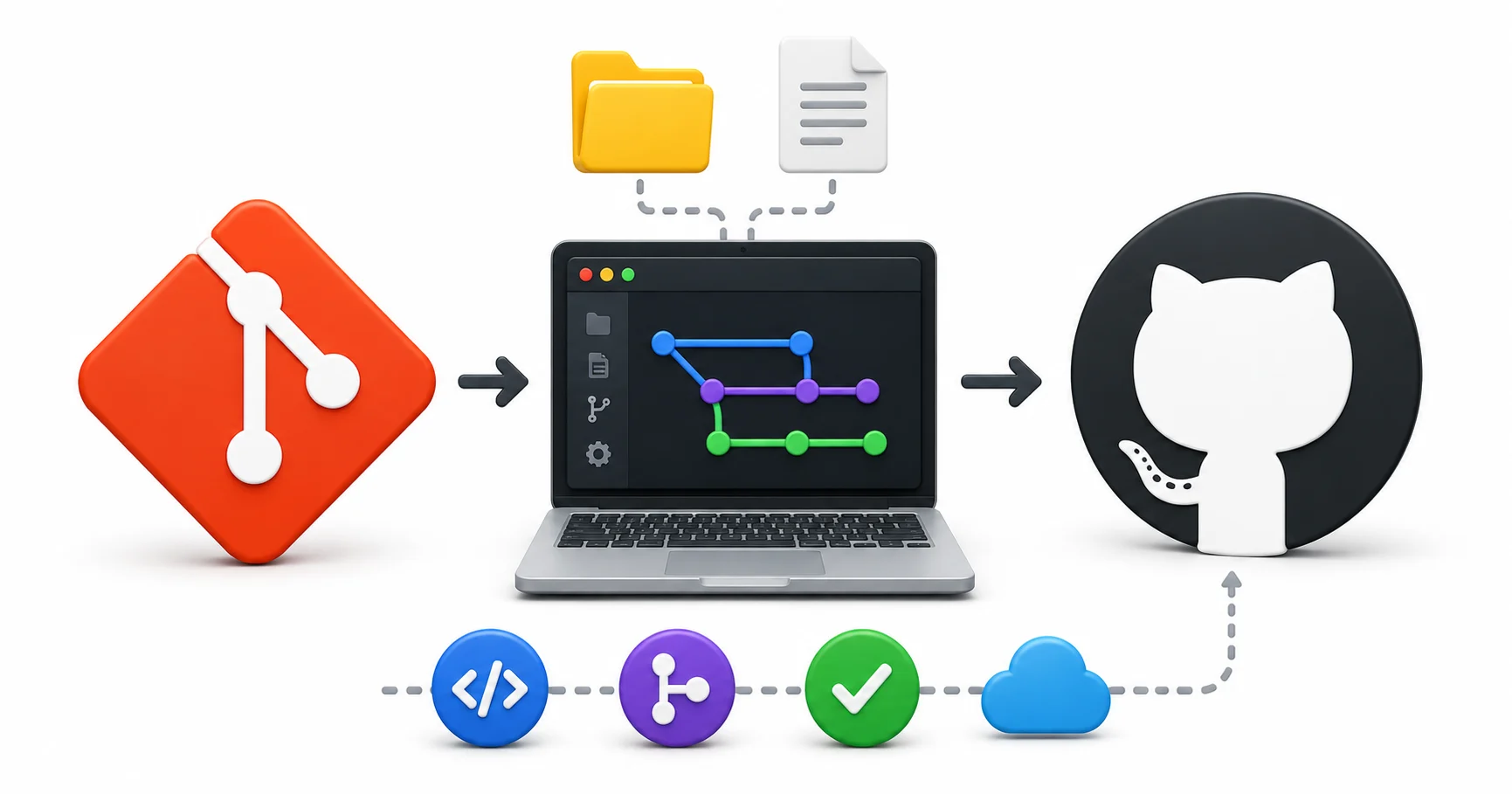
Learn Git and GitHub from scratch — version control, branching, merging, pull requests, GitHub Actions, and real-world workflows explained in plain language.
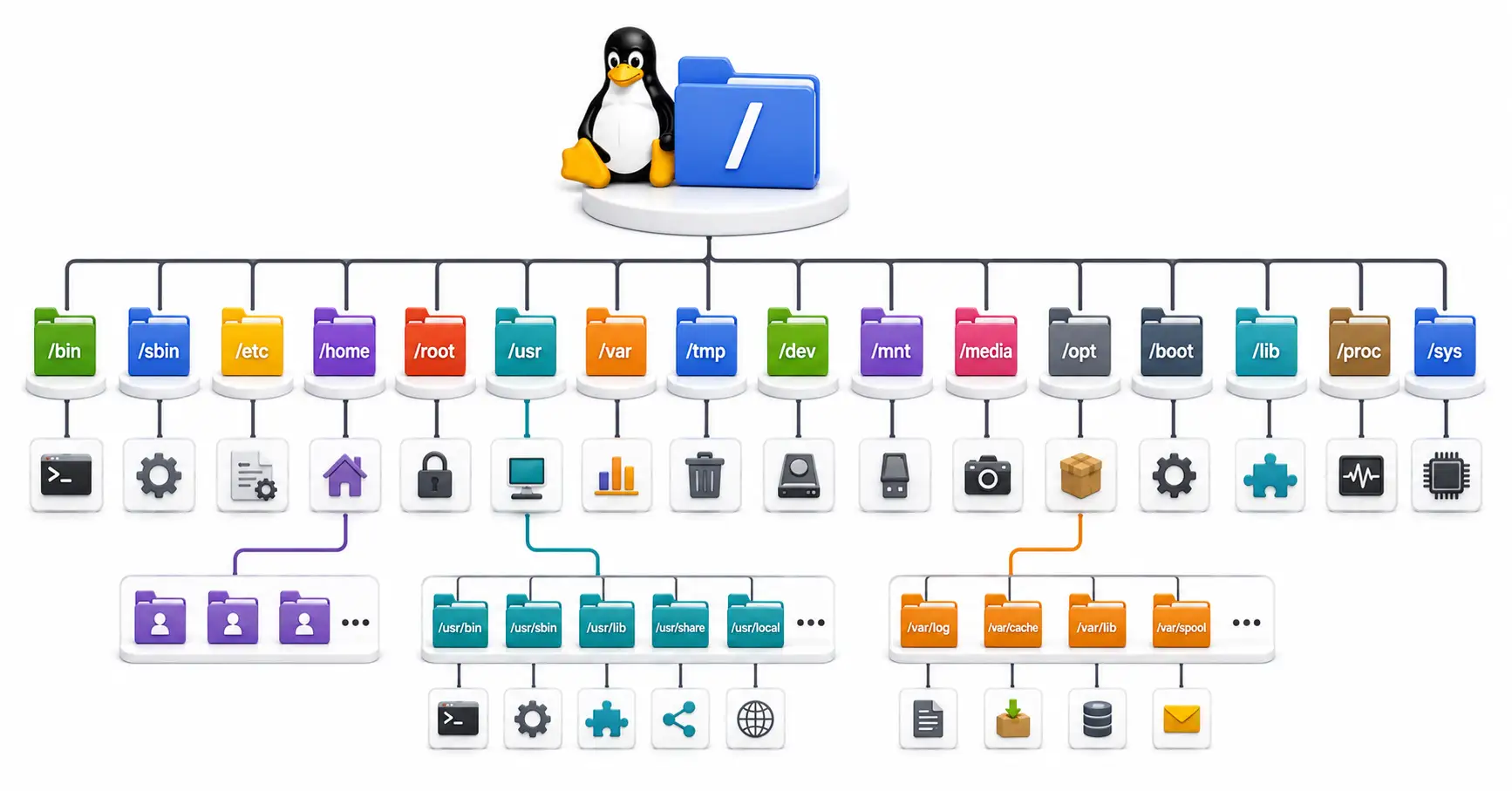
Confused by /etc, /usr, and /var? Master the Linux directory structure with this comprehensive guide to the Filesystem Hierarchy Standard (FHS) in 2026.

Discover MCP (Model Context Protocol)—the open standard transforming how AI models interact with databases, tools, local filesystems, and enterprise infrastructure.
Explore our full collection of free, privacy-first developer and SEO tools.
Browse All 134+ ToolsStart typing to search across articles, tools & courses