
Image Tools
Image Resizer
Resize images to exact dimensions or percentage while maintaining aspect ratio.
Extract and view hidden metadata (EXIF, IPTC, XMP) from JPEG, TIFF, PNG, HEIC, and WebP images. See camera make and model, ISO, aperture, shutter speed, date taken, and GPS coordinates. Everything runs 100% client-side in your browser to ensure complete privacy.
Drag & Drop an image here, or Click to Browse
Supports JPEG, HEIC, TIFF, WebP, PNGThe FreeTechLearner EXIF Viewer extracts hidden metadata from image files. It displays detailed information about the camera, lens, exposure settings, date taken, and geographical location without sending your files to a server.
EXIF (Exchangeable Image File Format) is data embedded within image files by cameras and smartphones. It often includes camera settings (aperture, shutter speed, ISO), date and time, and even GPS coordinates.
No. This EXIF Viewer runs entirely in your web browser. Your photos never leave your device, ensuring complete privacy.
GPS data is only recorded if location services were enabled on your camera or smartphone when the photo was taken. Additionally, many social media platforms strip metadata when you upload images.
If you took a photo with your smartphone at home with Location Services turned on, the EXIF data will contain exact GPS coordinates (Latitude and Longitude) that pinpoint your house.
Most major platforms (like Facebook, Instagram, and Twitter) automatically strip EXIF metadata when you upload a photo to protect user privacy. However, email attachments and personal blogs usually do not.
In addition to EXIF (camera settings), professional photographers use IPTC and XMP metadata to embed copyright information, author names, and descriptive keywords directly into the file.
Yes. EXIF data is just text hidden inside the image file. Anyone with the right software can easily alter or delete this information, so it cannot be used as absolute proof of authenticity.
Screenshots are generated by your computer\'s operating system, not a camera sensor. Therefore, they do not contain camera settings, focal lengths, or GPS data.
These are camera exposure settings often found in EXIF data. ISO measures sensor sensitivity to light, and shutter speed measures how long the camera\'s shutter remained open.
Yes, because you aren\'t actually uploading it anywhere! The EXIF Viewer reads the file locally on your computer\'s hard drive using browser APIs.

Master Search Engine Marketing (SEM) in 2026. Explore Google Ads real-time auctions, Ad Rank formulas, Quality Score optimization, and high-ROAS bidding.
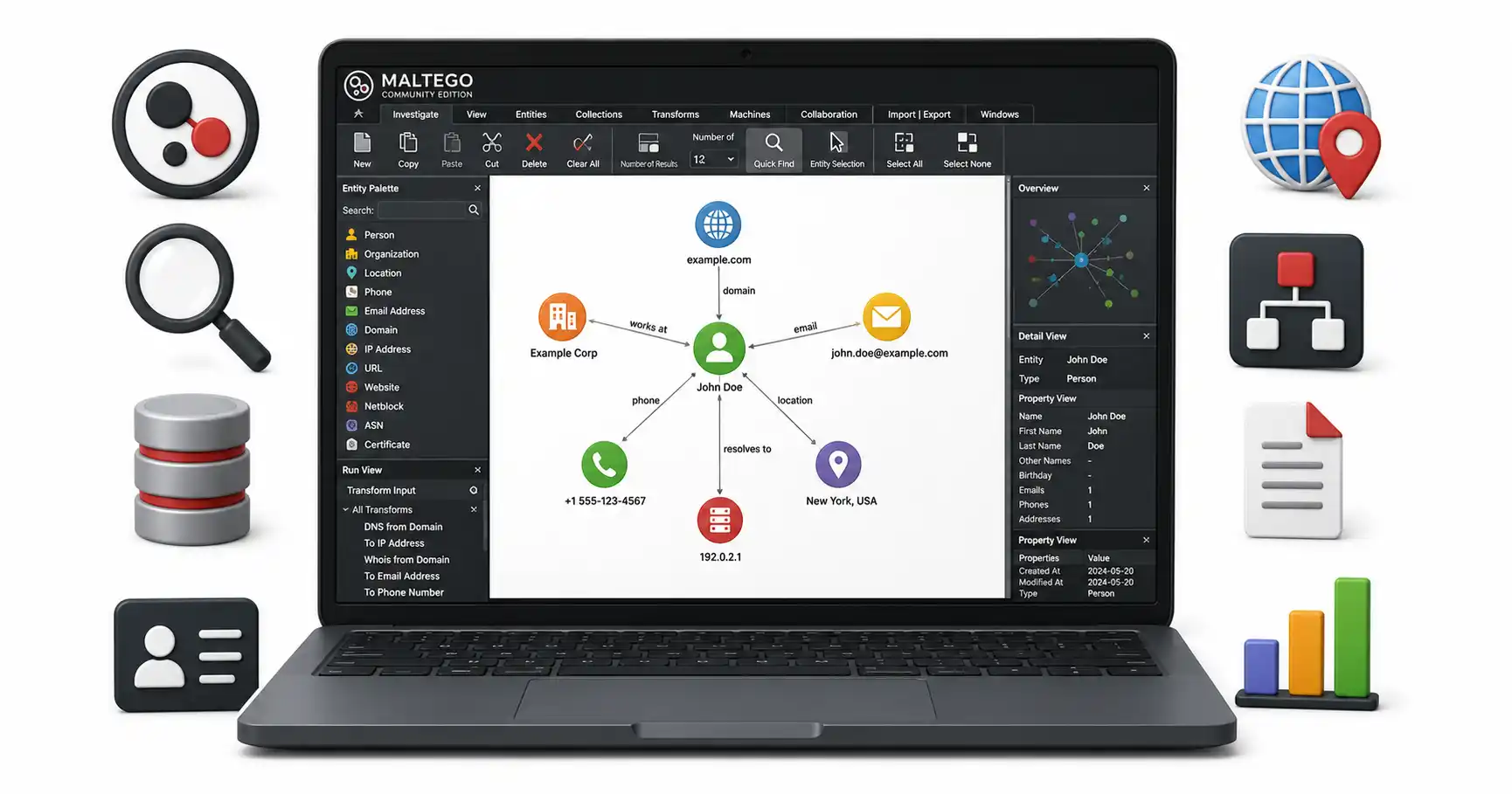
Master link analysis and data correlation. A tutorial on Maltego CE covering Transforms, Entities, automated workflows, and graph visualization.

Learn essential safe online banking practices. Protect your bank accounts, avoid phishing scams, and secure financial transactions in 2026.
Explore our full collection of free, privacy-first developer and SEO tools.
Browse All 134+ ToolsStart typing to search across articles, tools & courses