
Image Tools
Image Resizer
Resize images to exact dimensions or percentage while maintaining aspect ratio.
Compress images online for free with our high-performance client-side Image Compressor. Drastically reduce image file sizes (up to 80% to 90% savings) for faster website loading speeds, lower bandwidth consumption, and improved SEO Core Web Vitals (LCP). Adjust compression quality sliders (10% to 100%), convert formats to modern WebP, JPEG, or PNG, resize resolution scale, preview side-by-side original vs compressed images, and download your optimized image with 1-click. 100% private and processed locally in your browser.
Drag & Drop your image here, or Browse File
Supports JPG, PNG, WebP, GIF (up to 20MB) • 100% Private Client-SideThe FreeTechLearner Online Image Compressor provides a fast, browser-native utility to shrink image file sizes, adjust compression quality percentages, convert between image formats (WebP, JPEG, PNG), and preview side-by-side file size savings before downloading.
Our tool uses intelligent HTML5 Canvas quantization algorithms. At 75% to 80% compression quality, image file size is typically reduced by 70% to 80% with zero human-perceivable visual quality loss.
You can upload JPG/JPEG, PNG, WebP, and GIF images. You can also convert your output to modern WebP format for maximum compression efficiency.
No! Our Image Compressor runs 100% locally in your web browser using HTML5 Canvas and Blob APIs. Your photos never leave your device, ensuring total privacy and confidentiality.
Large uncompressed images are the #1 cause of slow page load times. Compressing images improves your website's Largest Contentful Paint (LCP) metric, boosting your Google search rankings.
We recommend setting the quality slider to 80%. This provides the optimal balance between high visual crispness and dramatically reduced file sizes.
Yes! Select "WebP" from the Convert Format dropdown menu to convert PNGs or JPEGs into modern WebP files, which are up to 30% smaller than JPEGs.
Because processing runs client-side inside your browser, there is no artificial file size cap. You can compress large camera photos (20MB+) effortlessly.
Yes, 100% free with no account signup, no subscription, and zero watermarks added to your compressed images.
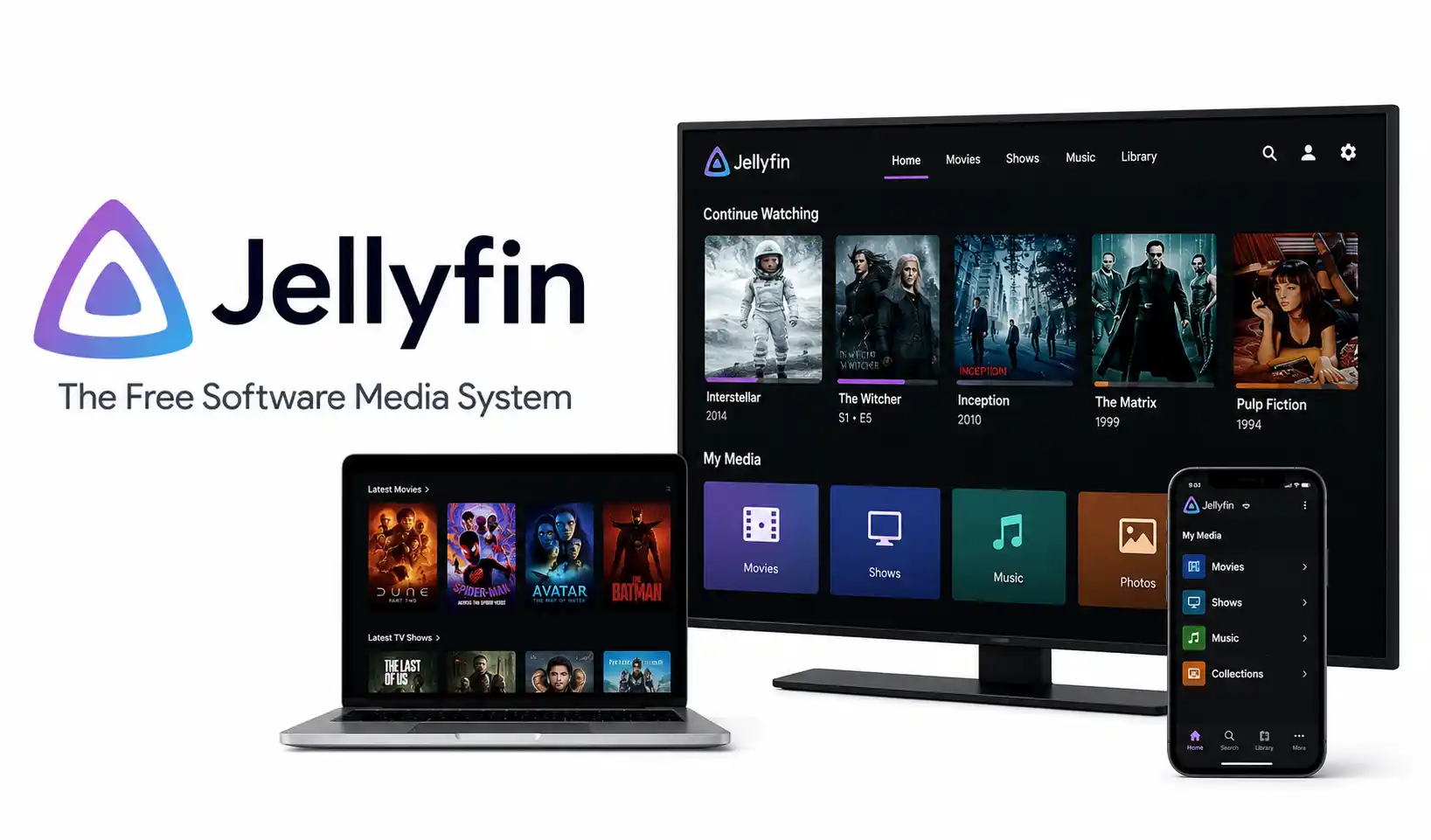
Learn how to install and configure Jellyfin, the free and open-source alternative to Plex. Stream movies, TV, and music from your own hardware with zero subscriptions.
A comprehensive guide to building real-world AI projects in 2026. Learn to deploy local LLMs, build RAG pipelines, manage MLOps, and secure your self-hosted infrastructure.

Discover 30+ underrated AI tools for research, coding, design, privacy, and DevOps productivity that most engineers overlook. Free and open-source options included.
Explore our full collection of free, privacy-first developer and SEO tools.
Browse All 134+ ToolsStart typing to search across articles, tools & courses