
Image Tools
JPG to PNG Converter
Convert JPG/JPEG images to PNG format with transparent background support.
Convert PNG images to JPG format with adjustable quality settings.
Drop PNG images here or click to browse
Up to 10 PNG files • Converted entirely in your browser
This tool converts PNG images to JPG/JPEG format directly in your browser. JPG uses lossy compression to produce much smaller file sizes, ideal for photographs and web images where transparency is not needed.
JPG files are typically much smaller than PNG files, making them better for photographs and web images where transparency is not needed.
JPG does not support transparency. Transparent areas in your PNG will be filled with a white background during conversion.
Yes. Use the quality slider (1–100%) to balance between file size and image quality. 92% is recommended for most use cases.
Yes, JPG uses lossy compression. However, if you keep the quality slider above 90%, the human eye generally cannot distinguish any difference, while the file size drops significantly.
PNG files are often massive. Converting them to JPG can reduce their file size by 50% to 80%, which dramatically improves your website\'s load time and Core Web Vitals.
Because the JPG format does not support alpha channels (transparency), any transparent areas in your original PNG will be automatically filled with a solid white background.
Yes, it is 100% secure. Our tool uses HTML5 Canvas to perform the conversion directly on your device. Your photos are never uploaded to the cloud.
Yes, our bulk converter allows you to select dozens of PNGs at once, adjust the global quality slider, and convert them all simultaneously.
Yes. JPG and JPEG are exactly the same file format. The 3-letter .jpg extension only exists because early Windows systems couldn\'t handle 4-letter extensions.
WebP is a modern format that offers better compression than JPG. If your website audience uses modern browsers, converting to WebP is often a better choice for SEO.

Master influencer marketing and creator economy ROI in 2026. Learn audience vetting, engagement math, FTC compliance, contract negotiations, attribution modeling, and fraud detection.
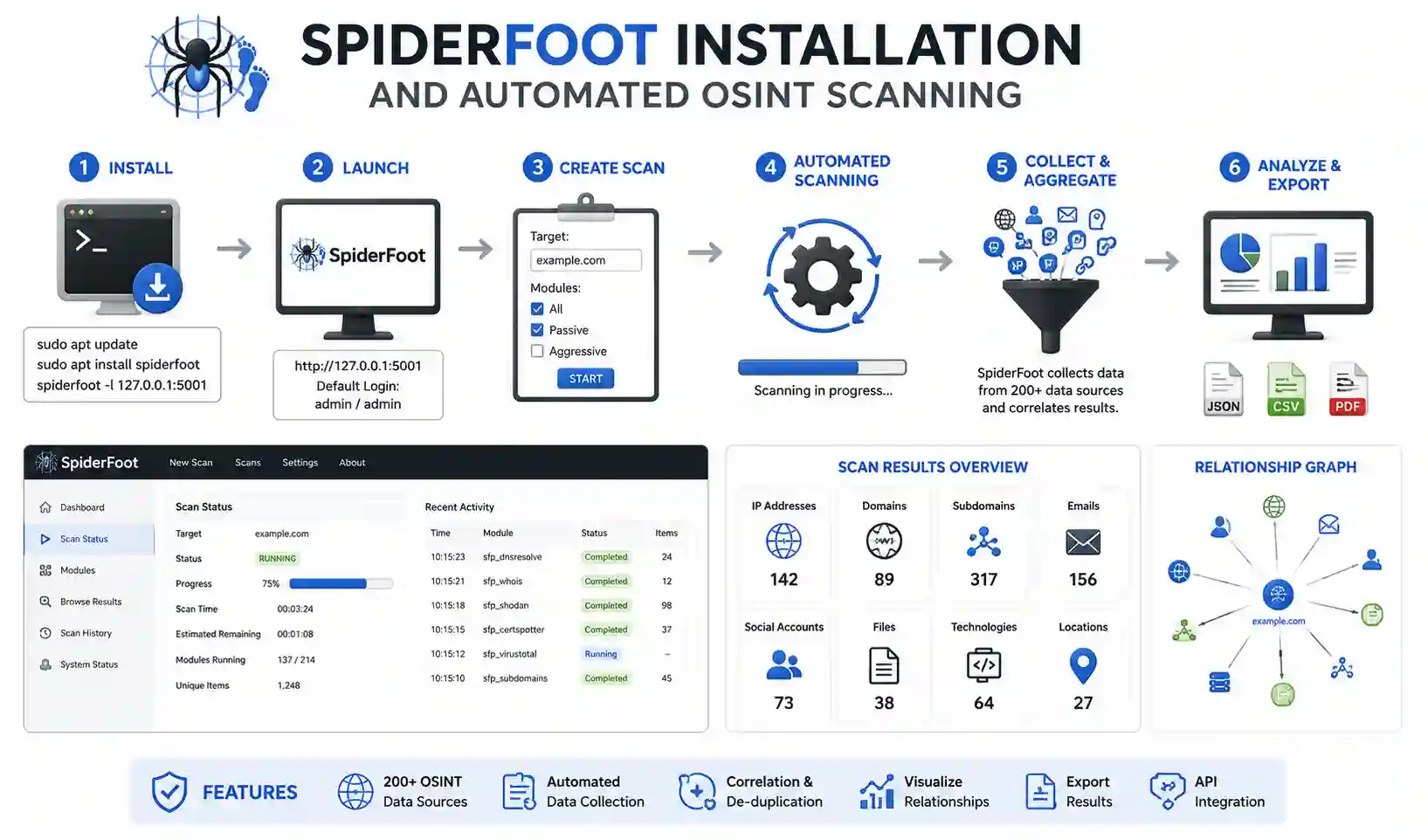
A comprehensive tutorial covering SpiderFoot installation, module configurations, API key integration, and report analysis.
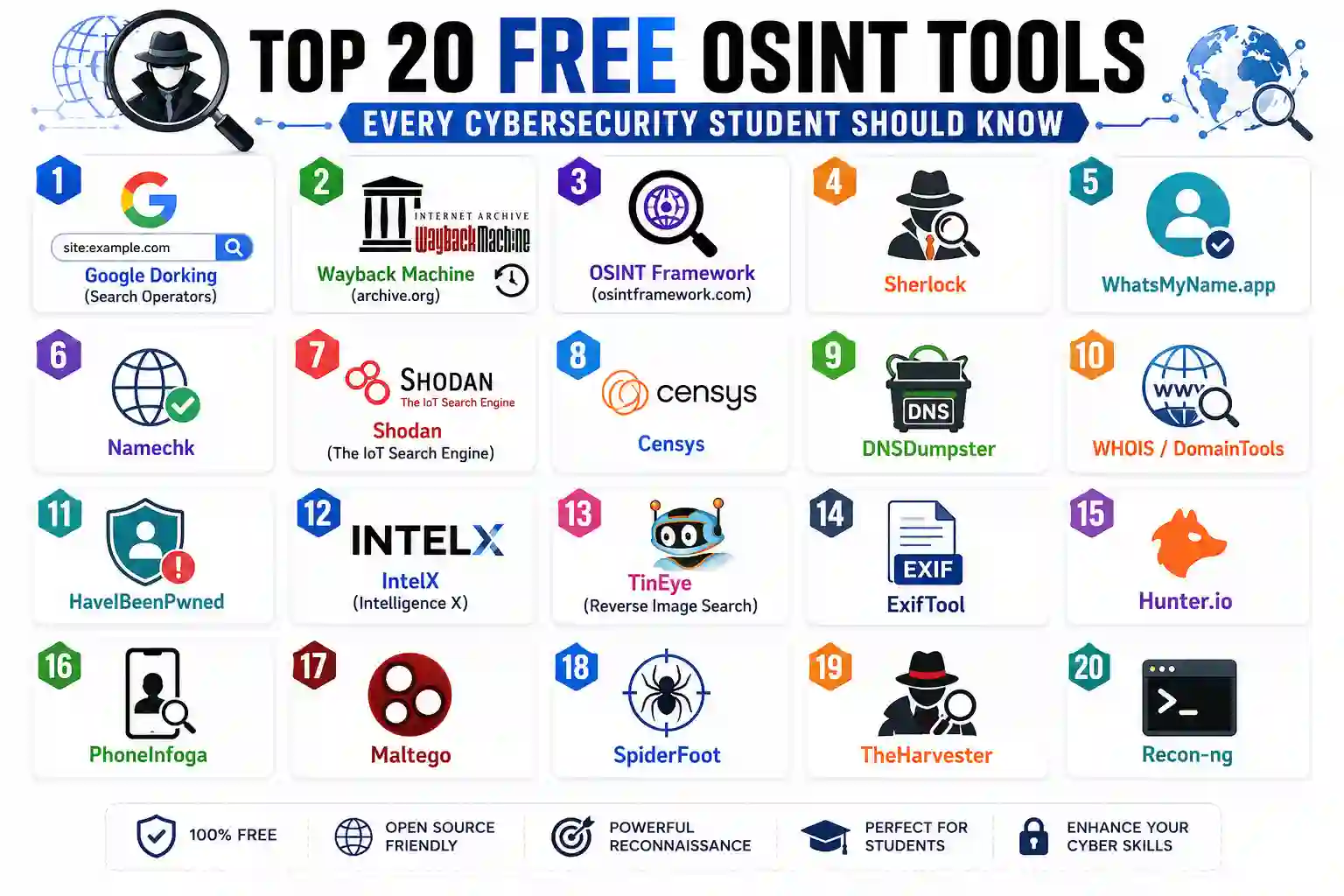
A comprehensive guide detailing the top 20 free OSINT tools. Master Sherlock, Shodan, Maltego, ExifTool, and automate your threat intelligence.
Explore our full collection of free, privacy-first developer and SEO tools.
Browse All 134+ ToolsStart typing to search across articles, tools & courses