
Image Tools
Image Compressor
Compress JPG, PNG, WebP, and GIF images online to reduce file size without visible quality loss.
Convert images to and from WebP format for better web performance.
Drop JPG/PNG here or click to browse
Up to 10 files • Converted entirely in your browser
This tool converts images to and from WebP format directly in your browser. WebP is a modern image format developed by Google that provides 25–35% smaller file sizes compared to JPEG and PNG with equivalent visual quality.
WebP is a modern image format developed by Google that provides superior lossless and lossy compression for images on the web, typically 25–35% smaller than comparable JPEG or PNG files.
Yes. This tool supports both directions — convert TO WebP from JPG/PNG, and convert FROM WebP back to JPG or PNG.
WebP is supported by all major modern browsers including Chrome, Firefox, Safari, and Edge. Only very old browsers lack support.
Yes, in most cases for the web. WebP supports both transparency (like PNG) and lossy compression (like JPG). It can replace both formats while saving significant file size.
WebP is relatively new compared to JPEG (1992). Devices running ancient operating systems (like early versions of iOS or Internet Explorer) cannot decode WebP files.
Page speed is a major Google ranking factor. Converting your site\'s heavy images to WebP can drastically reduce loading times, which directly improves your Core Web Vitals.
Yes! WebP fully supports animation and is considered a modern, lightweight replacement for the aging GIF format.
WebP uses lossy compression by default, which means a small amount of data is discarded. However, at a quality setting of 85-90%, the difference is usually invisible to the human eye.
Because our tool processes images locally using your computer\'s RAM and CPU, there is no hard limit. However, files over 50MB may cause your browser to temporarily freeze.
Yes. Your photos are converted locally in your browser via HTML5 Canvas. We never upload your images to any remote servers.
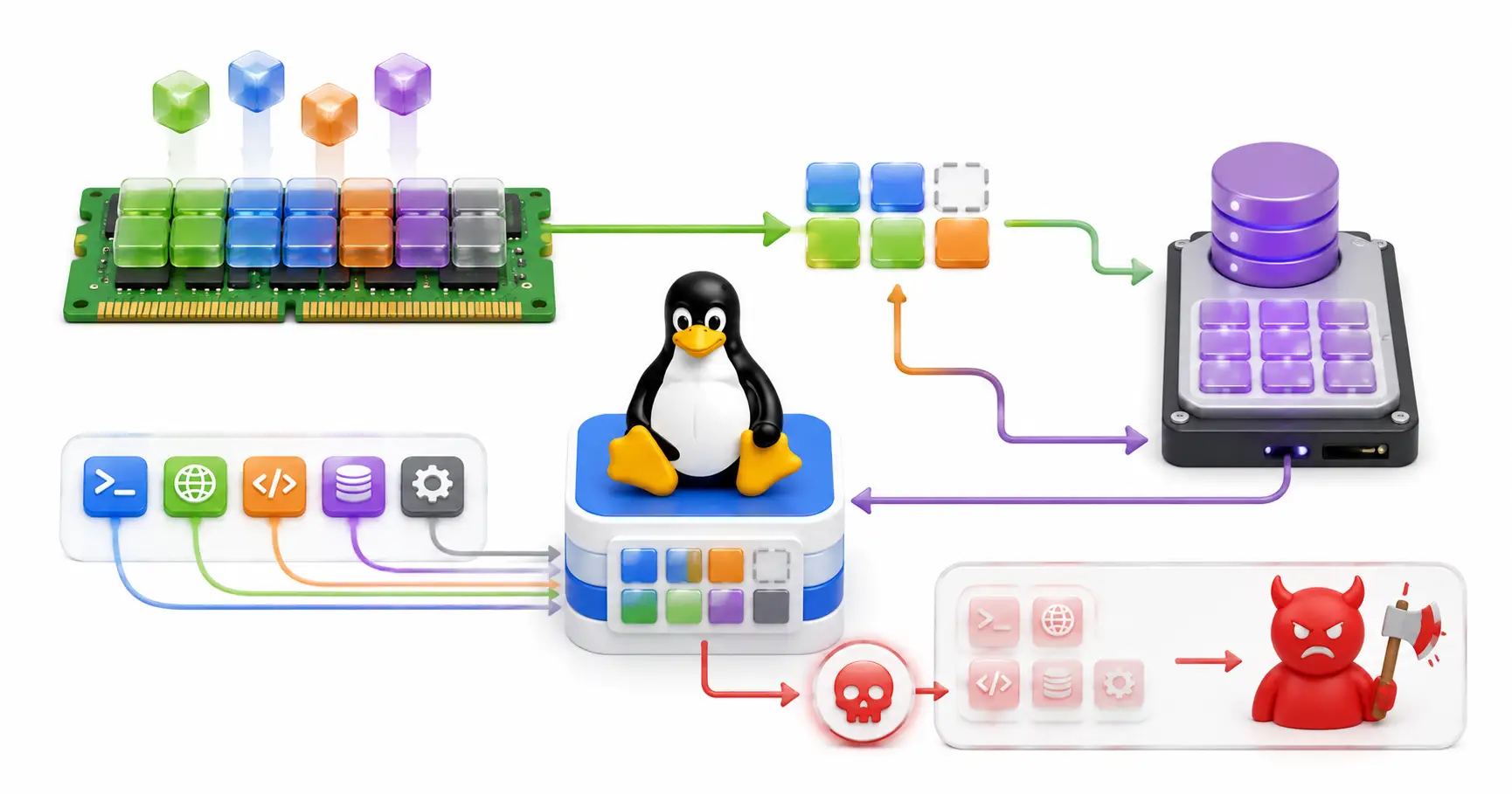
A DevOps deep dive into Linux memory management. Understand Virtual Memory, Page Cache, Swappiness, Zram, and how to tune the OOM Killer for production.
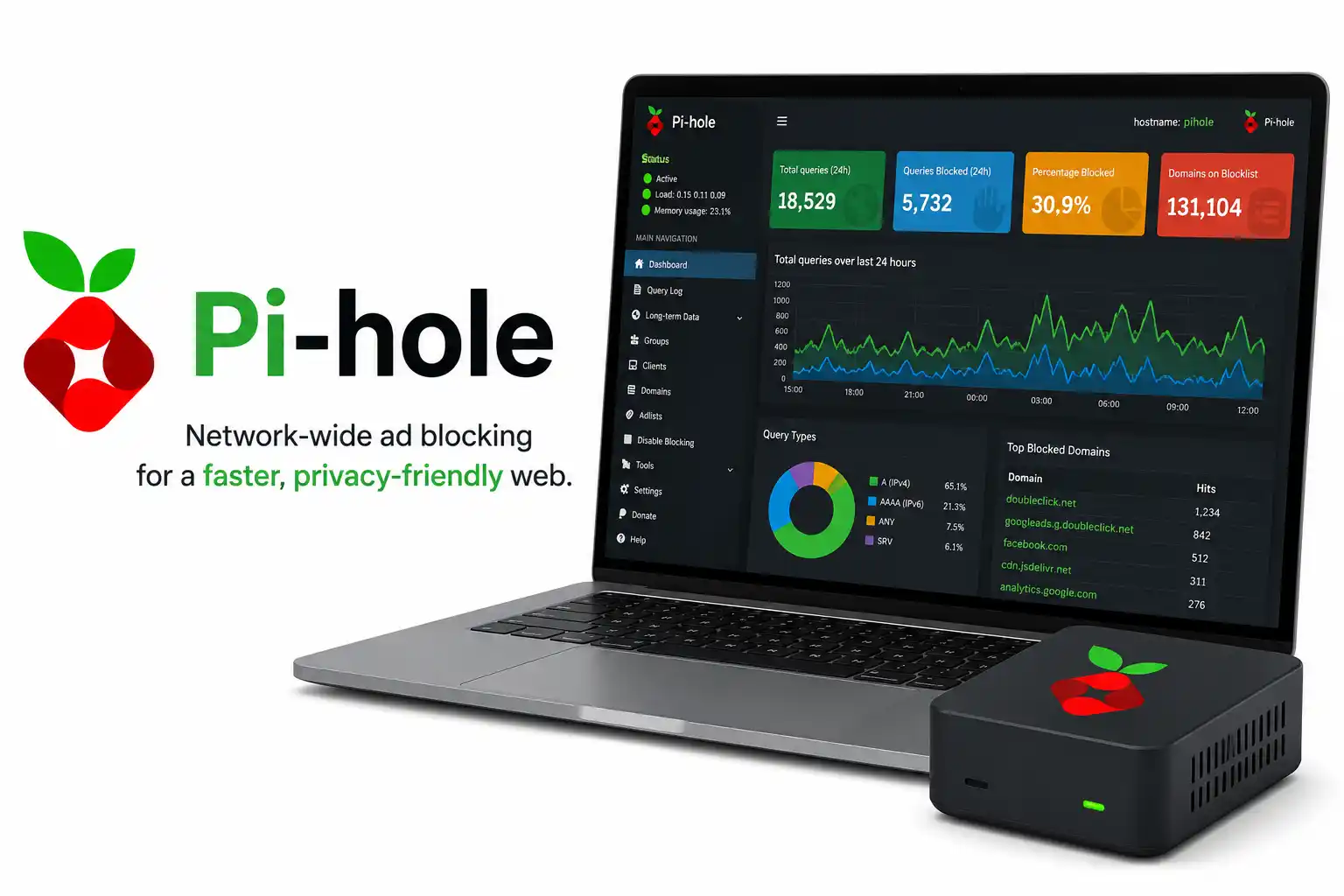
Learn how to install and configure Pi-hole, the self-hosted DNS sinkhole that blocks ads and trackers for every device on your network. No per-device browser extensions, no subscriptions.

Discover why developers switch to Neovim. Learn to configure Lua, set up native LSP, use Treesitter, and build a blazing-fast IDE from scratch.
Explore our full collection of free, privacy-first developer and SEO tools.
Browse All 134+ ToolsStart typing to search across articles, tools & courses