
Security Tools
Base64 Decoder
Decode Base64 encoded strings back to plain text instantly.
Decode, inspect, and validate JSON Web Tokens (JWT) client-side instantly. Split tokens into their color-coded Header, Payload, and Signature components, translate Unix epoch timestamp claims (like exp, iat, nbf) into human-readable local dates, and check expiration status.
The FreeTechLearner JWT Decoder translates JSON Web Tokens entirely within the client browser. It breaks down encoded tokens, parses headers and payloads, translates timestamp claims, and provides structure validation and expiration badges.
Yes, absolutely. Our JWT decoder operates 100% in your local browser using client-side JavaScript. No tokens, keys, or personal details are uploaded or transmitted to any server. However, you should still practice caution with highly sensitive production tokens in any online web utility.
This tool decodes the Base64Url-encoded Header and Payload to inspect claims, and validates the token structure. It does not perform cryptographic signature verification against a public key or secret, as verifying signatures requires server keys.
The tool checks the "exp" (expiration) claim in the token payload. If the expiration timestamp is in the past compared to your current system time, it displays a red "Expired" status badge. If it is still valid, it displays a green "Active" badge.
These are standard JWT claims: "iss" (Issuer) identifies who created the token; "sub" (Subject) identifies the user or client the token belongs to; "aud" (Audience) identifies the recipients that the token is intended for.
A JWT is an open standard (RFC 7519) that defines a compact and self-contained way for securely transmitting information between parties as a JSON object. This information can be verified and trusted because it is digitally signed.
A JWT is split into three parts separated by dots (.): The Header (containing the algorithm and token type), the Payload (containing the claims or data), and the Signature (used to verify the token).
JWTs are encoded using Base64Url, not encrypted. This means anyone who has the token can decode and read the payload. You should never put sensitive data (like passwords) inside a standard JWT.
The iat (Issued At) claim is a Unix timestamp indicating the exact date and time the JWT was created and issued by the authorization server.
The nbf (Not Before) claim is a Unix timestamp identifying the time before which the JWT must NOT be accepted for processing. It effectively delays the activation of the token.
Our tool automatically pretty-prints and color-codes the JSON output for both the header and the payload. You can simply click the "Copy" button to grab the formatted JSON.
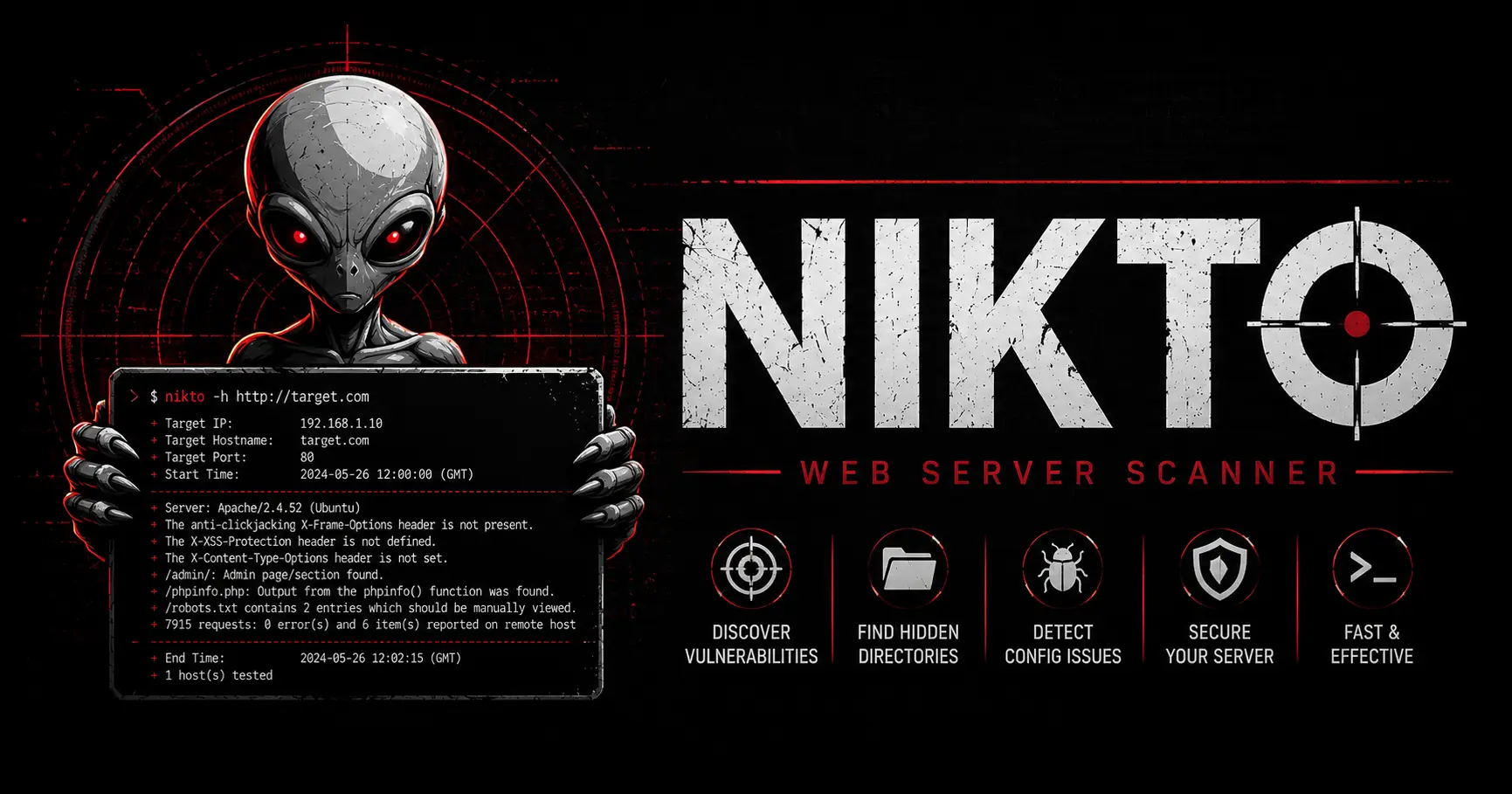
A comprehensive deep dive into Nikto. Learn how to install the scanner, run advanced vulnerability checks, interpret HTTP headers, and bypass Web Application Firewalls.

Master influencer marketing and creator economy ROI in 2026. Learn audience vetting, engagement math, FTC compliance, contract negotiations, attribution modeling, and fraud detection.
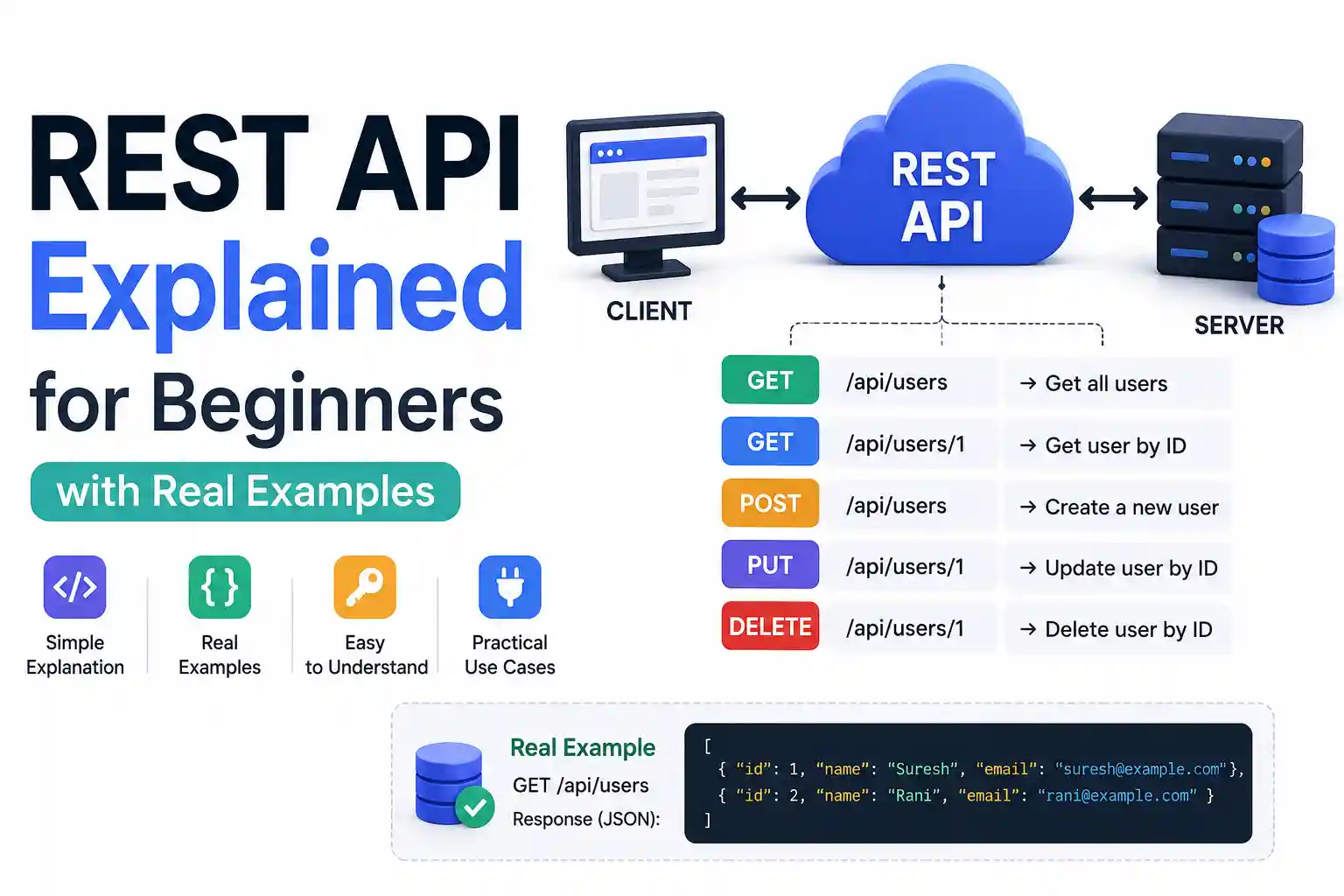
What is a REST API? Learn the basics of APIs, RESTful architecture, HTTP methods, and status codes using real-world analogies and practical backend examples.
Explore our full collection of free, privacy-first developer and SEO tools.
Browse All 134+ ToolsStart typing to search across articles, tools & courses