
Developer Tools
JSON to CSV Converter
Convert JSON data into CSV format instantly. Great for opening API data in Excel.
A fast, client-side CSV to JSON converter. Turn your Excel or CSV exports into structured JSON arrays. Choose between pretty-printed or minified JSON outputs, and instantly download or copy the result for use in your web applications or databases.
The CSV to JSON Converter takes tabular data (like CSV files or pasted Excel data) and maps the headers to keys, generating a clean array of JSON objects.
While CSV is great for spreadsheets, JSON is the standard data format for web applications and NoSQL databases like MongoDB. Converting CSV to JSON makes the data ready for backend APIs.
Yes! The tool automatically attempts to detect your delimiter, but you can also manually select commas, semicolons, pipes, or tabs.
No. The conversion happens entirely within your browser using JavaScript. No files are ever uploaded, ensuring complete data privacy.
By default, the tool assumes the first row of your CSV contains the column headers. It maps these headers as keys for each JSON object in the resulting array.
Currently, the tool expects headers to generate valid JSON key-value pairs. If you don't have headers, you should manually add a row at the top with column names before converting.
The tool attempts to auto-detect data types. If a column contains only numbers (like 123) or booleans (true/false), they will be output as native JSON numbers/booleans rather than strings.
While you cannot upload .xlsx files directly, you can easily open your Excel file, click "Save As" and select "CSV (Comma delimited)". You can then upload that CSV file here.
Minified JSON removes all spaces, line breaks, and indentation. This makes the file size significantly smaller, which is ideal for production environments or fast network transfers.
Pretty-printed JSON adds spaces and line breaks to make the data highly readable for humans. This is best for debugging or analyzing the data structure visually.
Since the processing happens locally in your browser memory, very large CSV files (e.g., over 50MB) may cause your browser to slow down or crash. For most standard files, it is instantaneous.

A comprehensive, infrastructure-focused guide to JSON. Learn the syntax, how to parse logs, JSONB databases, API communication, and why it defeated XML.
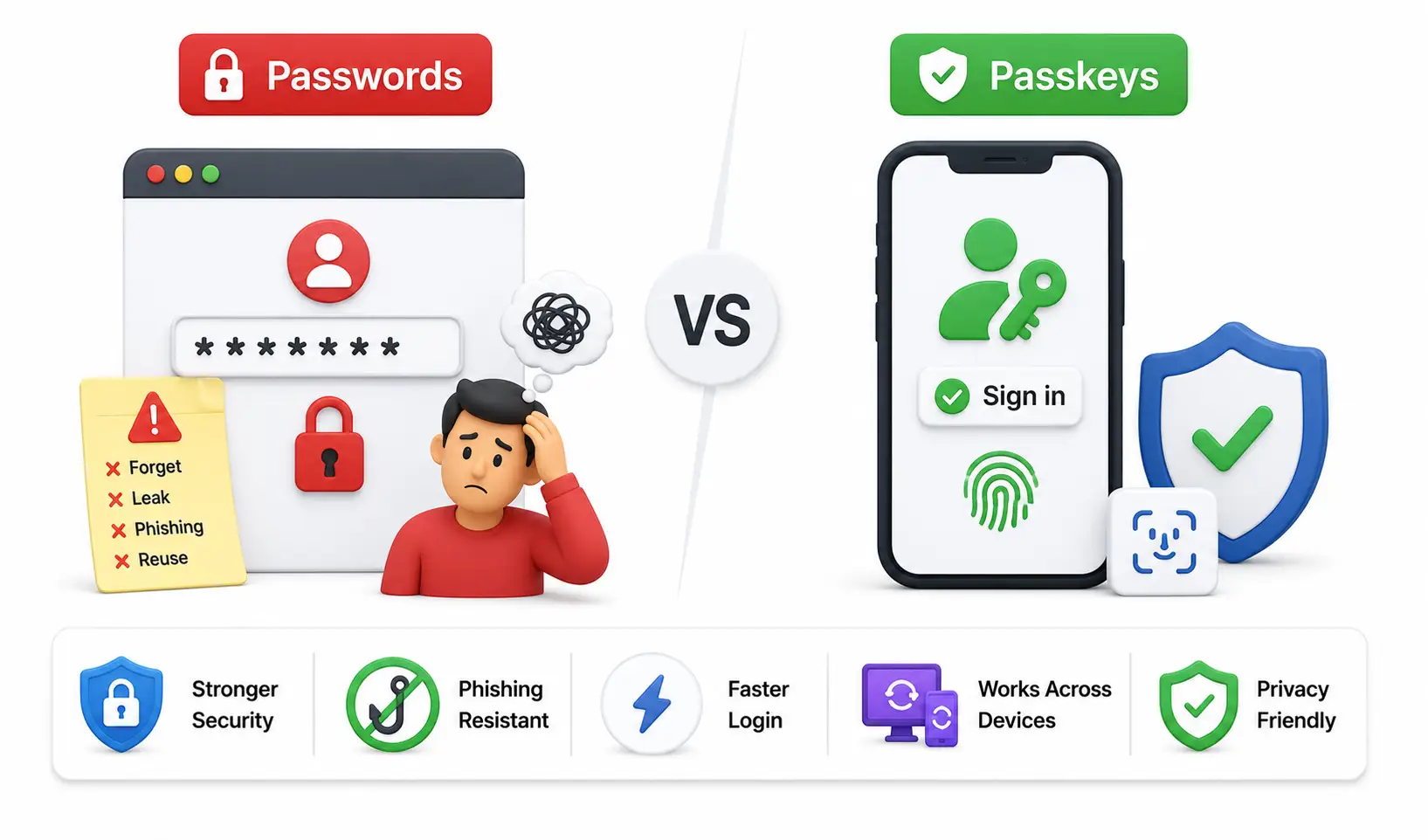
Master the definitive future of global online security. A massive guide explaining FIDO2 Passkeys, Public-Key Cryptography, and why passwords are dead.

A comprehensive, production-grade technical evaluation of AI coding assistants including GitHub Copilot, Cursor, Codeium, Tabnine, Continue, Amazon Q Developer, and more.
Explore our full collection of free, privacy-first developer and SEO tools.
Browse All 134+ ToolsStart typing to search across articles, tools & courses