
Developer Tools
CSV to JSON Converter
Convert CSV files into JSON format instantly. Great for preparing data for APIs.
A lightning-fast, entirely client-side JSON to CSV converter. Paste your JSON arrays or upload a file, and instantly get clean, properly escaped CSV data. Customize your delimiter and download the file for use in Microsoft Excel, Google Sheets, or LibreOffice Calc.
The JSON to CSV Converter takes arrays of JSON objects (typically exported from APIs or databases) and flattens them into a tabular CSV format.
The easiest way is to convert your JSON data into a CSV (Comma Separated Values) file using this tool. Once converted, you can download the .csv file and open it directly in Microsoft Excel, Google Sheets, or any other spreadsheet software.
Yes! This tool runs 100% client-side in your browser. Your data is never sent to any server, making it completely secure and private.
The tool has built-in error detection. It will highlight if your JSON is invalid (e.g., missing quotes or trailing commas) and show you exactly what went wrong.
JSON stands for JavaScript Object Notation. It is a lightweight format used for storing and transporting data, most commonly when a server sends data to a web page or API.
CSV stands for Comma-Separated Values. It is a simple text file format used to store tabular data (numbers and text) in plain text, making it the universal standard for spreadsheet software.
Currently, this tool is optimized for flattening 1D arrays of JSON objects. Highly complex nested JSON arrays or deep objects might require pre-flattening before they can be cleanly mapped to CSV columns.
While "comma" is the standard for CSV files, some regions (like parts of Europe) use commas as decimal separators. In those cases, a semicolon (;) or pipe (|) is used to separate columns to prevent errors.
Yes! We have a dedicated CSV to JSON Converter tool exactly for that purpose. Check the "Related Tools" section on this page to find it.
The converter is smart enough to detect text strings that contain commas (like "address": "123 Main St, City"). It will automatically wrap that entire column in double quotes so Excel doesn't break it into two columns.
Since the processing happens locally in your browser memory, very large JSON files (e.g., over 50MB) may cause your browser to slow down or crash. For most standard API responses, it is instantaneous.

A comprehensive, infrastructure-focused guide to JSON. Learn the syntax, how to parse logs, JSONB databases, API communication, and why it defeated XML.
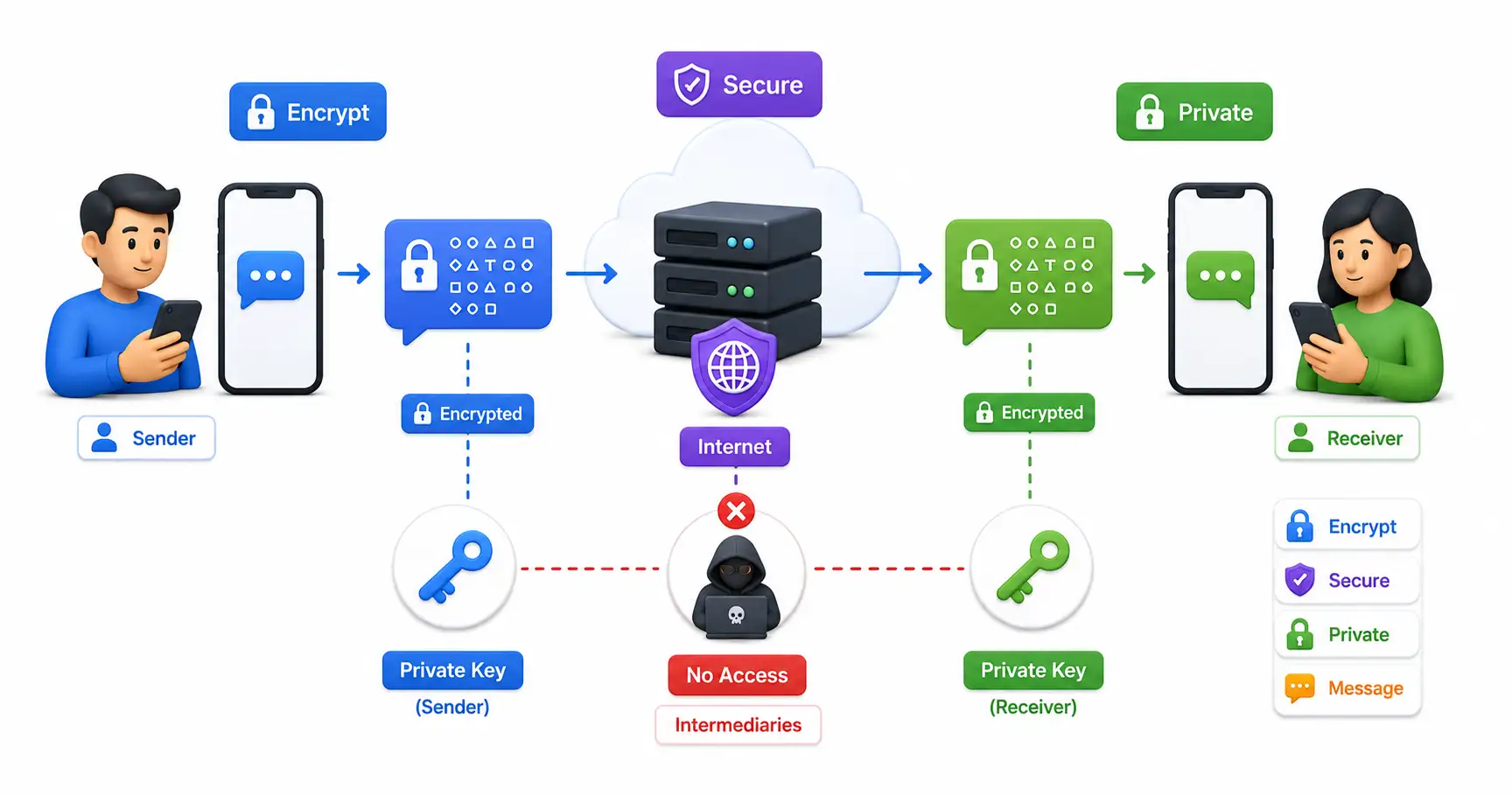
Learn everything about end-to-end encryption (E2EE), how it protects your data, which apps use it, and why it matters for privacy in 2026.

Explore Vis, a highly advanced text editor that perfectly marries Vim's modal editing speed with the structural regular expression power of Plan 9's Sam editor.
Explore our full collection of free, privacy-first developer and SEO tools.
Browse All 134+ ToolsStart typing to search across articles, tools & courses