
Linux Tools
Nginx Config Generator
Generate optimized Nginx server block configurations for common use cases.
Generate docker-compose.yml files from a visual multi-service builder.
Used as the container hostname.
Add other services first to link dependencies.
The Docker Compose Generator provides a visual interface to build complex `docker-compose.yml` files. It allows you to add multiple services, configure ports, and set up persistent volumes without memorizing YAML syntax.
Docker Compose is a tool for defining and running multi-container Docker applications using a YAML configuration file.
Docker Compose allows you to manage multiple related containers (like a Node.js API and a PostgreSQL database) as a single application, starting and stopping them together with one command.
After saving your docker-compose.yml file, navigate to its directory in your terminal and run docker-compose up -d. The -d flag runs them in the background.
You can stop and remove all containers, networks, and default volumes created by compose by running docker-compose down.
Port mapping links a port on your host machine to a port inside the container. 8080:80 means traffic to your server's port 8080 will be routed to the container's port 80.
Containers are ephemeral, meaning data is lost when they are destroyed. Volumes map a directory on your host machine to a directory inside the container, making databases and uploads persistent.
By default, Docker Compose places all services on a single internal network. Services can communicate with each other simply by using their service names as hostnames (e.g., http://database:5432).
depends_on tells Docker Compose the startup order. If your web app requires a database, adding depends_on: db ensures the database container starts before the web container.
You can define them directly under the environment: section in the YAML file, or point to an external file using the env_file: .env directive.
Docker is used to manage individual containers one by one. Docker Compose is a higher-level tool that uses a YAML file to orchestrate multiple Docker containers simultaneously.
Master DokPloy, the lightweight open-source PaaS. Learn how to install DokPloy on Ubuntu, deploy Node.js, Python, and Docker Compose apps, manage databases, automate SSL with Traefik, and set up S3 backups.
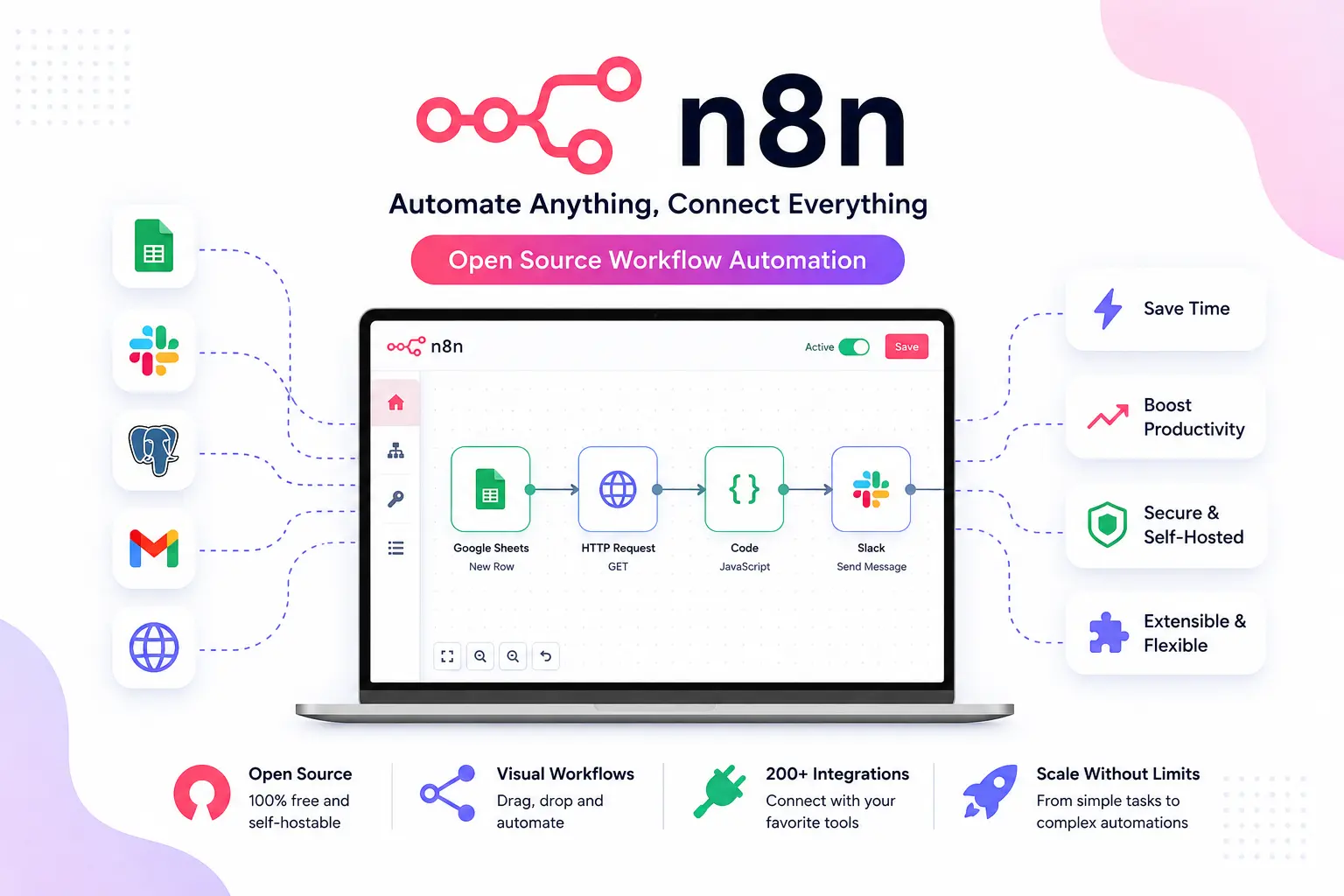
Master n8n workflow automation. Learn how to install n8n with Docker Compose, configure PostgreSQL, set up reverse proxies, and secure your production webhooks.
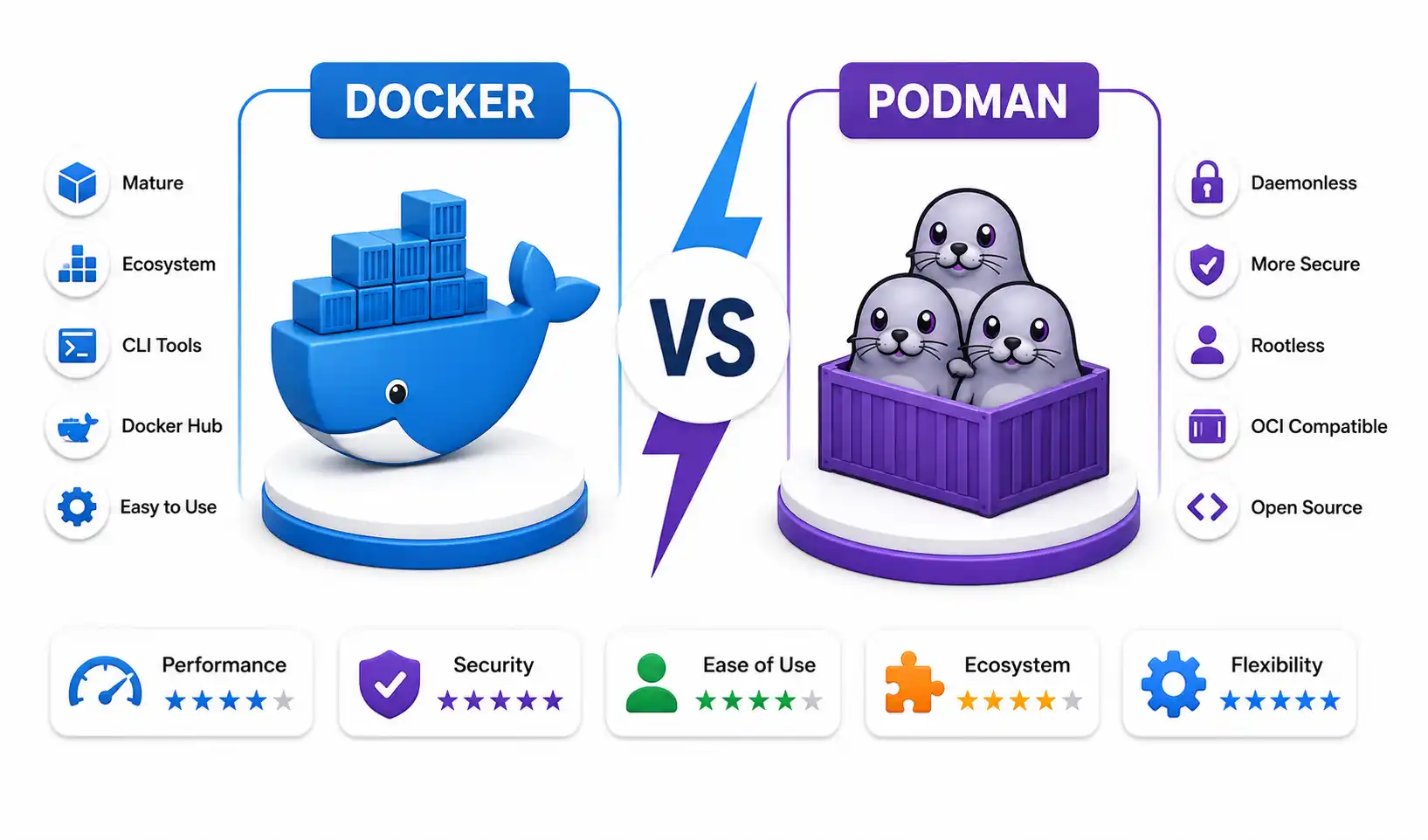
An in-depth sysadmin benchmark comparing Docker and Podman in 2026. Explore rootless networking, BuildKit vs Buildah, CRI-O Kubernetes integration, and daemonless architecture.
Explore our full collection of free, privacy-first developer and SEO tools.
Browse All 134+ ToolsStart typing to search across articles, tools & courses