
Linux Tools
Cron Expression Generator
Build and validate cron expressions with a visual scheduler interface.
Generate systemd unit service files from a guided interactive form.
A human-readable name for the service.
Start this service after the specified target.
The Systemd Service File Generator provides a visual form to quickly configure and generate valid `.service` unit files for Linux servers, ensuring your background applications run reliably.
A systemd service file (*.service) defines how systemd manages a daemon or process, including when to start it, restart policies, and environment configuration.
Custom user-created service files should typically be saved in /etc/systemd/system/. For example, /etc/systemd/system/myapp.service.
After saving the file, reload the daemon with sudo systemctl daemon-reload, then start your service with sudo systemctl start myapp.service.
To ensure your application starts automatically when the server reboots, you must "enable" it using the command sudo systemctl enable myapp.service.
Setting the restart policy to always tells systemd to automatically restart your application if it crashes or is killed, ensuring maximum uptime for your web servers or APIs.
ExecStart is the most important field. It defines the absolute path to the executable command that starts your application (e.g., /usr/bin/node /var/www/app.js).
Yes. It is a major security risk to run web apps as the root user. Use the User and Group fields in our generator to securely run your application as a restricted system user.
You can define them directly in the service file using Environment="PORT=8080", or reference an external file using the EnvironmentFile=/path/to/.env directive.
Systemd automatically captures the standard output of your application. You can view these logs securely using the journalctl command: sudo journalctl -u myapp.service -f.
Type=simple is the default and most common service type. It means systemd considers the service fully started immediately after the ExecStart command is executed, without waiting for it to fork.
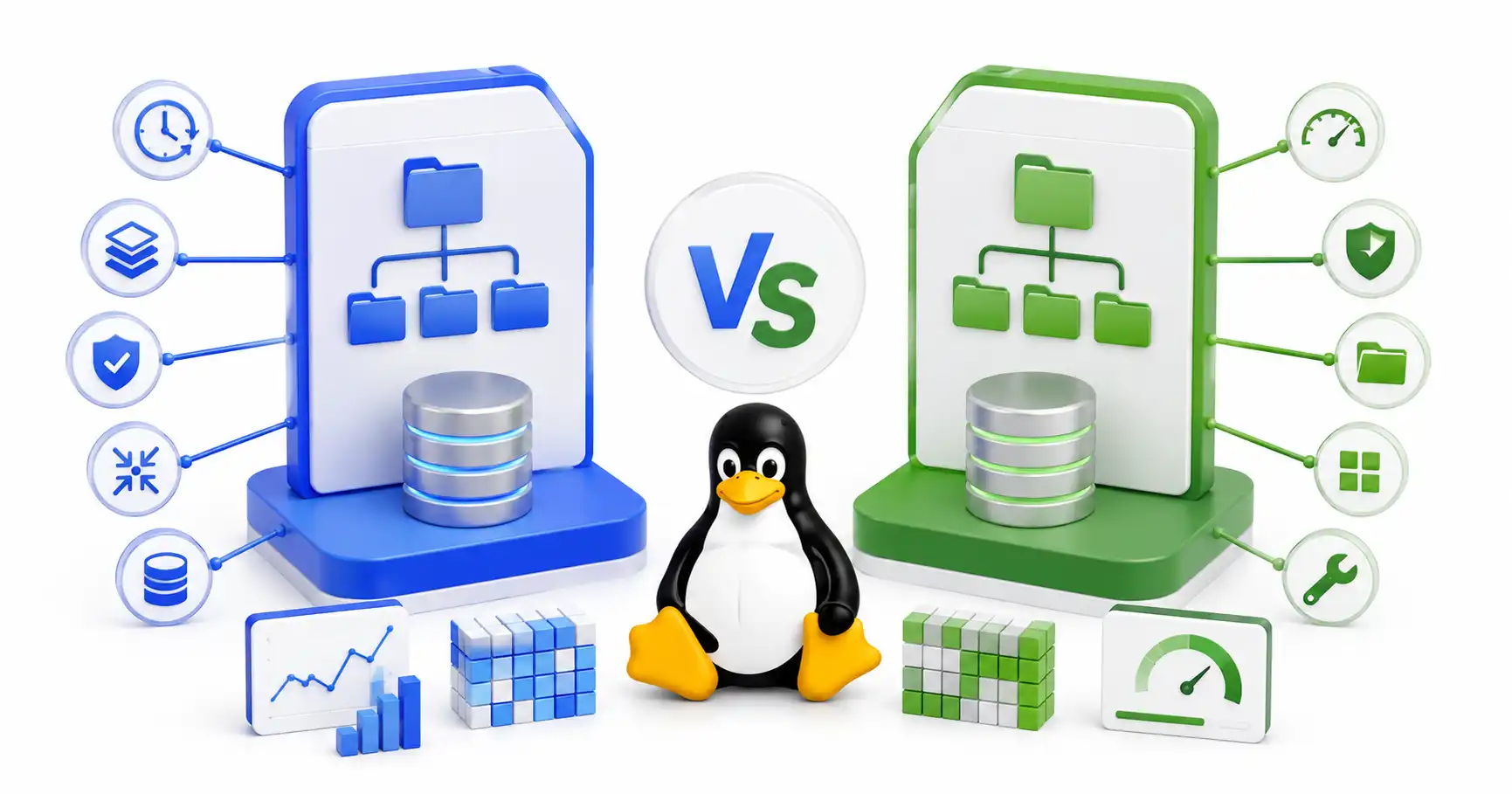
A practical comparison of Btrfs and Ext4 — snapshots, performance, RAID, data integrity, and when to pick each one. Real-world guidance for desktops, servers, NAS, and home labs.
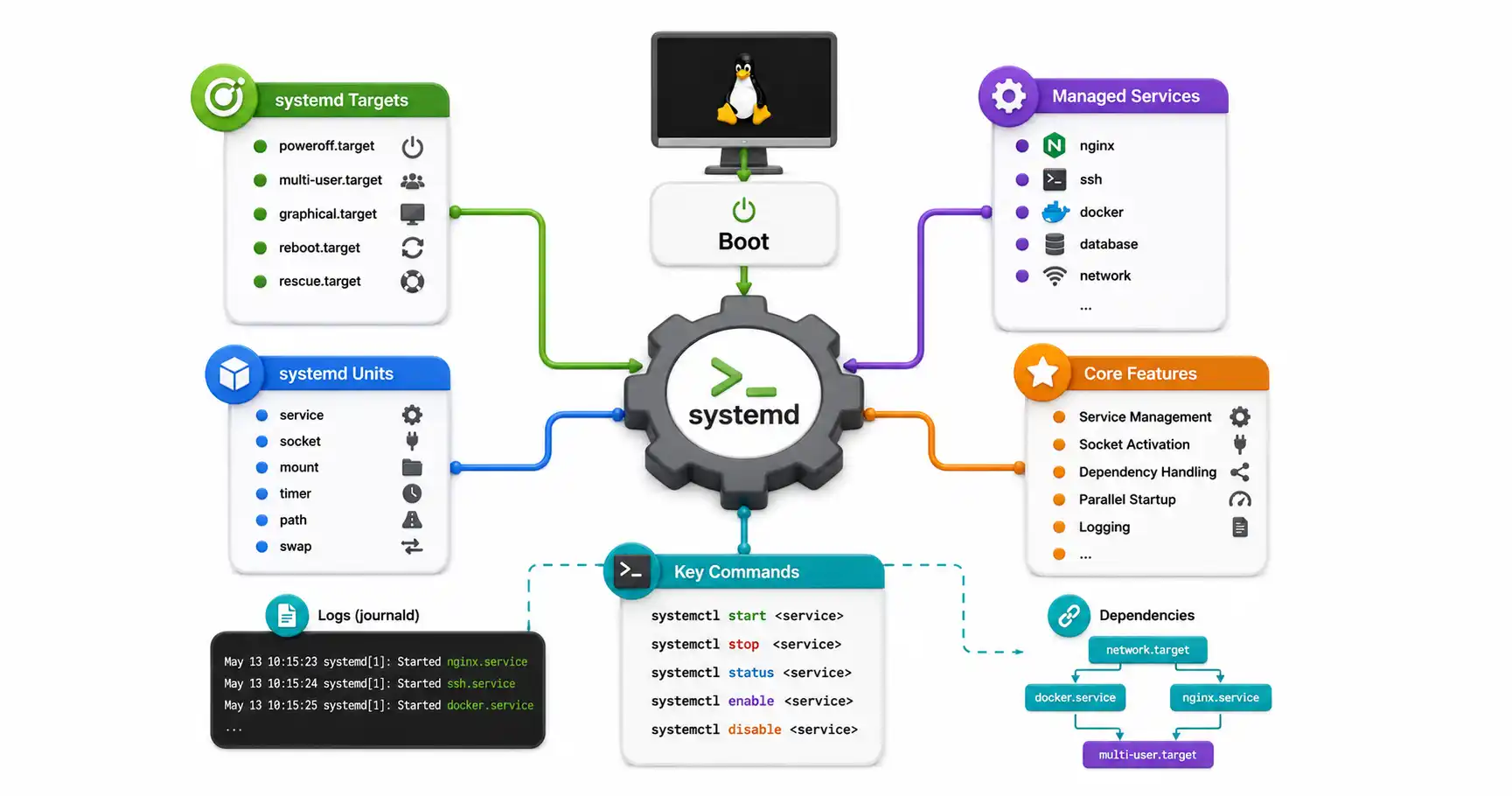
Master systemd, the heart of modern Linux. Learn how to manage services with systemctl, understand units and targets, and create your own custom services.
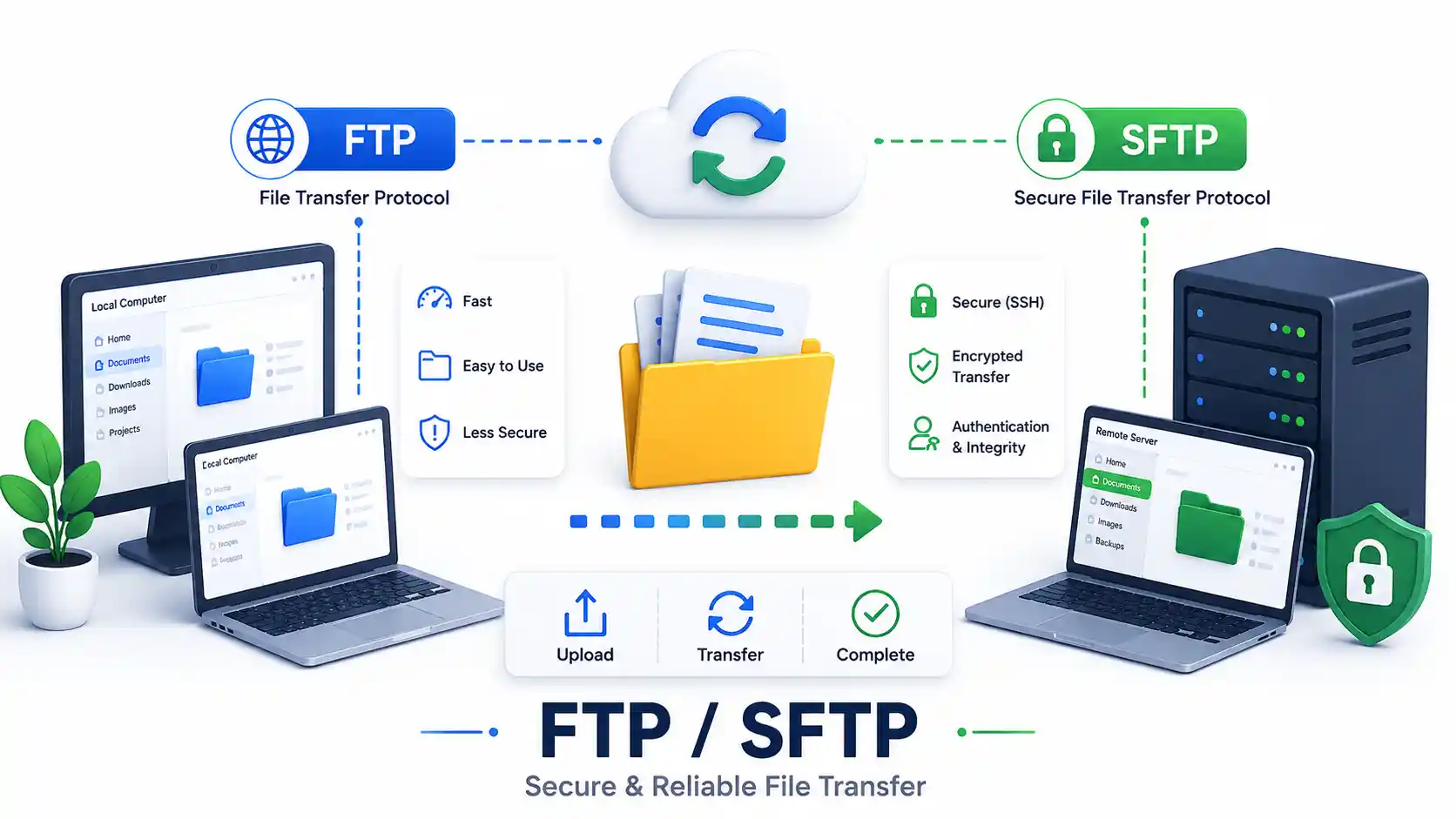
A DevOps guide to secure file transfers in 2026. Compare FTP, FTPS, and SFTP. Master rsync, scp, GUI clients, and configure a secure OpenSSH Chroot Jail.
Explore our full collection of free, privacy-first developer and SEO tools.
Browse All 134+ ToolsStart typing to search across articles, tools & courses