
Linux Tools
Docker Compose Generator
Generate docker-compose.yml files from a visual multi-service builder.
Generate optimized Nginx server block configurations for common use cases.
Main hostname for the server block configuration.
Absolute directory path containing your index files.
The Nginx Config Generator asks you questions about your web application and automatically generates a secure, highly-optimized Nginx server block configuration tailored to your exact needs.
A server block (equivalent to Apache VirtualHost) defines how Nginx handles requests for a specific domain or IP address and port combination.
On Ubuntu/Debian systems, save your file in /etc/nginx/sites-available/yourdomain.com, then create a symlink to it in the /etc/nginx/sites-enabled/ directory.
Before restarting the server, always run sudo nginx -t. This command will test your configuration files for syntax errors and prevent your web server from crashing.
Once the configuration test passes, apply your changes by running sudo systemctl reload nginx. Reloading is safer than restarting because it doesn't drop active connections.
A reverse proxy accepts incoming web traffic (usually on port 80 or 443) and forwards it to an internal application server (like a Node.js app running on port 3000).
Single Page Applications (SPAs) handle their own routing. The try_files $uri $uri/ /index.html; directive tells Nginx to route all unknown URLs to index.html so the frontend router can take over.
Our generator can output the standard SSL blocks. You will need to provide the paths to your SSL certificates. The easiest way to get free certificates is by using Let's Encrypt's Certbot tool.
The server_name directive tells Nginx which domain names (e.g., example.com www.example.com) should be handled by this specific configuration block.
The best practice is to create a separate server block listening on port 80 that simply returns a 301 permanent redirect to the https:// version of your site.
Nginx cannot process PHP code natively. PHP-FPM (FastCGI Process Manager) is a separate service that executes PHP. Nginx uses the fastcgi_pass directive to send PHP requests to it.
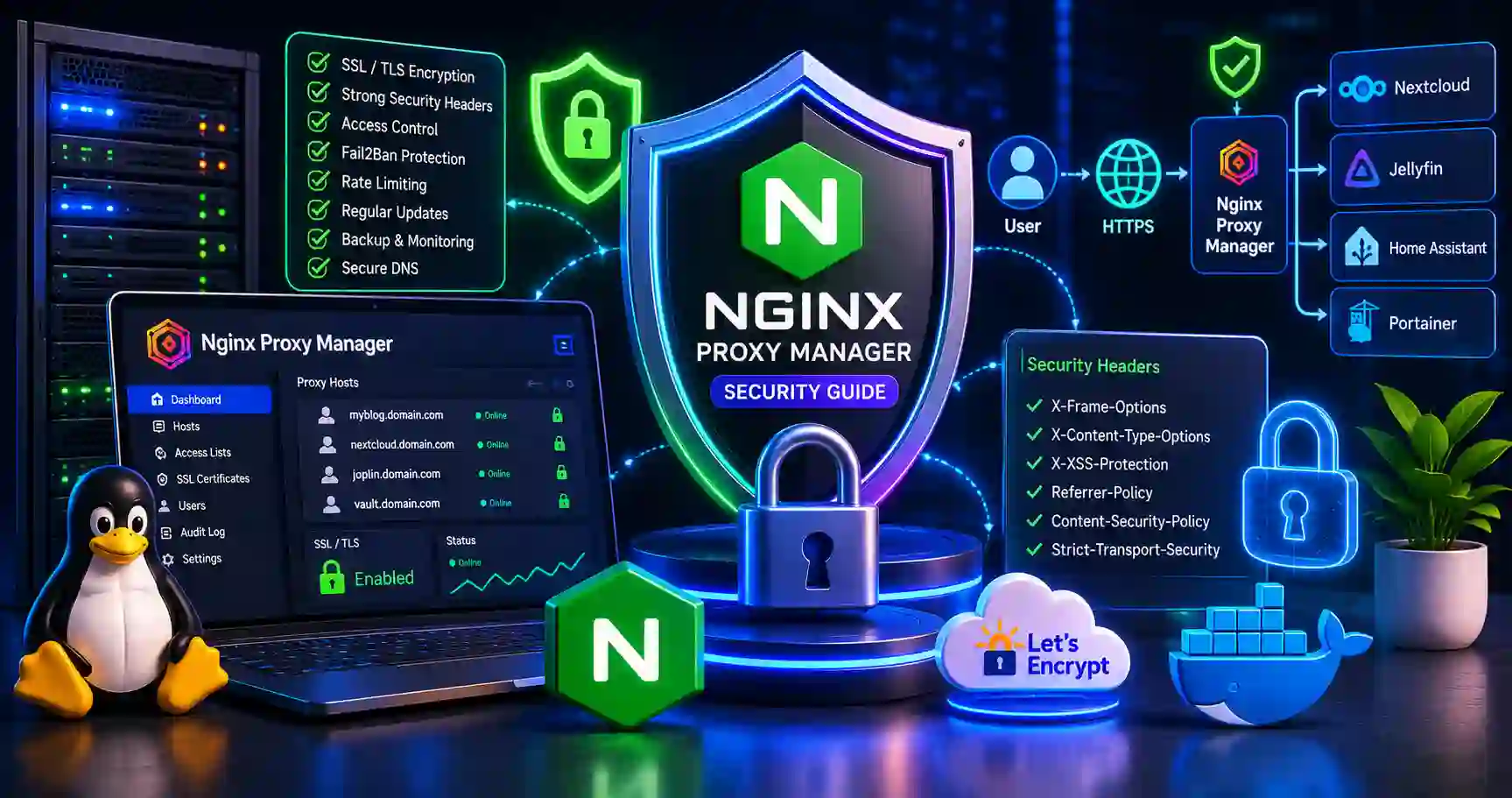
A guide on Nginx Proxy Manager setup and security. Learn reverse proxy configuration, SSL certificates, strict access lists, and server hardening.
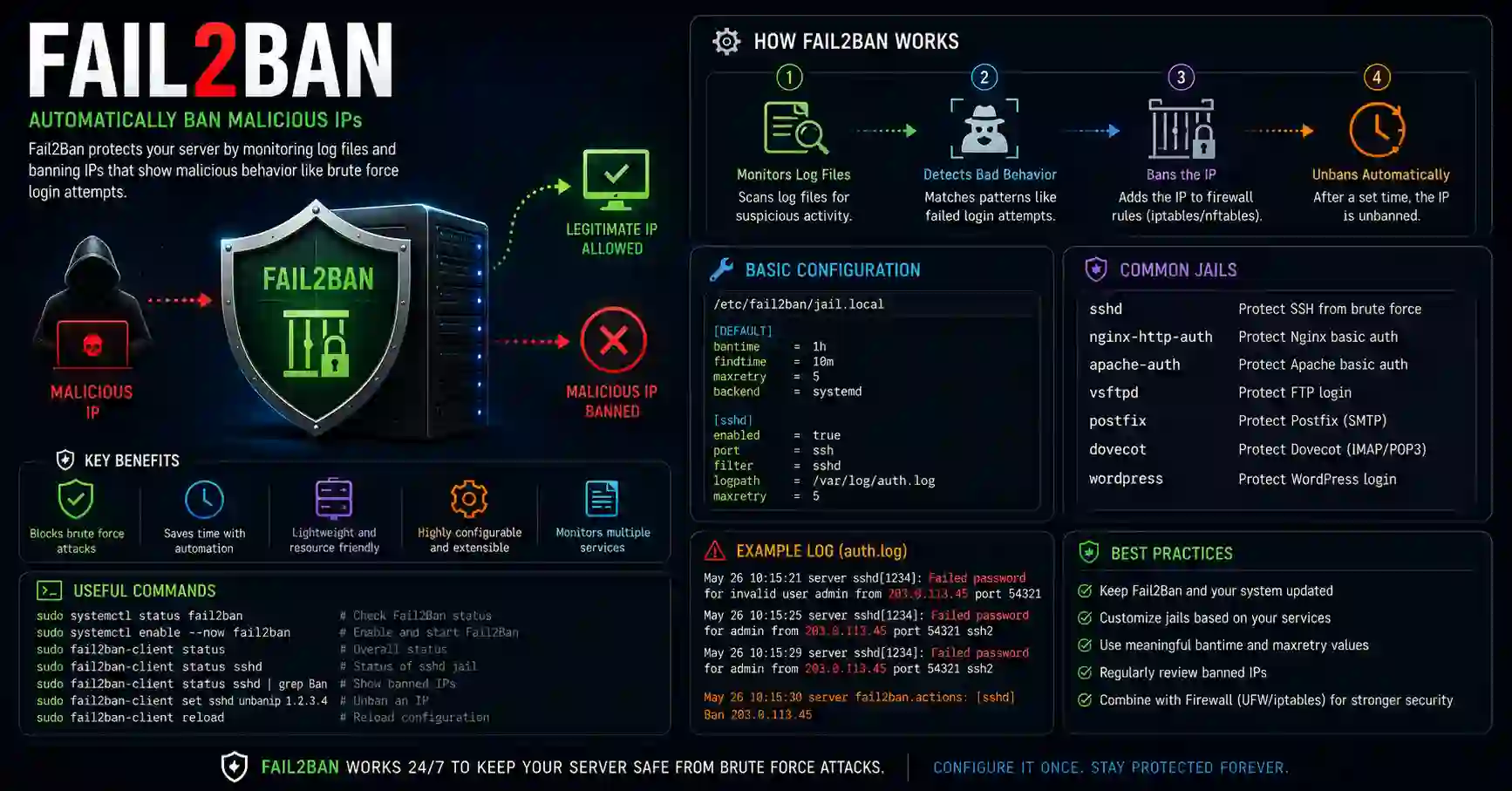
Master Fail2Ban setup on Linux. Learn how to configure custom jails, filters, and firewall rules to protect servers from brute-force attacks.

Learn the crucial differences between intrusion detection and prevention systems (IDS/IPS), exactly how they secure massive networks, and which one you absolutely must choose.
Explore our full collection of free, privacy-first developer and SEO tools.
Browse All 134+ ToolsStart typing to search across articles, tools & courses