
Developer Tools
HTML Minifier
Compress and minify HTML code online to reduce file size and improve website load speed.
A fast, client-side HTML Beautifier and Formatter. Convert ugly, unreadable, or minified HTML back into perfectly indented, structured, and beautiful code. Fully customizable with options for tabs, spaces, brace placement, and attribute wrapping. Essential for debugging or reverse-engineering web pages.
The FreeTechLearner HTML Beautifier takes dense, minified, or poorly formatted HTML documents and transforms them into clean, structured code. It acts as the exact inverse of our HTML Minifier.
An HTML beautifier (or formatter) takes messy, compressed, or minified HTML code and reformats it with proper indentation, line breaks, and spacing, making it easily readable by humans.
Yes! Our underlying formatting engine perfectly understands how to parse and beautify the code embedded inside <style> and <script> tags as well.
No. This formatter runs 100% locally in your web browser, ensuring your HTML remains entirely private.
Absolutely. You can easily switch between 2 spaces, 4 spaces, or tab-based indentation to match your personal or team coding standards.
By default, the beautifier preserves all your HTML comments. It simply ensures they are indented properly alongside the rest of your code.
Beautifying is essential when you need to debug a layout issue on a production site that has been minified, or when analyzing code exported from a visual site builder.
While it attempts to format the structure nicely, a beautifier is not a validator. It might not correctly format code with missing closing tags or severe structural errors.
In most cases, no. Browsers generally ignore extra whitespace. However, be aware that formatting inline elements (like <span> or <a>) can sometimes introduce tiny visual gaps if you rely on strict inline layout without CSS adjustments.
The only limit is your browser's memory. It can easily handle large HTML files of several megabytes instantly.
If you need to revert to a minified version, you can copy the beautified text and use our HTML Minifier tool to compress it again.

A DevOps-focused guide explaining the fundamental shift from HTML4 to HTML5. Learn how semantic tags, WebSockets, Web Workers, and local storage changed web architecture.
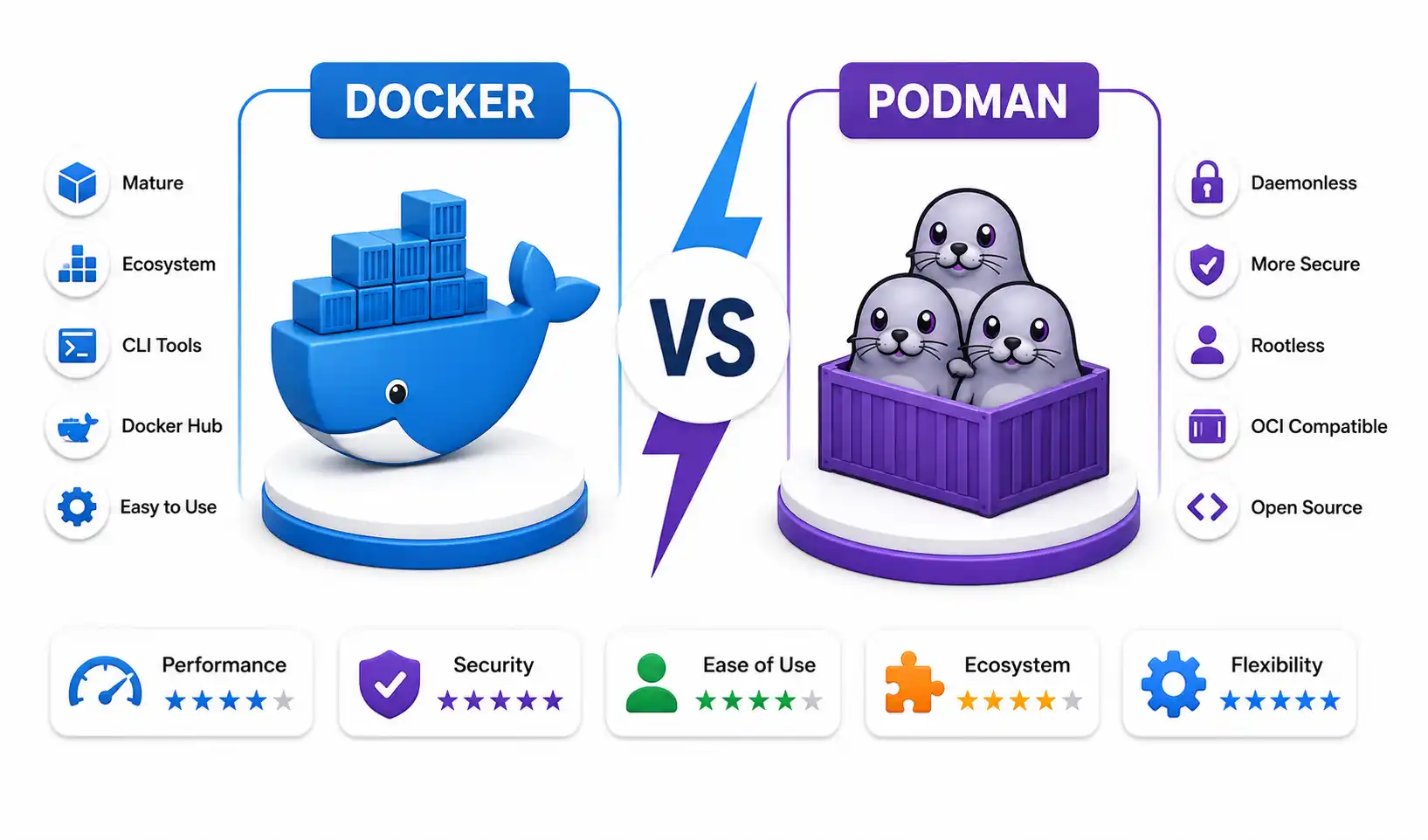
An in-depth sysadmin benchmark comparing Docker and Podman in 2026. Explore rootless networking, BuildKit vs Buildah, CRI-O Kubernetes integration, and daemonless architecture.

A comprehensive, production-grade technical evaluation of AI coding assistants including GitHub Copilot, Cursor, Codeium, Tabnine, Continue, Amazon Q Developer, and more.
Explore our full collection of free, privacy-first developer and SEO tools.
Browse All 134+ ToolsStart typing to search across articles, tools & courses