
Security Tools
Password Generator
Generate strong, secure, random passwords with custom length and character options.
Generate customizable QR codes instantly from any text, URL, email, phone number, or Wi-Fi credentials. Adjust size, foreground and background colors, and error correction level. Download your QR code as a high-quality PNG image. Everything runs 100% client-side in your browser.
Enter content to generate a QR code
The FreeTechLearner QR Code Generator creates high-quality QR codes from any input data. It runs entirely in your browser using client-side JavaScript, supports custom colors and sizes, multiple error correction levels, and provides instant PNG downloads.
You can encode any text, including URLs, email addresses, phone numbers, Wi-Fi credentials, plain text messages, and more. Our tool provides preset templates for common formats.
QR codes have four error correction levels (L, M, Q, H). Higher levels allow the QR code to remain readable even if partially damaged or obscured, but result in a denser code. Level M (15%) is recommended for most uses.
Yes, completely free with no limits. QR codes are generated entirely in your browser using JavaScript — no server processing, no watermarks, no sign-up required.
No! The QR codes generated here are "Static" QR codes. They directly contain the text or URL you entered and will work forever without expiring.
Static QR codes (like ours) encode the actual data into the image, meaning they cannot be edited once printed. Dynamic QR codes encode a short URL that redirects to your data, allowing you to change the destination later.
If you encode a very long URL or large block of text, the QR code has to generate many tiny squares to hold the data. Use a URL shortener first if you need a simpler, scannable code.
Yes. You can customize both the foreground and background colors. However, always ensure there is high contrast (e.g., dark code on a light background) or scanners may fail to read it.
Most modern iOS and Android camera apps have built-in QR scanners. Simply pointing your phone\'s camera at a Wi-Fi QR code will instantly prompt you to join the network without typing a password.
For digital use, 300x300 pixels is usually sufficient. For print materials like business cards or posters, we recommend downloading the highest resolution possible to prevent pixelation.
No. Your data is converted into a QR code locally in your browser via HTML5 Canvas. We do not track, store, or log the contents of your QR codes.

Master Web Analytics Tracking in 2026. Architectural guide on GA4 event schemas, server-side tagging, privacy-first tracking (Umami, PostHog), and multi-touch attribution.
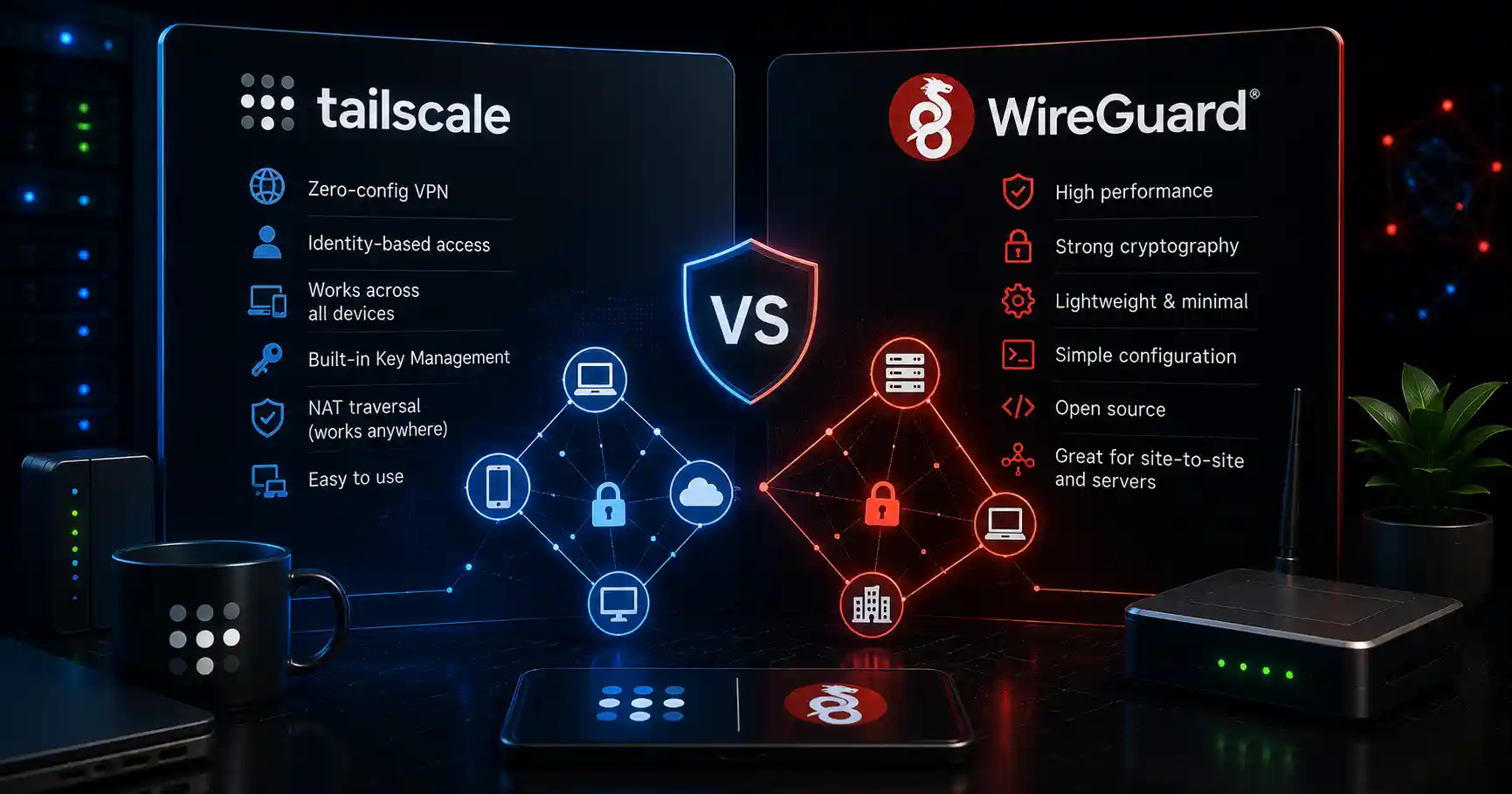
Compare Tailscale and WireGuard for network security. Learn about performance, configuration, ease of use, and access control in this guide.

Learn how to install and configure CrowdSec on Linux. Protect servers from malicious IPs, brute-force attacks, and modern security threats.
Explore our full collection of free, privacy-first developer and SEO tools.
Browse All 134+ ToolsStart typing to search across articles, tools & courses