
Utility Tools
File Validator
Validate file signatures, magic byte headers, and format integrity locally in your browser.
The FreeTechLearner Bulk Renamer is a professional-grade, privacy-first batch file renaming tool with 8 independently toggleable function modules that can be combined in any order. Add prefixes, suffixes, or insert text at any position. Remove characters by count or range. Find and replace with plain text or full regex support. Convert filenames to 10 different case styles including camelCase, snake_case, kebab-case, PascalCase, and more. Apply sequential numbering with custom start values, steps, zero-padding, and separators. Control file extensions — change, remove, add, or lowercase them. Stamp filenames with dates or Unix timestamps in 7 format options. Clean up filenames by removing special characters, accents, brackets, numbers, or slugify for web-safe URLs. Every function updates in real-time with a live preview table, and all processing runs 100% locally in your browser — no file uploads, no servers, complete privacy.
Drag & drop file(s) here, or click to select
0 files selectedThe Bulk Renamer is a professional-grade batch file renaming tool with 8 modular, toggleable functions that can be combined freely. It processes all files locally in your browser for complete privacy.
The Bulk Renamer includes 8 independently toggleable function modules: Add Text (prefix, suffix, insert at position), Remove Text (first/last N chars, range, trim), Replace Text (plain or regex find & replace, space replacement), Change Case (10 modes including camelCase, snake_case, kebab-case), Numbering (prepend/append with custom start, step, padding, separator), Extension (change, remove, add, lowercase), Date/Time Stamp (7 formats including Unix timestamp), and Clean Up (remove special chars, accents, numbers, brackets, slugify, truncate).
Yes! Each function module has an independent toggle switch. You can enable any combination of the 8 functions simultaneously. For example, you could add a prefix, convert to lowercase, add sequential numbers, and append a date stamp — all in one batch operation.
Yes. In the Replace Text section, check the "Use Regular Expression" toggle to use full regex patterns. You can also toggle case sensitivity on or off independently. This enables powerful pattern matching like replacing all digits, matching complex file naming patterns, or restructuring filenames using capture groups.
The Change Case module supports 10 conversion modes: lowercase, UPPERCASE, Title Case, Sentence case, camelCase, PascalCase, snake_case, kebab-case, dot.case, and tOGGLE cASE. Each mode is applied only to the filename base — extensions are preserved separately.
The Numbering module lets you prepend or append numbers to filenames. You can customize the starting number, the step increment (e.g., count by 2, 5, 10), zero-padding width (01, 001, 0001), and the separator character (underscore, hyphen, dot, space, or none).
Yes. The Extension module offers four actions: Keep Original, Change Extension (e.g., all to .txt), Remove Extension entirely, or Add Extension (append a second extension). You can also force-lowercase all extensions (e.g., .JPG → .jpg).
The Date/Time Stamp module supports 7 formats: YYYY-MM-DD, DD-MM-YYYY, MM-DD-YYYY, YYYYMMDD (compact), YYYY-MM-DD_HHmm (with time), YYYY-MM-DD_HHmmss (with seconds), and Unix Timestamp. Stamps can be prepended or appended with a custom separator.
The Clean Up module provides 5 toggleable cleanup operations: Remove Special Characters (!@#$%^&*), Remove Accents/Diacritics (é→e, ñ→n), Remove All Numbers, Remove Brackets & Parentheses, and Slugify (converts to web-safe lowercase-hyphen format). You can also set a maximum character limit to truncate long filenames.
No. The Bulk Renamer processes everything 100% locally inside your browser using JavaScript File APIs. No files are ever transmitted to any server. Your data stays completely private on your device.
Yes, the Bulk Renamer is completely free with no ads, no sign-ups, and no file limits. You can rename as many files as your browser memory allows — typically hundreds or thousands of files at once.
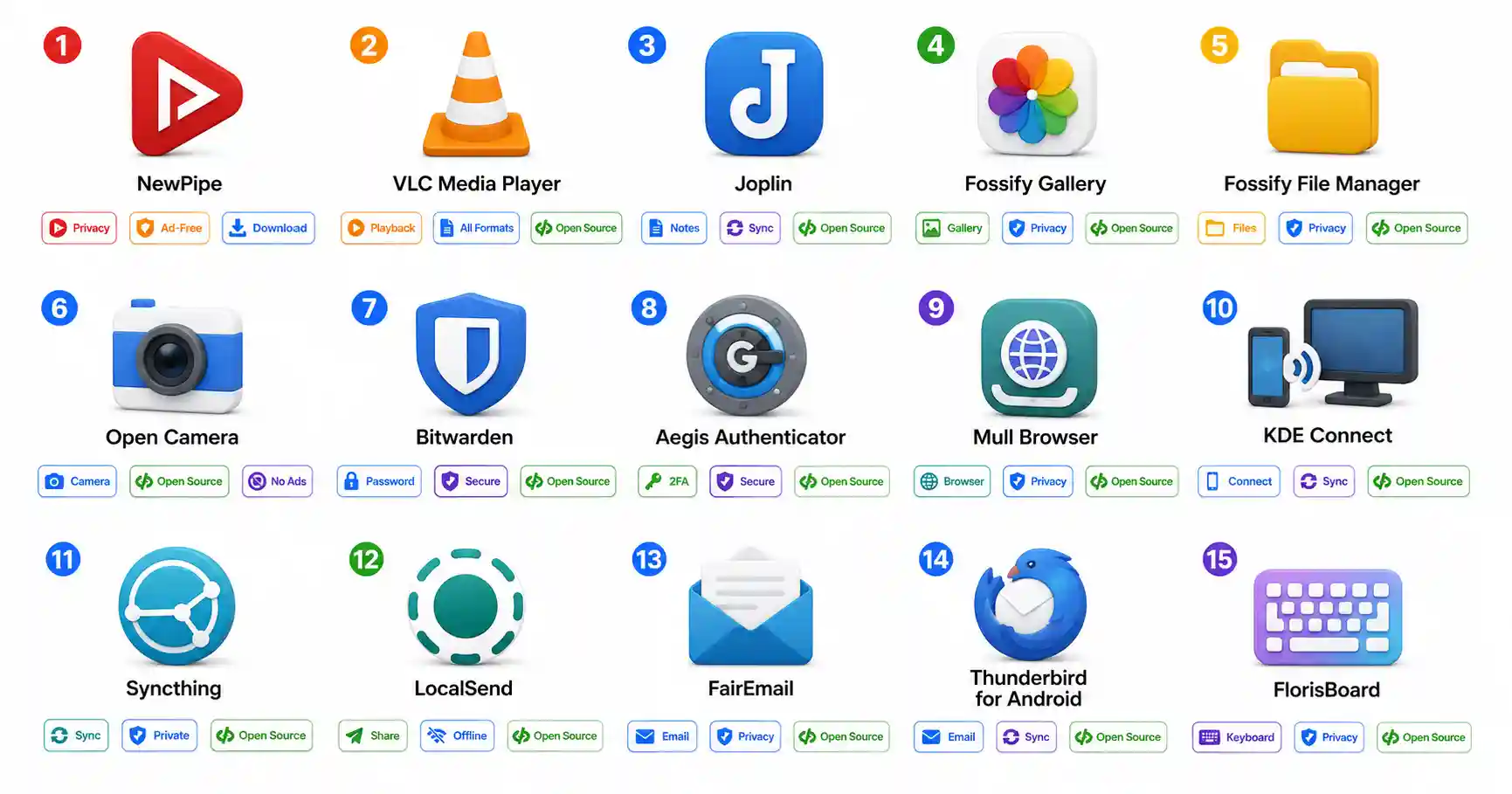
Discover the best open-source Android apps in 2026. Ditch Google and big tech with privacy-respecting FOSS replacements for video, notes, email, and photos.

Master professional OSINT methodology. Learn how to transition from raw data collection to structured analysis, link mapping, and hypothesis validation.

A comprehensive guide analyzing dangerous OSINT mistakes. Avoid OPSEC failures, cognitive biases, active recon legal violations, and tool obsession.
Explore our full collection of free, privacy-first developer and SEO tools.
Browse All 134+ ToolsStart typing to search across articles, tools & courses