
Utility Tools
File Comparator
Compare two files byte-by-byte locally in browser to detect differences and offsets.
The FreeTechLearner File Validator is an advanced, privacy-first binary inspection tool that analyzes file signatures, magic byte headers, and structural integrity directly inside your web browser. By parsing the initial 64 bytes of any uploaded file against standard MIME and binary specification dictionaries, it verifies whether a file matches its declared extension, detects header corruption, and uncovers extension spoofing or hidden binary data without uploading a single byte to an external server.
Drag & drop your file here, or browse
Supports all file types (PNG, JPG, PDF, ZIP, MP4, JSON, XML, WEBP, etc.)
The File Validator inspects the binary header structure of uploaded files to confirm true file types, verify format consistency, and detect file extension tampering.
Magic bytes (also known as file signatures) are specific sequences of hex numbers located at the beginning of a file header that uniquely identify its true format (e.g., 89 50 4E 47 for PNG images or 25 50 44 46 for PDF documents).
The tool reads the first 64 bytes of your selected file using the HTML5 File API and compares the binary sequence against an embedded dictionary of known file header signatures.
No. All file parsing and magic byte matching run 100% locally in your web browser memory. Your files never leave your computer.
Yes. If an executable or script has been renamed to a .jpg or .pdf extension, the tool will highlight an "Extension Mismatch Warning" by comparing the real header against the declared extension.
It supports validation for PNG, JPEG, GIF, WEBP, PDF, ZIP, GZIP, MP4, MP3, ELF binaries, and generic binary structures.
Validating magic bytes prevents malware from disguising itself behind harmless document or image extensions, helping security analysts verify true file types safely.
The Hex Header Dump displays the first 64 bytes of the file in both hexadecimal pairs and printable ASCII character representations for low-level inspection.
Because the tool only reads the first 64 bytes of the file stream, you can validate files of any size (including multi-gigabyte files) instantly without browser lag.
This status means the file header does not match known binary multimedia signatures, which is expected for plain text, CSV, JSON, or custom proprietary data formats.
Yes, it is 100% free with unlimited validations and no registration required.
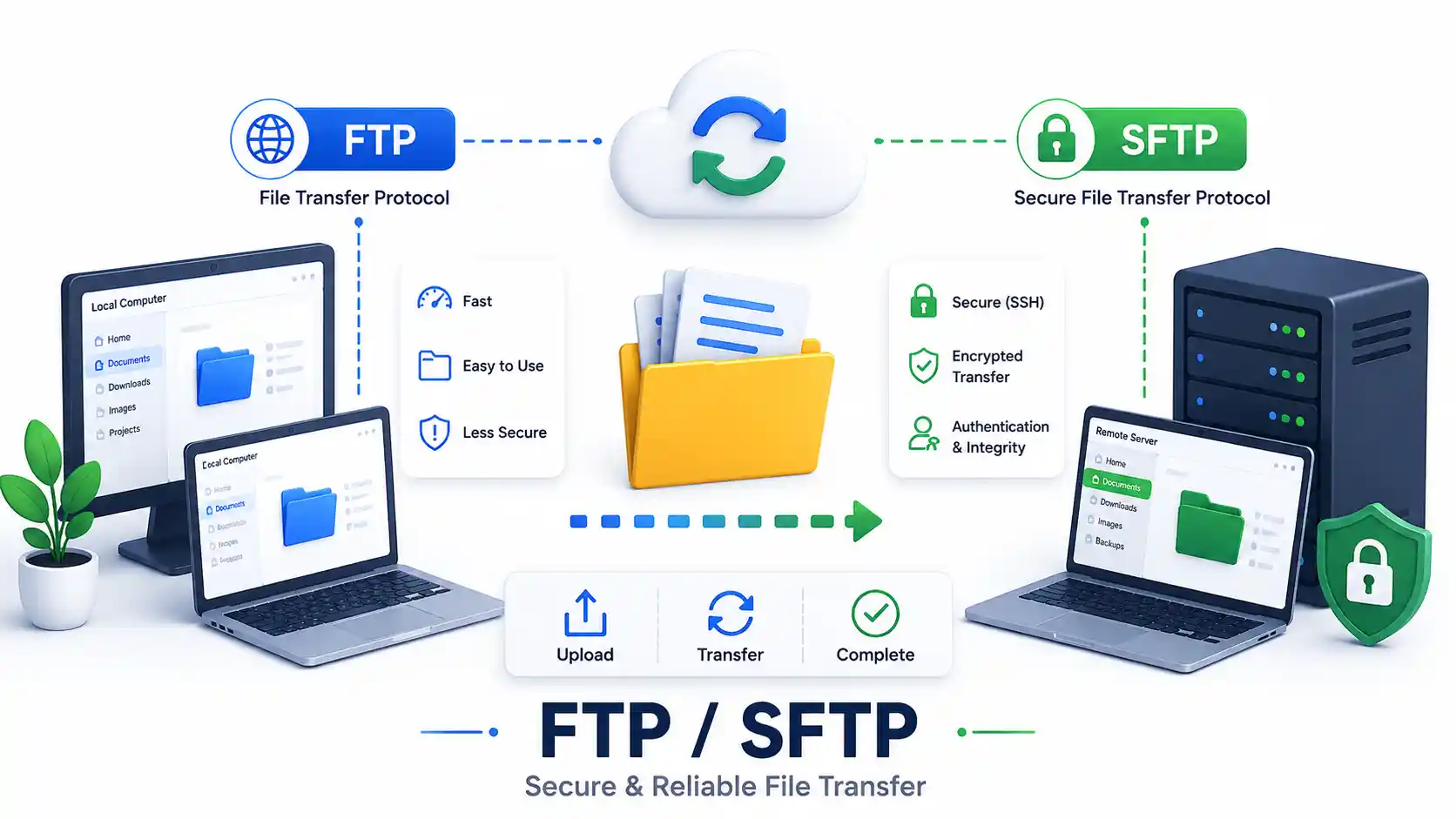
A DevOps guide to secure file transfers in 2026. Compare FTP, FTPS, and SFTP. Master rsync, scp, GUI clients, and configure a secure OpenSSH Chroot Jail.
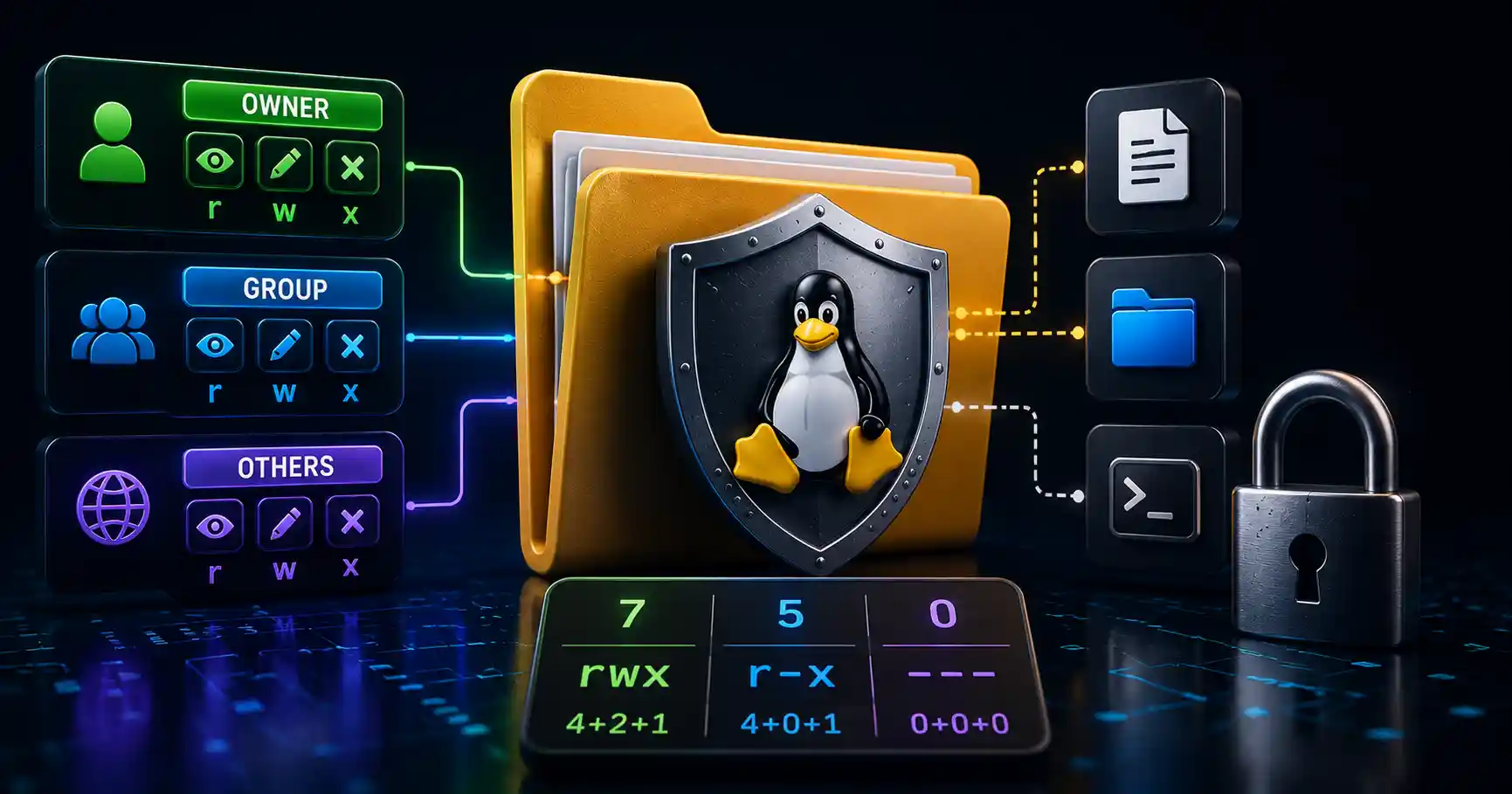
Master Linux file permissions. A sysadmin guide to chmod, chown, SUID/SGID, sticky bits, ACLs, and securing production server filesystems.
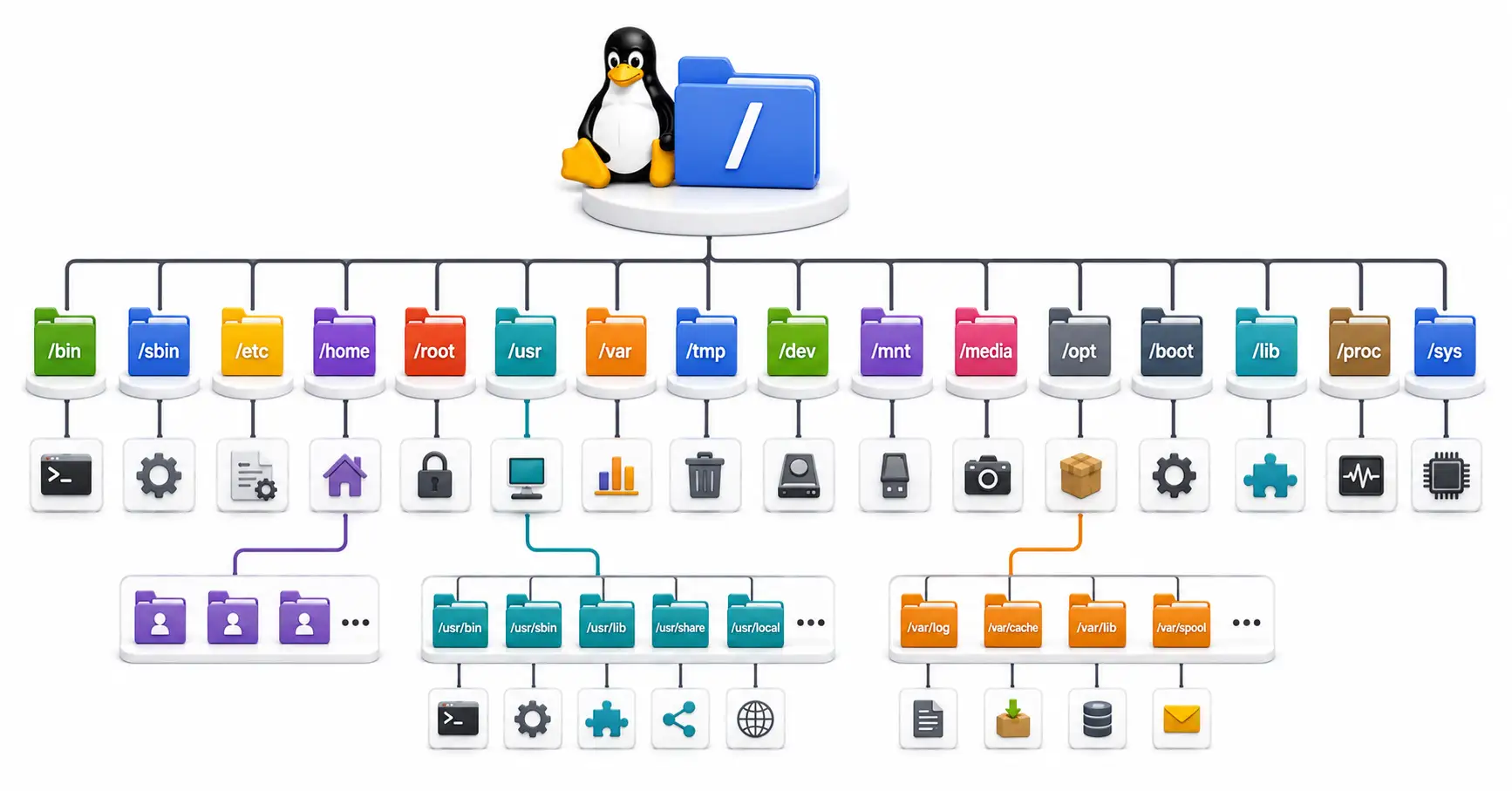
Confused by /etc, /usr, and /var? Master the Linux directory structure with this comprehensive guide to the Filesystem Hierarchy Standard (FHS) in 2026.
Explore our full collection of free, privacy-first developer and SEO tools.
Browse All 134+ ToolsStart typing to search across articles, tools & courses