
Developer Tools
Gitignore Generator
Generate .gitignore files instantly by selecting your tech stack.
A secure, client-side .env file generator and manager. Load boilerplate variables for popular frameworks like Node.js, React, Next.js, and Laravel. Instantly generate cryptographically secure secrets for JWT or session keys. Import existing .env files to edit them visually, catch duplicate keys or validation errors, and safely export both .env and sanitized .env.example files for your repository.
The .env Generator provides a visual interface for constructing environment variable files. It ensures proper formatting, prevents duplicate keys, and securely generates random secrets.
Yes. The .env Generator runs 100% in your web browser. No data, API keys, or passwords are ever sent to a server or saved anywhere. It is completely private.
When you click the "Generate" button next to a secret field, the tool uses your browser's native cryptographic API (window.crypto) to generate a highly secure, random 32-character string perfect for JWTs or session encryption.
A .env.example file contains all the variable names your application needs, but with the sensitive values (like passwords and API keys) removed. You can safely commit this file to your git repository so other developers know what variables they need to configure.
A .env (environment variable) file is a plain text file used by developers to store sensitive configuration data—like API keys and database passwords—outside of the application source code.
Committing your .env file exposes your private passwords and API keys to anyone who can view the repository. This is a massive security risk and can lead to hacked servers and stolen data.
In modern Node.js (v20+), you can run your app with the --env-file=.env flag. For older versions or frameworks, you typically use the popular dotenv npm package to load them into process.env.
Frontend frameworks usually require a specific prefix to expose variables to the browser. In React (Vite), prefix with VITE_. In Next.js, prefix with NEXT_PUBLIC_.
Yes! As you type, the tool checks for common syntax errors, like adding spaces around the equals sign (KEY = VALUE), which can break standard .env parsers.
A JWT (JSON Web Token) secret is a cryptographically strong, random string used by your backend server to sign and verify user authentication tokens securely.
Absolutely. Docker and Docker Compose rely heavily on .env files to pass configurations into containers at runtime. You can generate and use these files directly with Docker.

Learn how to install and configure Jellyfin, the free and open-source alternative to Plex. Stream movies, TV, and music from your own hardware with zero subscriptions.
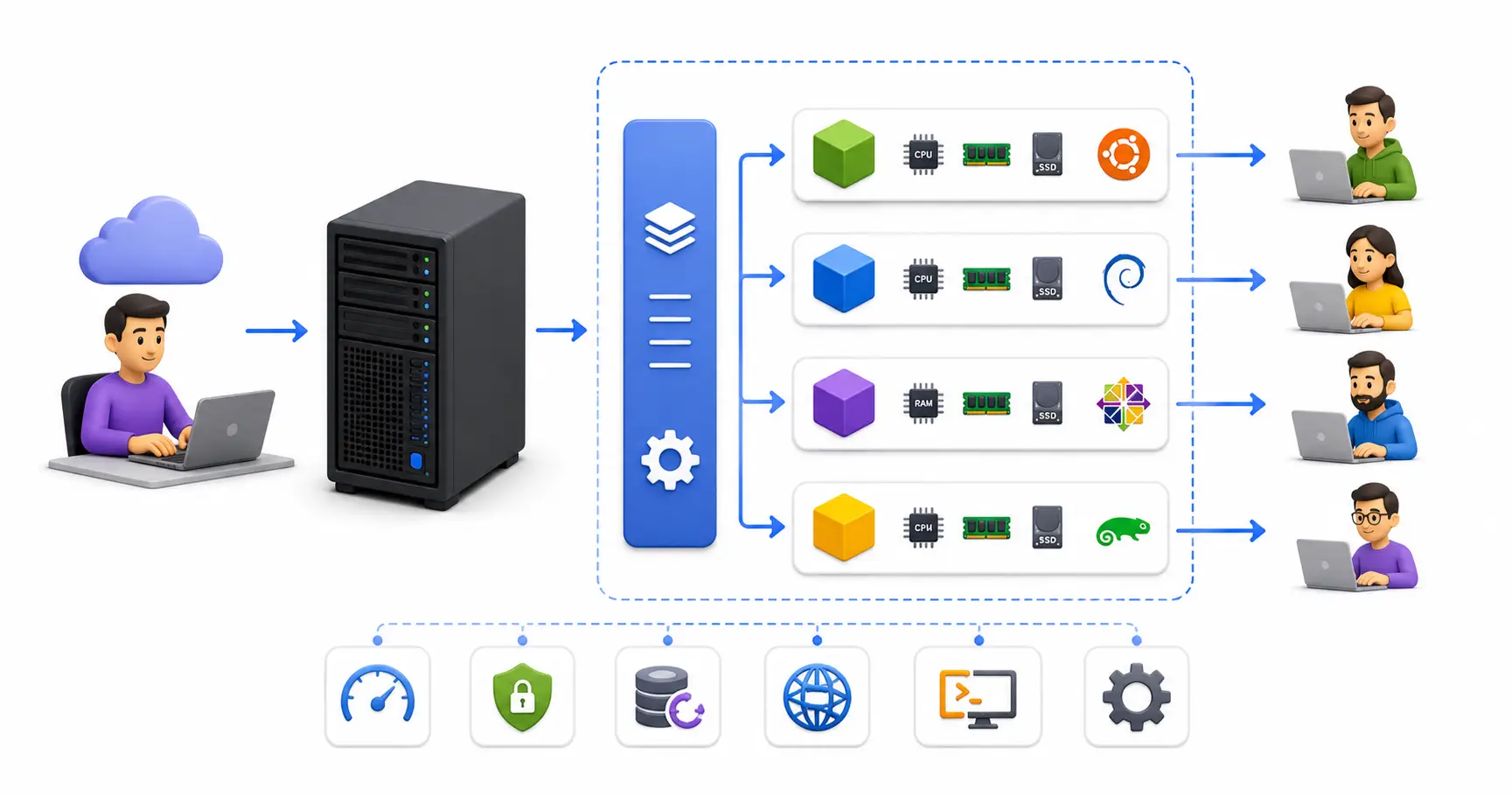
A deep dive into VPS hosting. Learn the technical mechanics of virtual private servers, hypervisors, managed vs unmanaged setups, and modern cloud alternatives.
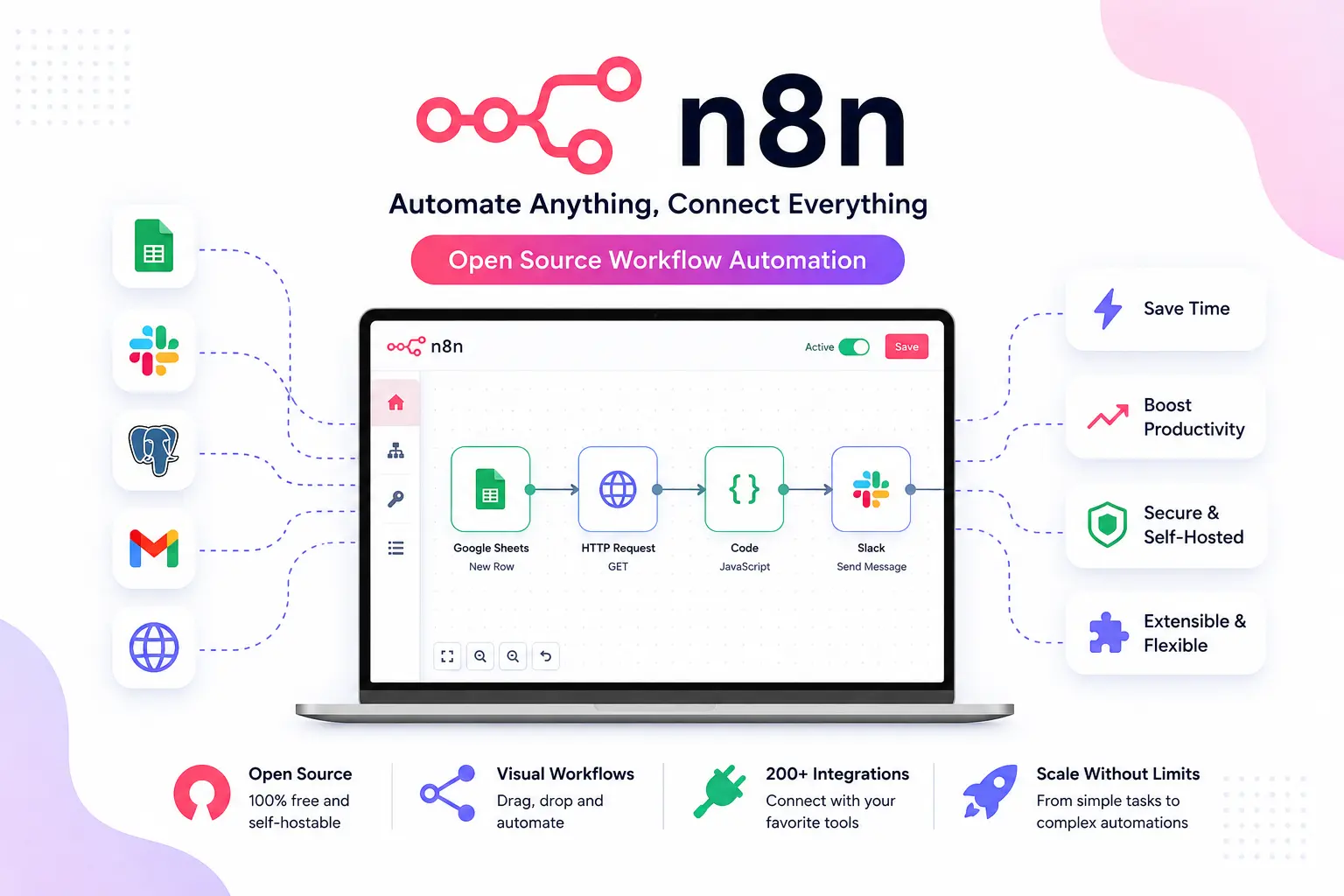
Master n8n workflow automation. Learn how to install n8n with Docker Compose, configure PostgreSQL, set up reverse proxies, and secure your production webhooks.
Explore our full collection of free, privacy-first developer and SEO tools.
Browse All 134+ ToolsStart typing to search across articles, tools & courses