
Linux Tools
Linux Permission Calculator
Calculate and convert Linux file permissions easily.
Convert between octal, symbolic, and binary file permission notations.
3 or 4 digit octal value (0000 - 7777).
9-character notation (r, w, x, s, t, or -).
9-bit or 12-bit binary notation (grouped by 3 bits).
The File Permission Converter allows you to instantly translate Linux file permissions between Octal numbers (like 755), Symbolic strings (like rwxr-xr-x), and Binary representations (like 111101101).
644 (rw-r--r--) gives owner read/write and others read-only, ideal for files. 755 (rwxr-xr-x) adds execute permission for all, used for directories and executables.
In octal, Read is 4, Write is 2, and Execute is 1. You add these numbers together for each user class. For example, Read (4) + Write (2) = 6.
Permissions apply to three groups: the Owner (the user who created the file), the Group (other users in the file's assigned group), and Public (everyone else on the system).
This is symbolic notation. It breaks down into three chunks of three letters. rwx means the Owner can read, write, and execute. r-x means the Group and Public can only read and execute.
Each permission (r, w, x) can be thought of as a bit (1 for yes, 0 for no). Thus, r-x is 101 in binary, which equals 5 in octal.
Permission 400 (r--------) grants read-only access to the file owner, and absolutely zero access to anyone else. It is commonly used to secure private SSH keys (like .pem files).
777 grants every single user on the server the ability to read, write, modify, or execute your file. It is a massive security risk and should almost never be used.
If a directory lacks the execute (x) permission, users cannot use the cd command to enter it, nor can they access any files inside it, even if they know the exact file names.
You can use the -R (recursive) flag with the chmod command, like chmod -R 755 /path/to/directory. Be careful, as this applies the exact same permission to both files and subdirectories.
If you are configuring Apache or Nginx, you should generally set directories to 755 and standard files (like .html or .php) to 644.
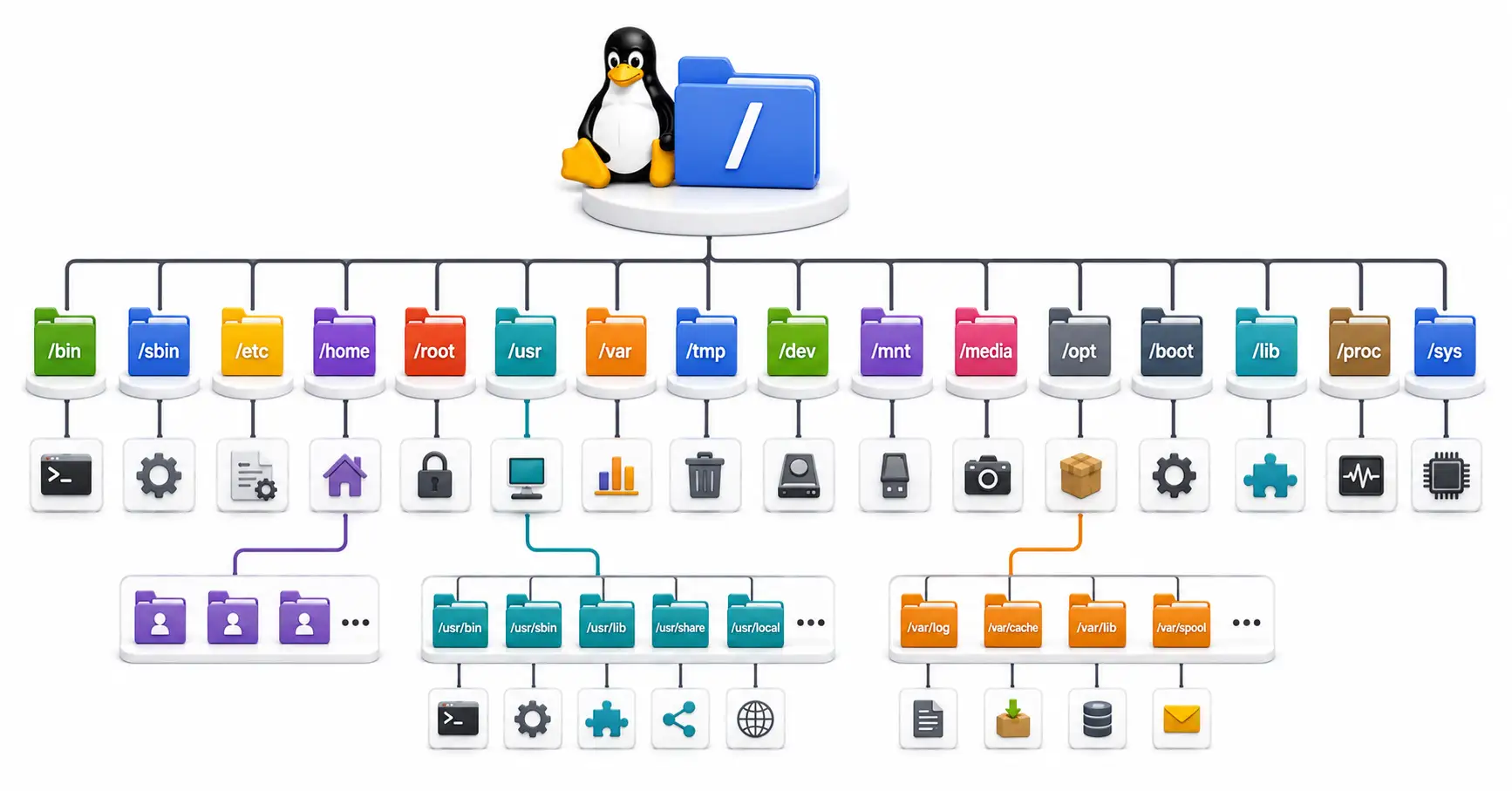
Confused by /etc, /usr, and /var? Master the Linux directory structure with this comprehensive guide to the Filesystem Hierarchy Standard (FHS) in 2026.
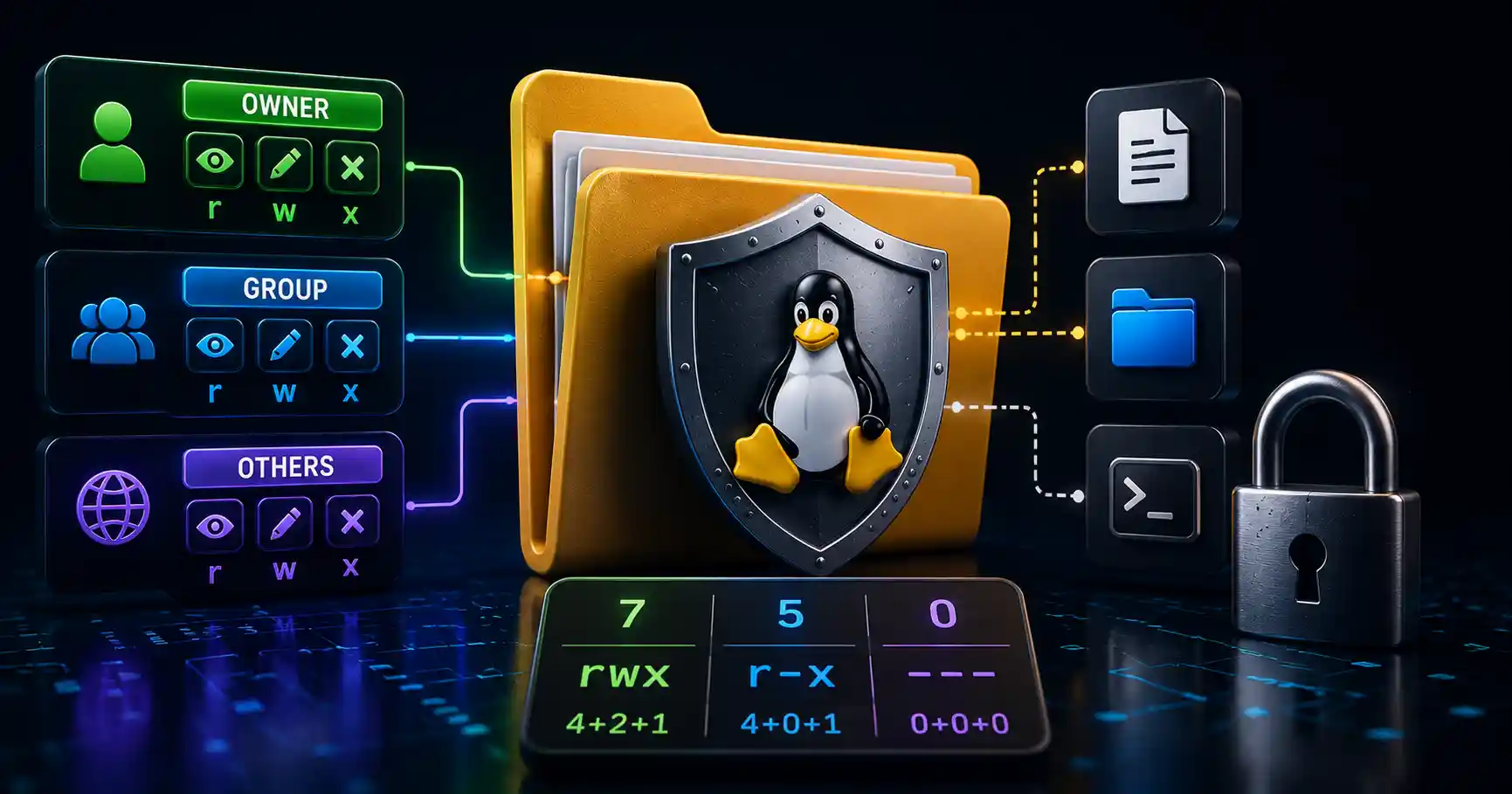
Master Linux file permissions. A sysadmin guide to chmod, chown, SUID/SGID, sticky bits, ACLs, and securing production server filesystems.

A practical comparison of Btrfs and Ext4 — snapshots, performance, RAID, data integrity, and when to pick each one. Real-world guidance for desktops, servers, NAS, and home labs.
Explore our full collection of free, privacy-first developer and SEO tools.
Browse All 134+ ToolsStart typing to search across articles, tools & courses