
SEO Tools
SEO Title Length Checker
Check if your SEO title length is within Google's recommended range.
Check if your meta description is the right length for Google's SERP display.
The Meta Description Length Checker measures both the character count and exact pixel width of your description, ensuring it perfectly fits Google\'s desktop and mobile search snippets without truncation.
Meta descriptions should be 150–160 characters long. Google truncates descriptions longer than ~920 pixels (approximately 158 characters).
No, Google explicitly stated in 2009 that meta descriptions are not a direct ranking factor. However, a well-written description improves click-through rate (CTR), which indirectly boosts your SEO.
Mobile screens have less horizontal space. Google typically truncates mobile meta descriptions around 120 characters (or ~680 pixels). Always put your most compelling information at the beginning.
Google rewrites meta descriptions about 70% of the time! They often dynamically generate snippets from the page content that better match the user\'s specific search query.
Yes. Google bolds words in the meta description that match the user\'s search query. This bolding draws the eye and can significantly increase your CTR.
Yes. Google uses a physical pixel width (around 920px for desktop) to determine truncation. A description full of wide letters (like "W" or "M") will truncate faster than one with thin letters (like "i" or "l").
If you omit it, search engines will automatically pull a snippet of text from the first paragraph of your page. This is often unoptimized and may result in a lower click-through rate.
Yes, emojis can make your listing stand out. However, use them sparingly. Google may filter them out if they deem them irrelevant or spammy.
Yes. Duplicate meta descriptions can confuse search engines and provide a poor user experience. Focus on writing unique descriptions for your most important pages first.
There is no official minimum, but descriptions under 50 characters usually fail to provide enough context or value to convince a user to click.
Is OSINT legal? A deep dive into legal boundaries, ethical frameworks, GDPR implications, and the crucial difference between OSINT and Doxxing.
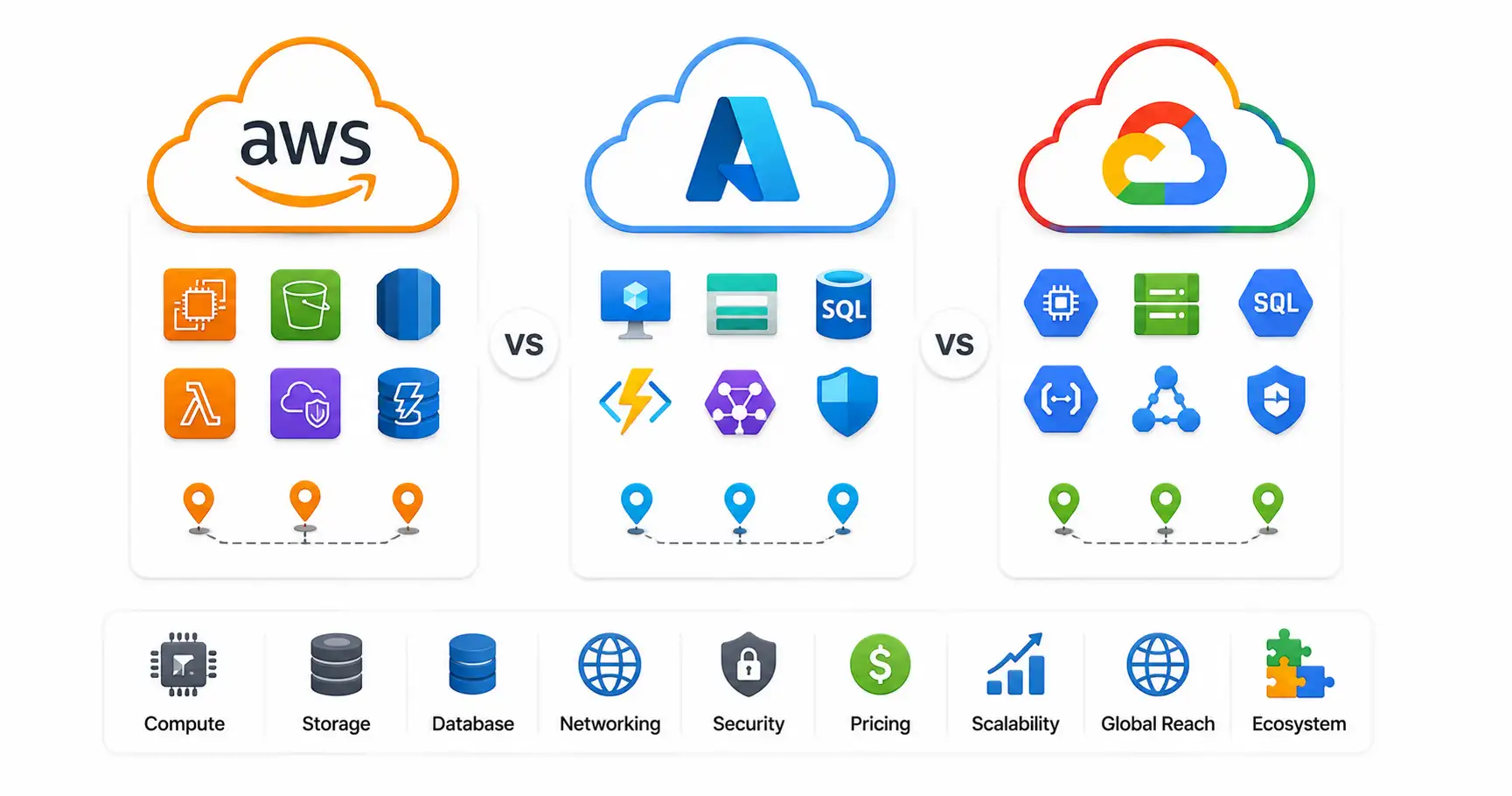
A comprehensive technical comparison of AWS, Microsoft Azure, and Google Cloud (GCP) in 2026. Explore AI capabilities, compute engines, pricing models, and enterprise use cases.

Explore how AI is transforming global tech careers, high-risk vs high-growth sectors, MLOps skills demand, and strategies to future-proof your career.
Explore our full collection of free, privacy-first developer and SEO tools.
Browse All 134+ ToolsStart typing to search across articles, tools & courses