
SEO Tools
SEO Title Length Checker
Check if your SEO title length is within Google's recommended range.
Preview how your pages look in Google search results and social media.
The target URL of your webpage.
Optimal length: 50–60 characters. Truncates if too long.
Optimal length: 120–160 characters. Provide a compelling call-to-action.
Highlights this term in bold within the mock Google SERP search results.

Loading tags...The Meta Tag Preview Tool simulates exactly how your webpage\'s Title and Meta Description will appear in Google search results on both desktop and mobile devices.
Meta tags are HTML elements in the <head> section that provide metadata about a page to search engines. The most important for SEO are the title and meta description.
The meta title (or title tag) is often the primary text that appears in search engine results. A strong, relevant title is one of the most critical on-page ranking factors for SEO.
The meta description is a brief summary of a webpage. While it does not directly impact rankings, a compelling description can drastically improve your click-through rate (CTR) from the search results.
Google typically displays the first 50–60 characters of a title tag. If your title is longer, it will be truncated with an ellipsis (...), which can harm user experience.
Google usually displays between 150 and 160 characters for a meta description on desktop, and around 120 on mobile devices. Keep your most important message at the beginning.
No. Google may choose to dynamically generate a title or description based on the page content and the user\'s specific search query if it believes it provides a better snippet.
No. Major search engines like Google abandoned the meta keywords tag over a decade ago due to keyword stuffing spam. You do not need to use them.
Meta tags must be placed inside the <head> section of your HTML document. Our tool generates the exact HTML code you need to copy and paste into your template.
SERP stands for Search Engine Results Page. The snippet is the combination of your URL, Title, and Description as it appears to a user on Google.
Facebook and Twitter use their own specific meta tags (Open Graph and Twitter Cards). We have a dedicated Open Graph Preview tool to help you optimize for social media sharing.

Learn the crucial differences between intrusion detection and prevention systems (IDS/IPS), exactly how they secure massive networks, and which one you absolutely must choose.
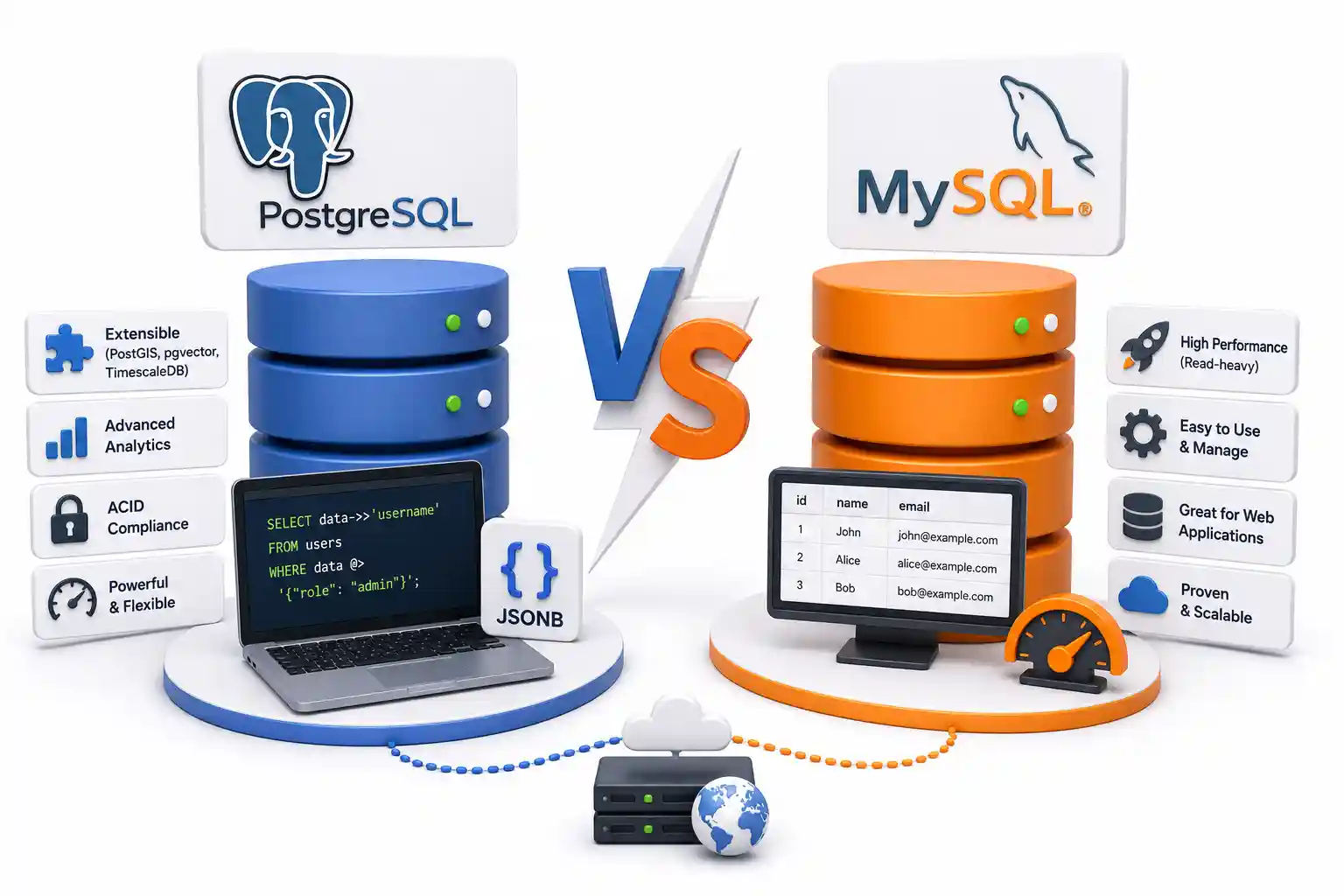
An in-depth, architectural comparison between PostgreSQL and MySQL. Discover the differences in MVCC, connection pooling, deployment footprints, and which database to choose for your next project.
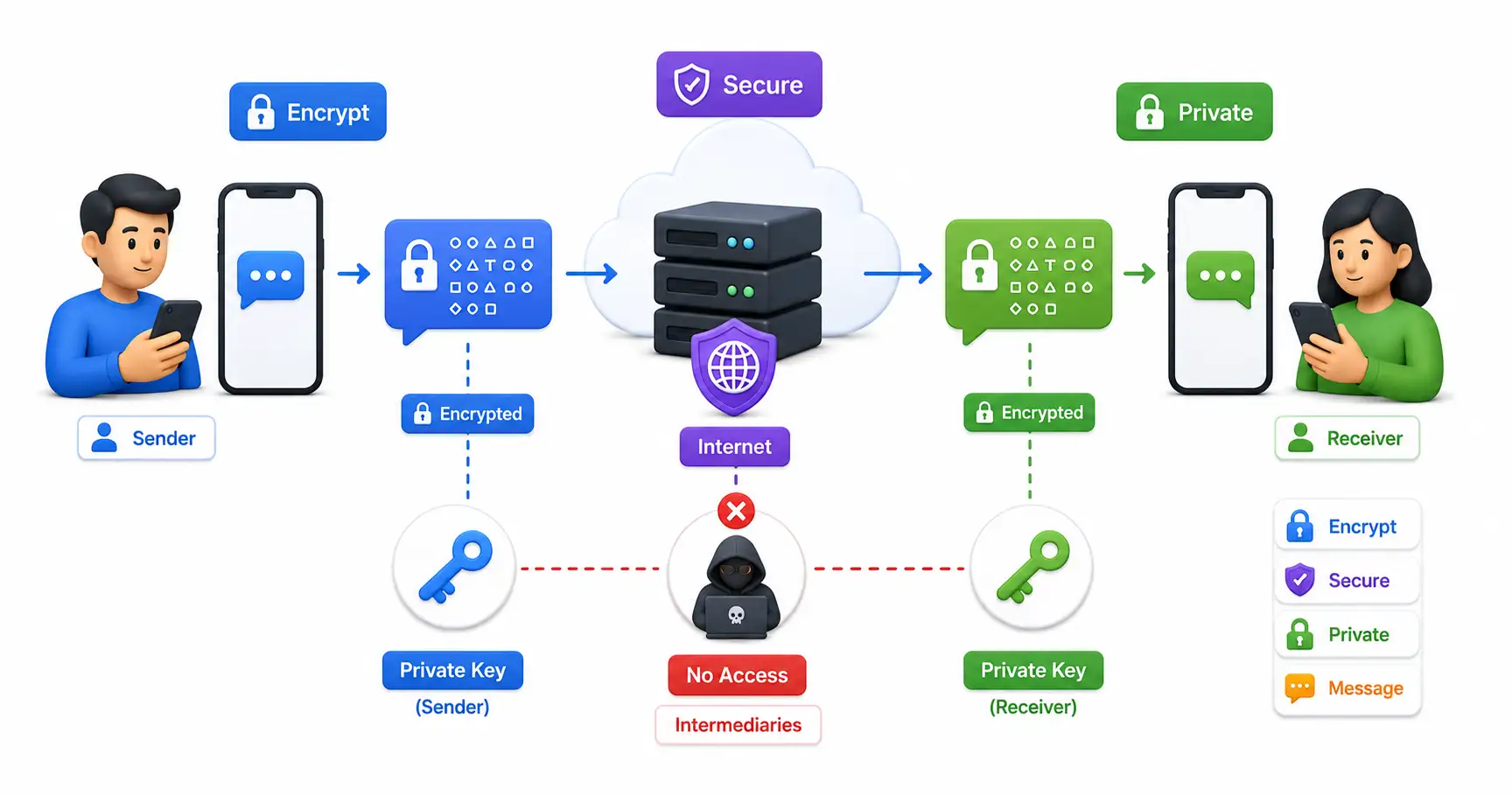
Learn everything about end-to-end encryption (E2EE), how it protects your data, which apps use it, and why it matters for privacy in 2026.
Explore our full collection of free, privacy-first developer and SEO tools.
Browse All 134+ ToolsStart typing to search across articles, tools & courses