
Developer Tools
XML Formatter
Format, beautify, and validate messy XML strings. 100% client-side and secure.
A fast, client-side SQL formatter and beautifier. Paste your messy or minified SQL queries to instantly reformat them with clean, consistent indentation and uppercase keywords. Supports multiple dialects including MySQL, PostgreSQL, SQLite, and SQL Server. Your queries never leave the browser, ensuring complete privacy for sensitive database structures.
The SQL Formatter takes unformatted, minified, or messy SQL statements and transforms them into a clean, readable structure with proper indentation and capitalized keywords.
The tool supports standard SQL along with specific dialects like MySQL, PostgreSQL, SQLite, MariaDB, SQL Server (T-SQL), BigQuery, and Snowflake.
Yes. This tool is 100% client-side. The formatting happens entirely within your web browser using JavaScript. No queries or table names are ever uploaded to our servers.
Clicking the "Minify" button will collapse your formatted SQL into a single line, stripping out unnecessary whitespace and comments to reduce file size.
Unformatted SQL is incredibly difficult to read, debug, and maintain. Formatting your queries adds consistent indentation and capitalization, making complex JOINs and subqueries easy to understand at a glance.
No. The tool only modifies whitespace (spaces, tabs, newlines) and keyword capitalization (e.g., changing select to SELECT). The actual execution logic of your SQL remains completely untouched.
By default, the tool will uppercase all standard SQL keywords (like SELECT, FROM, WHERE, INNER JOIN) to make them stand out from your table names and column variables. You can toggle this off if you prefer.
Yes! If you paste a script containing multiple queries separated by semicolons (;), the tool will perfectly format each individual query and maintain the separation between them.
Both single-line comments (-- comment) and multi-line comments (/* comment */) are fully preserved and indented correctly alongside your SQL code.
Absolutely. Because it runs entirely in your browser, there are no usage limits, API quotas, or costs. You can use it freely for both personal and enterprise database tasks.
Yes, the tool is capable of formatting complex structures like stored procedures, functions, and triggers, properly indenting the BEGIN/END blocks for readability.

Secure your Raspberry Pi server. Learn default configuration changes, SSH hardening, firewalls, and security monitoring in this 2026 guide.
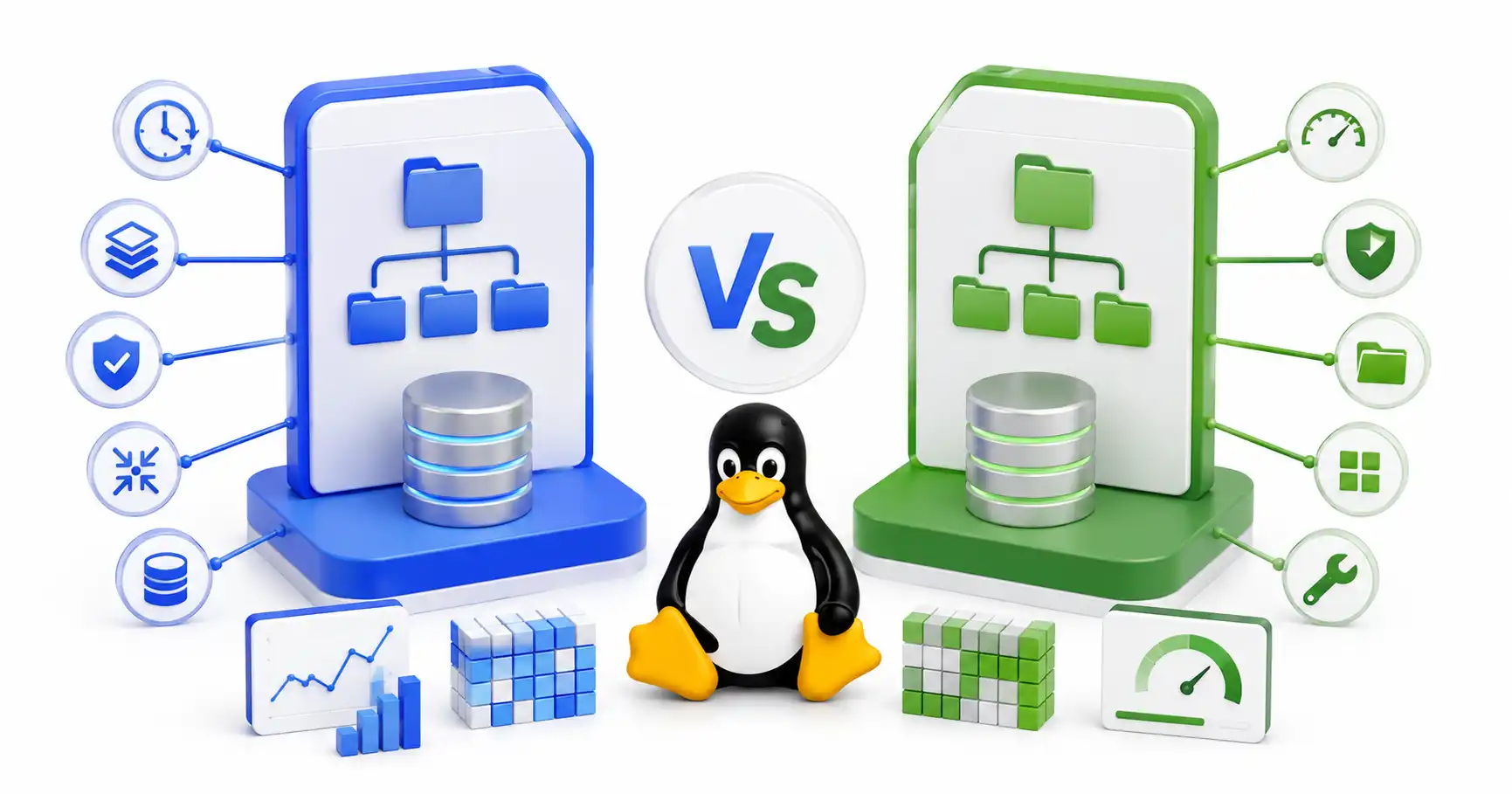
A practical comparison of Btrfs and Ext4 — snapshots, performance, RAID, data integrity, and when to pick each one. Real-world guidance for desktops, servers, NAS, and home labs.

A comprehensive tutorial on OWASP ZAP. Master Man-in-the-Middle proxy interception, active fuzzing, and automated vulnerability scanning.
Explore our full collection of free, privacy-first developer and SEO tools.
Browse All 134+ ToolsStart typing to search across articles, tools & courses