
Developer Tools
JSON to YAML Converter
Convert JSON data into clean, readable YAML format instantly. 100% secure.
A secure, lightning-fast client-side YAML to JSON converter. Paste your YAML data or upload `.yml` files to instantly convert them into properly formatted JSON. Perfect for developers working with Kubernetes, Docker Compose, CI/CD pipelines, and cloud configurations. Automatically validates syntax and highlights errors.
The YAML to JSON Converter parses YAML data (often used for configurations) and translates it into valid JSON format, preserving all structures, arrays, and nested objects.
Yes! The conversion happens entirely within your web browser using JavaScript. You can convert large YAML files without waiting for slow server uploads.
Yes, the tool automatically pretty-prints the resulting JSON with proper 2-space indentation so it is immediately readable and ready to use.
YAML (YAML Ain't Markup Language) is a human-readable data serialization language. It is commonly used for configuration files in modern DevOps tools like Docker, Kubernetes, and GitHub Actions.
While YAML is great for humans to read and write, JSON is the native data format for JavaScript and most web APIs. Converting YAML to JSON allows you to easily parse the configuration in web applications.
The tool fully supports standard YAML anchors (&) and aliases (*). During conversion, the aliases will be resolved and expanded into their corresponding values in the generated JSON.
No! The conversion happens entirely locally in your browser using JavaScript. No files or text are ever uploaded, ensuring your sensitive configuration files remain private.
YAML relies heavily on exact indentation. If you have an indentation error or a syntax mistake, the tool will instantly flag it and display an exact error message with the line number so you can fix it.
Yes. If your YAML file contains multiple documents separated by ---, the tool will parse them and output them as a single JSON array containing multiple objects.
Yes! We offer a dedicated JSON to YAML converter. Check the "Related Tools" section on this page to quickly access it.
While command-line tools like yq or jq are powerful, this web tool requires zero installation, works on any device, and provides instant visual feedback when highlighting syntax errors.
A comprehensive, infrastructure-focused guide to JSON. Learn the syntax, how to parse logs, JSONB databases, API communication, and why it defeated XML.
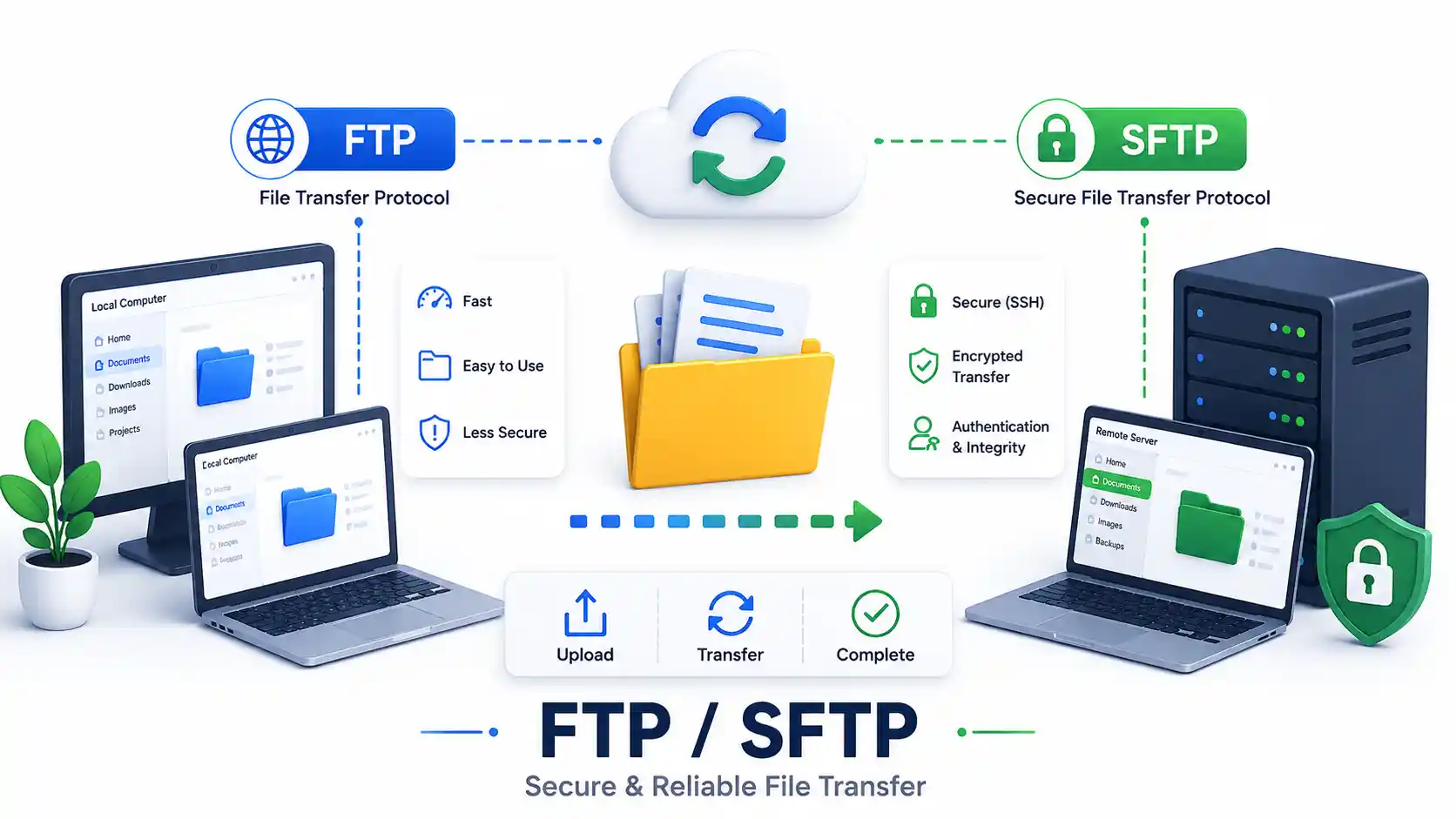
A DevOps guide to secure file transfers in 2026. Compare FTP, FTPS, and SFTP. Master rsync, scp, GUI clients, and configure a secure OpenSSH Chroot Jail.

Explore how AI is transforming global tech careers, high-risk vs high-growth sectors, MLOps skills demand, and strategies to future-proof your career.
Explore our full collection of free, privacy-first developer and SEO tools.
Browse All 134+ ToolsStart typing to search across articles, tools & courses