
Developer Tools
URL Encoder
Encode special characters in URLs for safe transmission and query parameters.
Decode percent-encoded (URL-encoded) URLs, query strings, and parameters client-side instantly. Features options to convert spaces encoded as plus signs (+), lenient error handling for malformed percent-escapes, character counters, and live output updates.
The FreeTechLearner URL Decoder translates percent-encoded URLs and text parameters back to clear, readable strings in real time. Running completely client-side, it supports handling space delimiters, multi-byte UTF-8 character conversion, and strict/lenient decoding formats.
URL decoding is the process of converting percent-encoded characters (like %20 or %3A) back into their original ASCII or UTF-8 text representations. It is the direct opposite of URL encoding.
In query strings and forms encoded as application/x-www-form-urlencoded, space characters are historically replaced with a plus sign (+) instead of %20. Turning this option on ensures plus signs are decoded back to spaces.
Strict mode throws an error when it encounters an invalid percent-escape sequence (like an isolated "%" or invalid hex characters like "%G1"). Lenient mode bypasses these errors and leaves the invalid sequence as-is, decoding only valid parts.
Yes. All decoding operations run entirely inside your browser using client-side JavaScript. None of the text you enter or decode is sent to our servers.
URLs can only be transmitted using a specific set of safe ASCII characters. Any characters outside of this set (like spaces, emojis, or international letters) must be percent-encoded to prevent the URL from breaking during transmission.
Simply paste the entire percent-encoded URL into the input field. The tool will instantly convert all the % escape sequences back into their normal text characters.
This happens in Strict mode when the input contains a % sign that is not followed by two valid hexadecimal digits, such as "100% discount". Using Lenient mode will safely bypass this error.
No, URL decoding (percent-decoding) is different from Base64 decoding. If your string looks like ey..., you should use our dedicated Base64 Decoder tool instead.
%20 is the standard percent-encoded representation of a space character. When decoded, it turns back into a normal blank space.
Yes! Standard percent-encoding uses UTF-8 to encode Unicode characters. Our decoder fully supports UTF-8 and will correctly restore international characters, symbols, and emojis.
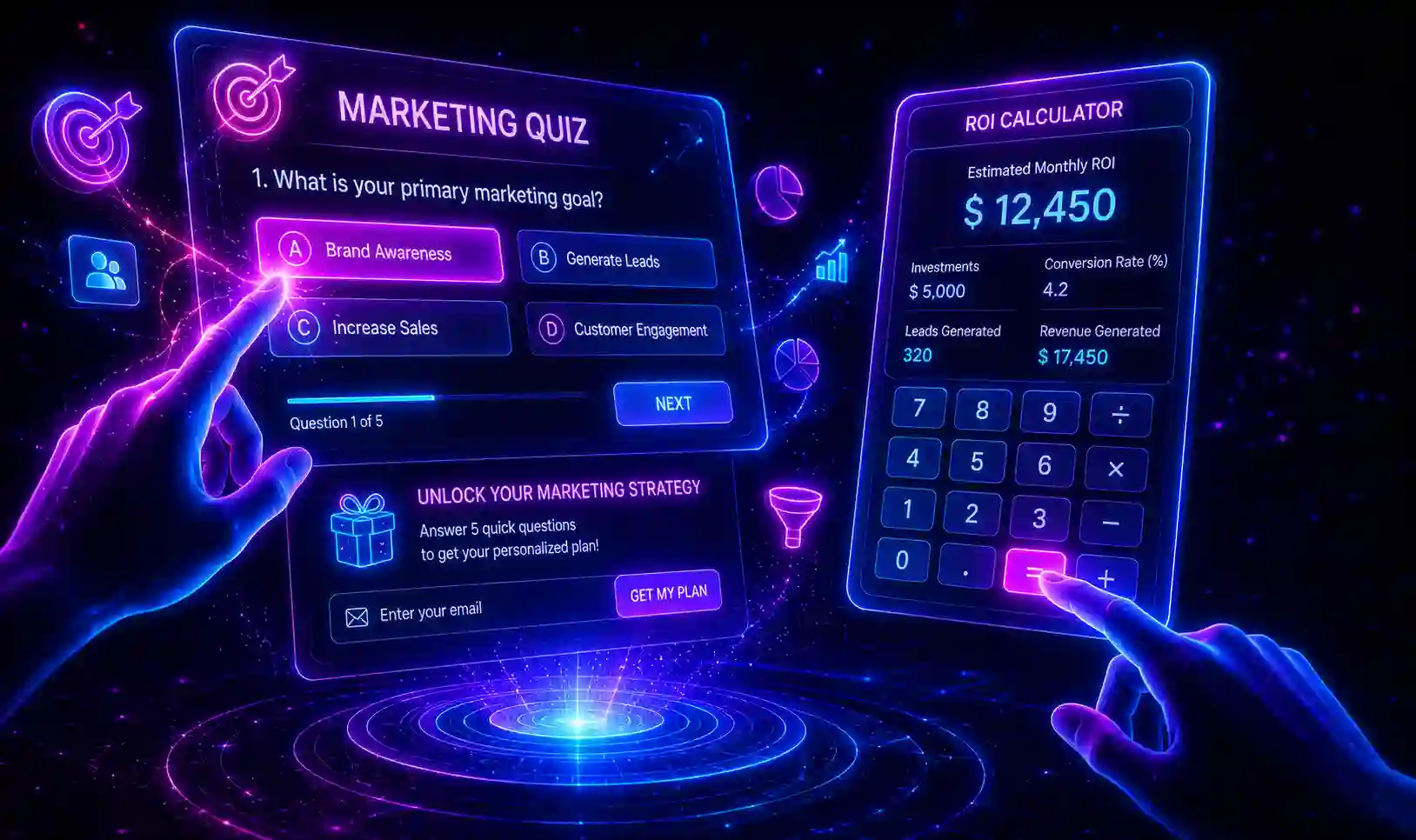
Master interactive content marketing in 2026. Explore zero-party data capture, ROI calculators, engineering-as-marketing micro-tools, and psychological participation economics.
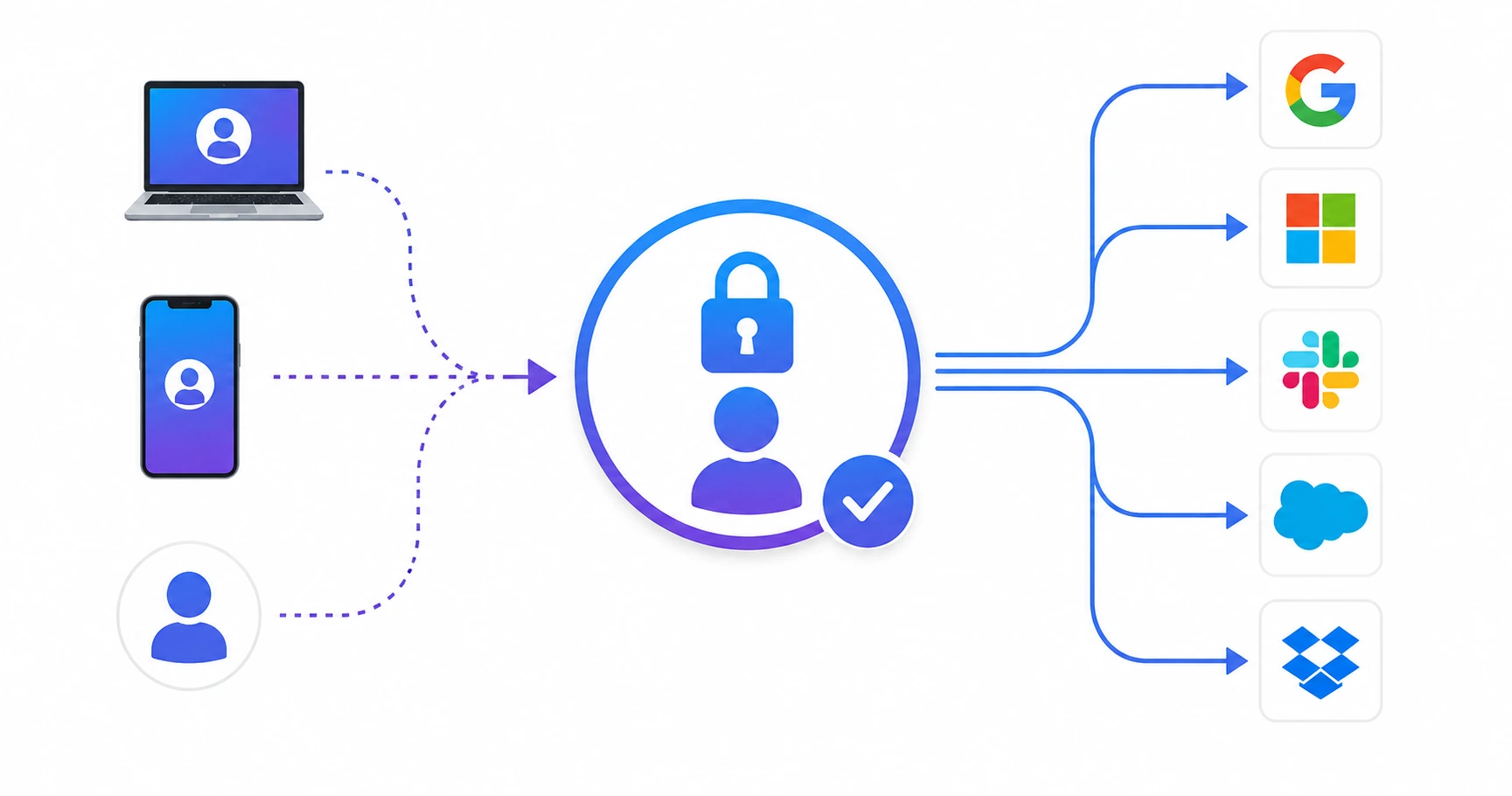
Learn everything about Single Sign-On (SSO). Understand authentication flows, SAML/OIDC protocols, and enterprise security best practices in 2026.
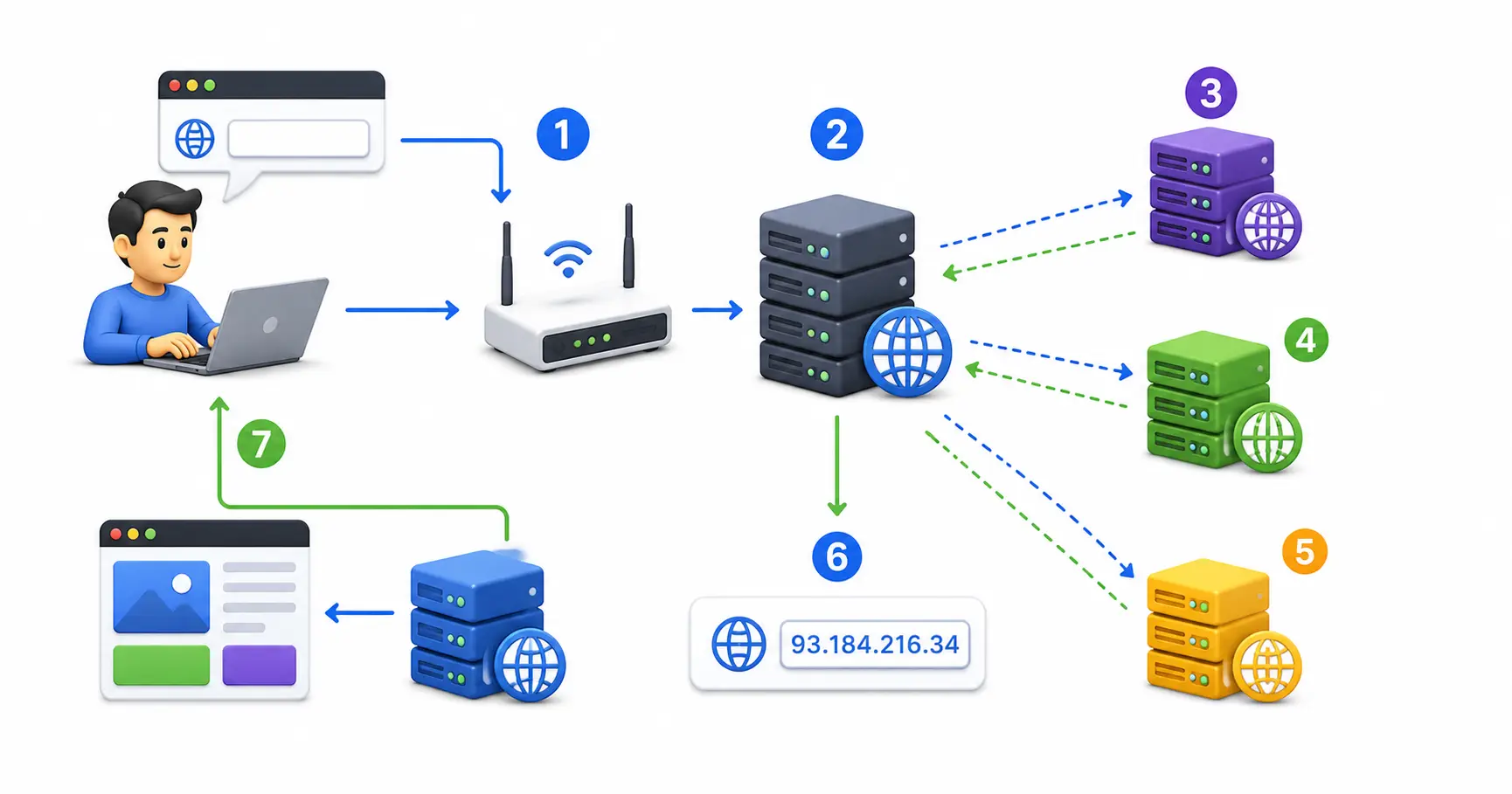
Demystify the Domain Name System (DNS). A comprehensive technical guide on Root servers, Recursive resolvers, A/AAAA/CNAME/TXT records, and DNSSEC security.
Explore our full collection of free, privacy-first developer and SEO tools.
Browse All 134+ ToolsStart typing to search across articles, tools & courses