

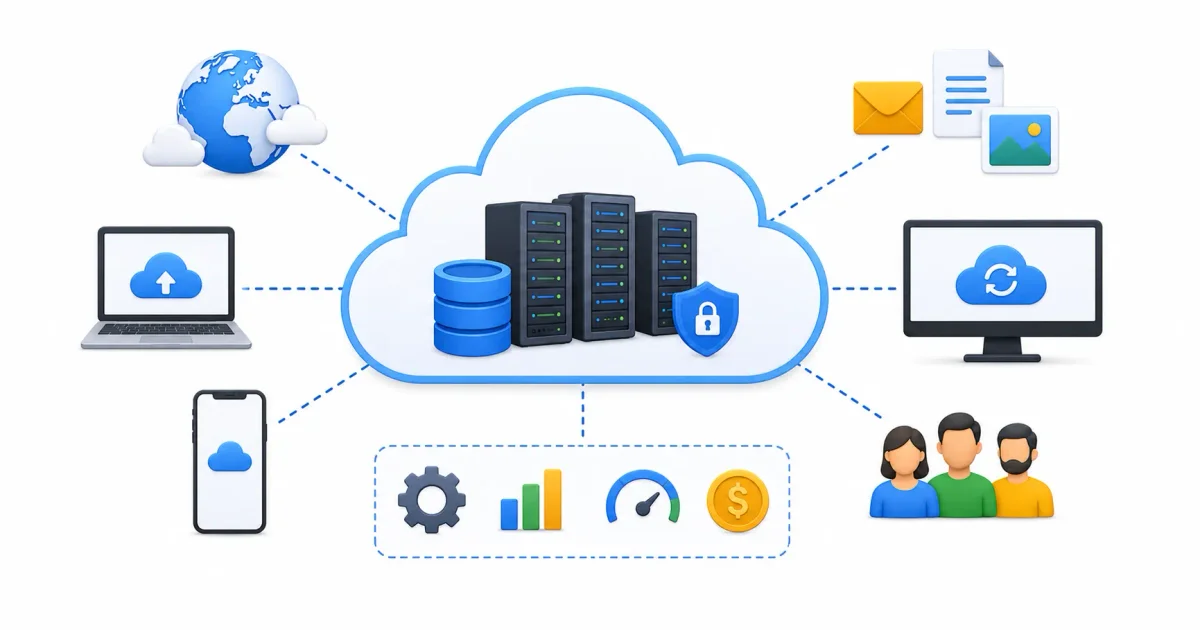
In 2026, “the cloud” is no longer an abstract technological buzzword. It is the core operating foundation of global digital infrastructure. Every mobile application on your smartphone, high-definition streaming service, real-time banking transaction, and artificial intelligence model relies on cloud computing infrastructure.
However, despite its omnipresence, the concept of the cloud remains nebulous for many beginners. The imagery suggests something floating invisibly in the sky. In reality, cloud computing is grounded in physical infrastructure: massive data centers built of steel, concrete, fiber-optic backbones, and high-voltage power grids.
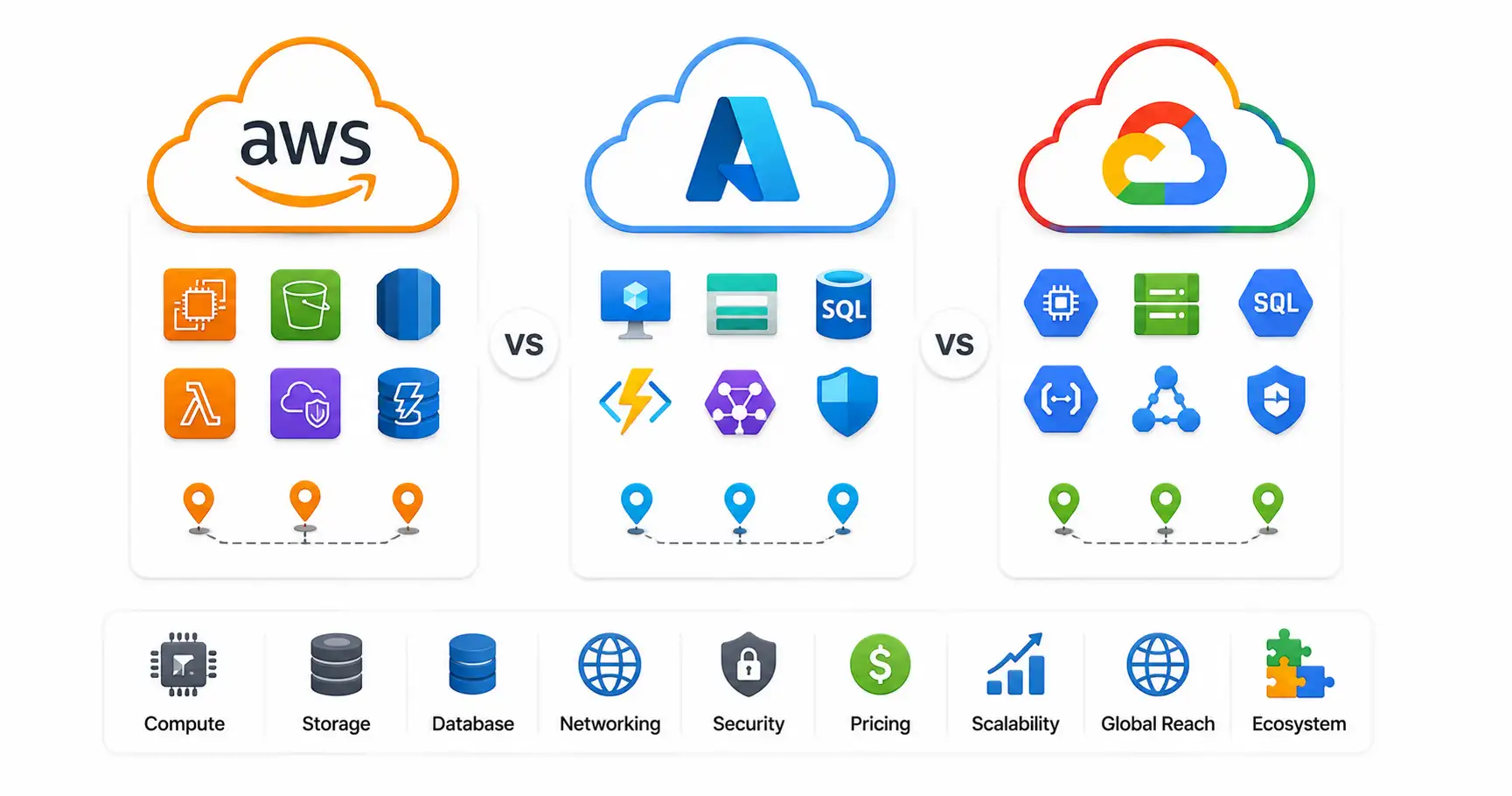
Whether you are comparing provider platforms in our AWS vs Azure vs Google Cloud comparison, deploying web applications via Azure Static Web Apps, or deciding between local AI vs cloud AI, understanding cloud computing fundamentals is essential for any technology career.
In this deep guide, we will demystify cloud computing: tracing the shift from on-premises CapEx to cloud OpEx, explaining hypervisor virtualization, breaking down service models (IaaS, PaaS, SaaS, Serverless), evaluating deployment topologies, and hardening cloud security.
⚡ The Evolution of Server Compute
To understand how cloud computing functions today, follow the historical evolution of infrastructure management:
- 1990s On-Premises Bare Metal ➔ Rent server rooms, buy physical hardware (CapEx), manually install OS & cabling
- 2000s Hardware Virtualization ➔ Hypervisors (KVM/ESXi) slice physical host servers into multiple Virtual Machines
- 2010s Public Cloud Hyperscalers ➔ Rent compute by the minute over global APIs (AWS, Azure, GCP)
- 2015s Container Orchestration ➔ Lightweight containers (Docker/Podman) managed via Kubernetes
- 2020s Serverless & Edge Compute ➔ Event-driven execution (AWS Lambda, Azure Functions) running at CDN edge nodes
📊 Cloud Service Models Matrix (IaaS vs PaaS vs SaaS vs Serverless)
Cloud services are categorized by how much control and operational responsibility you delegate to the cloud provider:
| Cloud Service Model | Provider Responsibility | Customer Responsibility | Primary Ideal Use Case | Industry Examples |
|---|---|---|---|---|
| IaaS (Infrastructure as Service) | Physical host hardware, hypervisor, storage, data center facilities | Operating system, security patches, network routing, application code | Virtual machines, custom server clusters, raw database hosts | Amazon EC2, Azure VMs, Compute Engine, VPS hosting |
| PaaS (Platform as Service) | Hardware, hypervisor, OS, runtime environment, web server middleware | Application source code, database schema configurations | Web applications, APIs, microservices with zero OS management | Azure App Service, Elastic Beanstalk, Heroku |
| SaaS (Software as Service) | Entire stack (Hardware, OS, database, application code, security) | User account administration, access settings, local data entry | Ready-to-use business web applications consumed via browser | Office 365, Google Workspace, Salesforce, Dropbox |
| Serverless (Function as Service) | Server provisioning, event scaling, zero-traffic idle management | Isolated function code snippets (JavaScript, Python, Go) | Event-driven webhooks, image processing, microservice APIs | AWS Lambda, Azure Functions, Cloudflare Workers |
1. The Pre-Cloud Era vs The Cloud Revolution
To appreciate why cloud computing revolutionized tech, compare old-world infrastructure with modern cloud delivery.
The Old World: On-Premises Capital Expenditure (CapEx)
In the early 2000s, launching a web application required heavy upfront capital investment and facility management:
- Hardware Purchasing: Buying a $10,000 physical rack-mounted server per workload.
- Facilities Infrastructure: Building specialized air-conditioned server rooms, procuring industrial diesel backup generators, and contracting expensive business-class fiber-optic ISPs.
- Lengthy Procurement Cycles: Ordering, shipping, racking, and configuring a new server took 3 to 6 weeks of dedicated engineering time.
- Underutilization Risk: Servers bought for peak traffic ran at only 5% CPU utilization during off-peak hours, wasting electrical power, space, and hardware investments.
- Disaster Recovery Challenges: Building secondary backup sites for disaster recovery required doubling your entire physical hardware inventory.
The Cloud Era: Operational Expenditure (OpEx)
Cloud computing delivers compute, storage, networking, and software services directly over the internet on-demand:
- Pay-As-You-Go Billing: Rent compute capacity measured per second or per minute, converting fixed CapEx into flexible OpEx.
- Instant Elasticity: Spin up 100 virtual servers in seconds to handle viral traffic, then destroy them when traffic subsides.
- Zero Facilities Maintenance: The cloud provider handles physical security, cooling, hardware replacement, power redundancy, and firmware updates.
- Global Footprint: Deploy application servers across global availability zones in North America, Europe, Asia, and South America in a single CLI command.
2. Virtualization: The Engine Behind Cloud Computing
The foundational software technology enabling hyperscale cloud platforms is Virtualization.
How Hypervisors Slice Physical Hardware
A cloud data center contains thousands of high-density physical host servers (each with 128+ CPU cores and terabytes of RAM). These bare-metal host servers run a specialized, low-level software abstraction layer called a Hypervisor:
- Type-1 Bare-Metal Hypervisors: Software (like Microsoft Hyper-V, KVM, or VMware ESXi) that runs directly on bare-metal hardware.
- Logical Division: The hypervisor divides physical CPU cores, RAM, and NVMe storage into isolated software virtual environments called Virtual Machines (VMs).
- Hypervisor Isolation: A single physical server might run 30 separate virtual machines simultaneously without any VM being able to inspect memory bytes from neighboring VMs.
To test local virtualization on a home lab server, read our complete Proxmox home lab setup guide.
3. Detailed Breakdown of Cloud Service Models
Understanding the four primary service tiers determines how your software team builds and deploys applications.
1. Infrastructure as a Service (IaaS)
IaaS provides virtualized computing resources over the internet. You get raw access to Virtual Machines, network subnets, firewalls, and block storage:
- Pros: Complete OS root control, maximum configuration flexibility.
- Cons: You must manage OS security patches, firewall ports, and system updates.
- Use Cases: Migrating legacy enterprise apps, running custom database clusters, or hosting specialized Linux workloads. Learn deployment steps in our guide on deploying Node.js apps on a Linux VPS.
2. Platform as a Service (PaaS)
PaaS provides a pre-configured execution environment. The provider manages the operating system, web server (Nginx/Apache), and runtime (Node.js, Python, Java):
- Pros: Zero OS administration; focus 100% on writing application code.
- Cons: Less control over underlying OS kernel configurations or custom binaries.
- Use Cases: Web applications, REST APIs, and microservices. For self-hosted open-source PaaS alternatives, read our Coolify self-hosting guide and DokPloy setup guide.
3. Software as a Service (SaaS)
SaaS delivers fully functional end-user software applications directly over web browsers without installing local software:
- Pros: Zero installation, instant multi-device access, automatic feature updates.
- Cons: Complete dependence on third-party vendor uptime and data privacy policies.
- Self-Hosted SaaS Alternatives: Replace cloud SaaS with self-hosted options like Nextcloud (Google Drive alternative; see our Nextcloud setup guide) or Vaultwarden (Bitwarden alternative; see our Vaultwarden self-hosted guide).
4. Serverless Computing (Function as a Service / FaaS)
Serverless computing executes isolated code functions in response to event triggers (such as HTTP requests, database edits, or file uploads). When traffic is zero, the serverless function scales down to zero, costing nothing. Learn to host static frontends with serverless APIs in our guide on how to host a website for free.
4. Cloud Deployment Models: Public, Private, Hybrid & Multi-Cloud
Organizations structure cloud deployments based on security, regulatory compliance, and existing infrastructure.
Deployment Topologies Comparison
- Public Cloud: Multi-tenant infrastructure shared across thousands of customers over the public internet (AWS, Azure, GCP). Highly scalable, cost-effective, and elastic.
- Private Cloud: Dedicated single-tenant cloud infrastructure operated exclusively for one organization, hosted on-premises or in a private data center using open-source platforms like OpenStack or VMware.
- Hybrid Cloud: Integrates private on-premises servers with public cloud environments, allowing sensitive customer data to stay on-premises while leveraging public cloud compute for traffic spikes.
- Multi-Cloud: Uses two or more public cloud providers simultaneously (e.g. AWS for web compute, GCP for BigQuery data analytics, Azure for Active Directory) to avoid single-vendor lock-in and optimize feature capabilities across providers.
- Edge Computing: Extends cloud compute processing to local edge nodes located physically close to end-user devices, minimizing latency for IoT, autonomous vehicles, and real-time video streaming.
- Sovereign Cloud: Region-specific cloud deployments designed to comply with local data residency laws (such as EU GDPR data protection rules), keeping customer data strictly within national geographic borders.
5. Security, Zero Trust & Infrastructure Hardening
Moving workloads to the cloud shifts security responsibilities to a Shared Responsibility Model: the cloud provider secures the data center and hypervisor; you secure your operating systems, firewall rules, access tokens, and data.
Enterprise Security Checklist
- Identity & Access Management (IAM): Enforce Least Privilege across IAM roles. Restrict root account usage and require multi-factor authentication (passkeys or TOTP). Read our guides on best password managers, passkeys vs passwords, and SSO guide for 2026. Generate strong credentials using our password generator.
- Zero-Trust Mesh VPNs: Secure SSH and administrative web portals without opening public internet ports by using Tailscale or WireGuard. Compare options in our Tailscale vs WireGuard comparison and learn how a VPN works.
- Hardened Ingress Proxying: Route HTTP traffic through reverse proxies like Nginx Proxy Manager, Traefik, or Caddy with SSL certificates. Follow our Nginx Proxy Manager security guide and Let’s Encrypt guide. Generate web server configs using our Nginx config generator.
- Host Firewalls & Intrusion Prevention: Secure cloud virtual machines using UFW, Fail2ban, and CrowdSec. Follow our tutorials on UFW firewall guide, Fail2ban guide, and CrowdSec beginner guide.
- Container Security Scanning: Package applications into Docker containers (see our installing Docker on Ubuntu guide and Docker vs Podman benchmark), and scan images for CVEs using Trivy via our securing Docker containers guide. Generate container manifests with our Docker Compose generator.
- Host Compliance & Audit Logging: Harder server access using our Ubuntu SSH hardening guide, run checks using the top 20 Linux security commands, inspect system logs using Linux logs explained, and audit compliance with Lynis via our Lynis security audit guide.
🛠️ Modern Microservices & AI Integration
In 2026, modern cloud infrastructure relies heavily on container orchestration, microservice architectures, and AI integration:
- Microservice Language Selection: Modern cloud microservices choose languages based on CPU memory footprints. Review our Python vs Rust performance comparison to optimize container VRAM/RAM footprints, understand frontend standards in HTML vs HTML5, and integrate cloud deployments across the software development life cycle using our SDLC guide for beginners.
- Managed Kubernetes: Scale microservice containers across managed clusters like EKS, AKS, or GKE. Read our guide to Kubernetes explained simply.
- Local vs Cloud AI Workloads: Choose between cloud AI APIs (like Azure OpenAI or Bedrock) and self-hosted on-premises models using Ollama and Open WebUI. Read our guide on local AI vs cloud AI, our hands-on Ollama Linux installation guide, and our Open WebUI setup guide. Connect AI models to database resources using the Model Context Protocol (MCP).
- Database Infrastructure: Choose relational databases for cloud applications by consulting our PostgreSQL vs MySQL comparison.
- Workflow Automation & Self-Hosting: Automate cloud tasks with n8n (see our n8n Docker Compose guide) and manage containers visually using Portainer (see our Portainer self-hosted guide).
💻 Developer & Sysadmin Web Utilities
Bookmark these interactive web tools for infrastructure configuration and debugging:
- Container Setup: Docker Compose Generator
- Reverse Proxy Configs: Nginx Config Generator
- Init Scripts: Systemd Service File Generator
- Data Formatting: JSON Formatter & JSON Validator
- Secret Generation: Password Generator & ENV Generator
- SEO Metadata: Schema Markup Generator
- Expression Testing: Regex Tester
- Linux Learning: Linux Command Explorer & Linux Permission Calculator
- Automation: Cron Expression Generator & Gitignore Generator
📖 Official Documentation & References
- NIST Definition of Cloud Computing (SP 800-145): https://csrc.nist.gov/publications/detail/sp/800-145/final
- AWS Cloud Computing Concepts: https://aws.amazon.com/what-is-cloud-computing
- Microsoft Azure Cloud Architecture: https://azure.microsoft.com/overview/what-is-cloud-computing
- Google Cloud Overview: https://cloud.google.com/learn/what-is-cloud-computing
- CNCF Cloud Native Overview: https://www.cncf.io/about/who-we-are
❓ Frequently Asked Questions
What is cloud computing in simple terms?
Cloud computing is the delivery of computing services—including servers, storage, databases, networking, software, and data analytics—over the internet (“the cloud”). Instead of purchasing and maintaining physical on-premises data centers, you rent access from cloud providers on a pay-as-you-go basis.
What is the difference between CapEx and OpEx in cloud computing?
Capital Expenditure (CapEx) requires buying expensive physical hardware upfront (servers, networking gear, server rooms) that depreciates over time. Operational Expenditure (OpEx) allows you to pay strictly for the computing capacity you consume on a per-second or per-minute basis, with zero upfront hardware costs.
What is Virtualization, and how does it power the cloud?
Virtualization is a software technology that abstracts physical hardware resources. A software layer called a Hypervisor (such as KVM, Hyper-V, or ESXi) slices a single high-powered physical server into dozens of isolated, independent Virtual Machines (VMs), allowing cloud providers to provision servers in seconds.
What is the difference between IaaS, PaaS, and SaaS?
- IaaS (Infrastructure as a Service): Rent virtual machines and handle OS patches yourself (e.g. AWS EC2, Azure VMs).
- PaaS (Platform as a Service): Rent pre-configured execution platforms, deploying code with zero OS management (e.g. Azure App Service, Heroku).
- SaaS (Software as a Service): Use complete software applications hosted entirely over web browsers (e.g. Office 365, Google Workspace).
What is Serverless Computing?
Serverless computing (or Function as a Service) executes isolated code snippets in response to event triggers without requiring you to manage or provision virtual servers. When traffic drops to zero, serverless applications scale down to zero, costing nothing.
What is a Hybrid Cloud?
A Hybrid Cloud setup connects an organization’s private on-premises data center with public cloud environments (like AWS or Azure). This allows sensitive data to remain on local private servers while leveraging public cloud compute for handling traffic spikes.
How does cloud security work under the Shared Responsibility Model?
Under the Shared Responsibility Model, the cloud provider is responsible for “security OF the cloud” (physical data center security, host hardware, hypervisor firmware). The customer is responsible for “security IN the cloud” (configuring OS firewall rules, managing user IAM permissions, encrypting data, and updating application code).
Which cloud provider is largest: AWS, Azure, or GCP?
Amazon Web Services (AWS) is the global market leader (~31% market share), followed by Microsoft Azure (~25%), and Google Cloud Platform (GCP) (~11%).
Can I run my own private cloud at home?
Yes. You can build a home lab private cloud using hypervisors like Proxmox VE, lightweight Kubernetes distributions like k3s, or container management panels like Coolify, DokPloy, or Portainer.
How do I start learning cloud computing as a beginner?
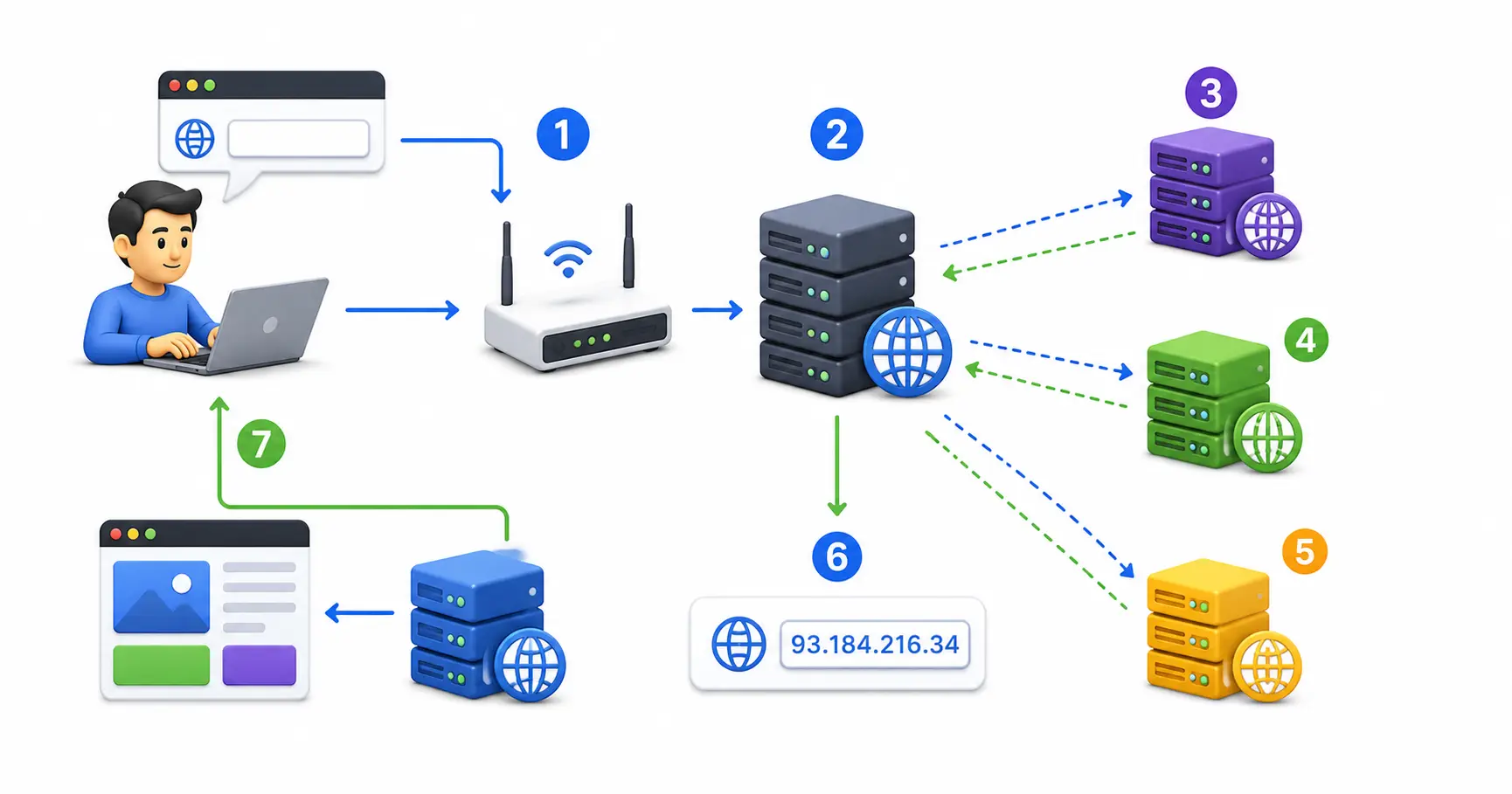
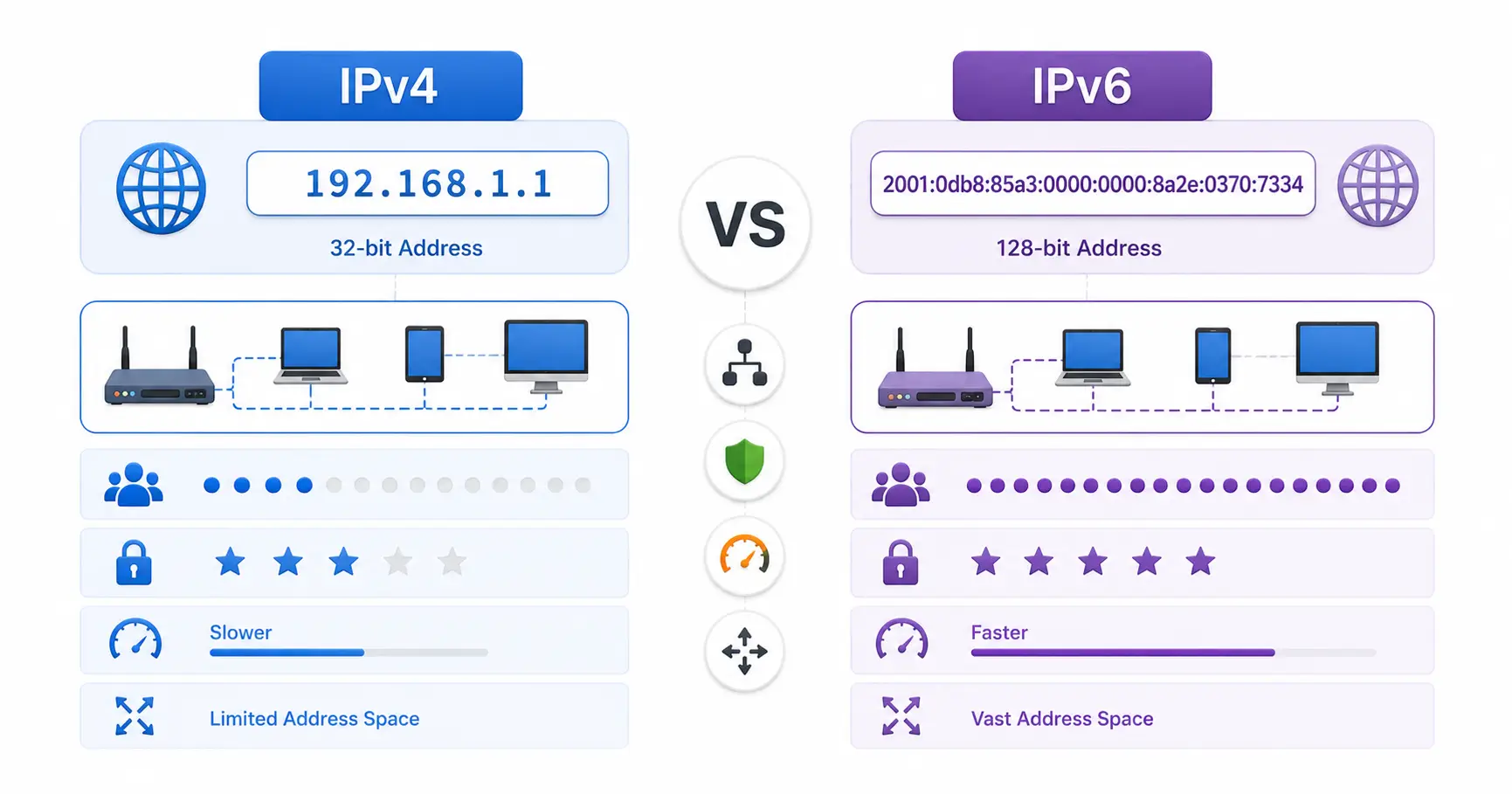
Start by understanding Linux command-line basics, basic networking (IP addresses, DNS, ports), and containerization (Docker). Then sign up for a free tier account on AWS, Azure, or GCP, and work toward entry-level certifications like the AWS Certified Cloud Practitioner or Azure Fundamentals (AZ-900).
Discussion
Loading comments...